Watchdog Timer for Mini PC: What It Is & Why It Matters
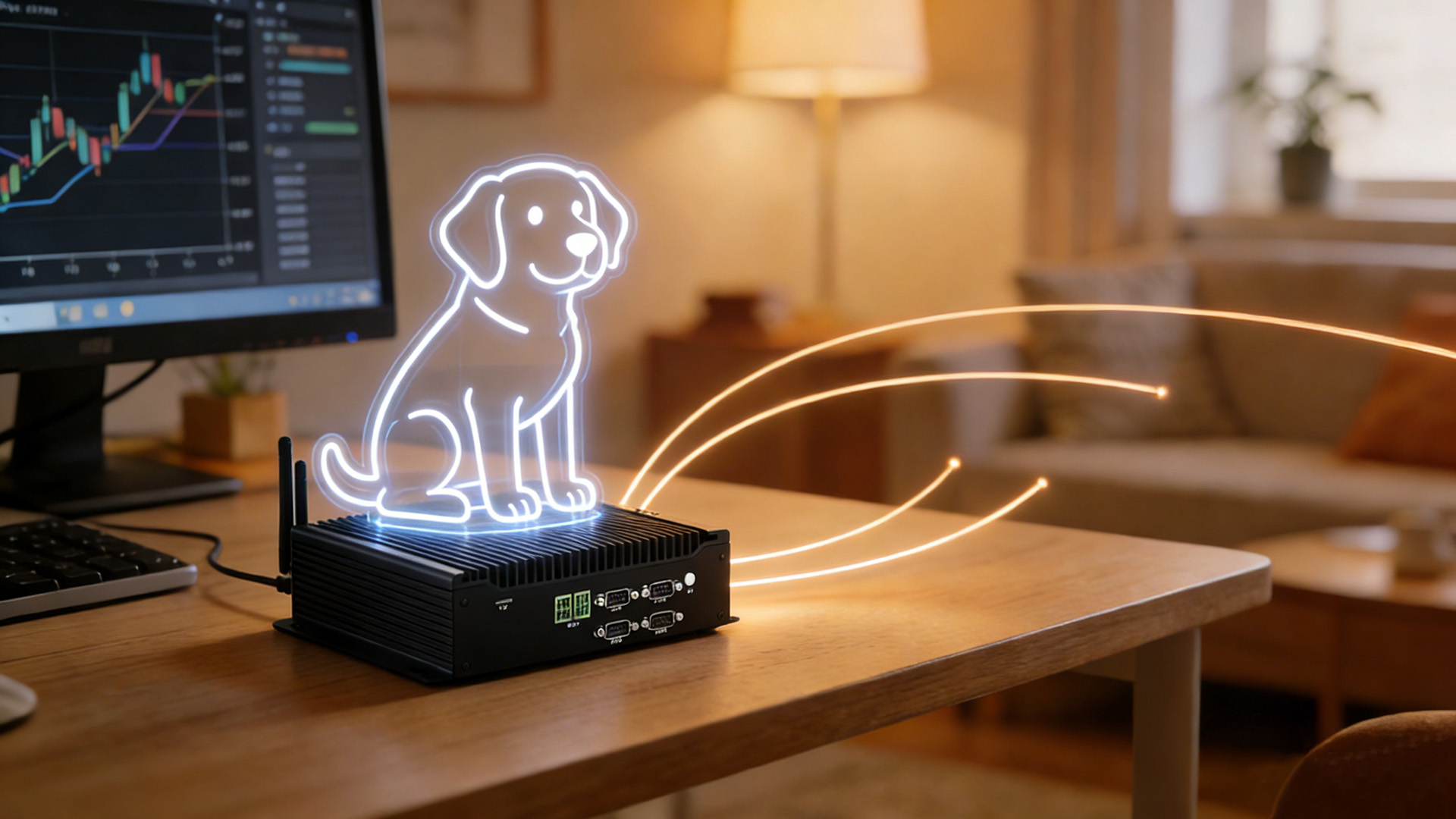
What Is a Watchdog Timer?
How Does a Watchdog Timer Work in a Mini PC?
The watchdog timer operates on a straightforward principle: countdown → heartbeat → reset. Here is the complete cycle:
Step 1: Initialization
When the Mini PC boots up, the watchdog timer is initialized with a predefined timeout value — typically anywhere from 1 second to 5 minutes, depending on the application and the watchdog chip or driver in use. Once started, the countdown begins immediately.
Step 2: Heartbeat Signal (Keep-Alive Ping)
During normal operation, the operating system or a dedicated application sends a periodic “heartbeat” signal (also called a “kick” or “pat”) to the watchdog timer. This signal resets the countdown timer before it reaches zero.
Key point: The heartbeat interval must be shorter than the timeout value. For example, if the timeout is set to 60 seconds, the heartbeat should fire every 30–45 seconds to provide a safe margin.
Step 3: Timeout Detection
If the system crashes, freezes, or enters an infinite loop and fails to send the heartbeat before the countdown reaches zero, the watchdog timer concludes that the system is unresponsive.
Step 4: Automatic Hardware Reset
Why Do Mini PCs Need a Watchdog Timer?
Mini PCs are increasingly deployed in environments where reliability directly impacts business outcomes. Here are the most common scenarios where a watchdog timer is not optional — it is essential:
Industrial Automation
Digital Signage & Kiosks
Commercial display systems and self-service kiosks must operate 24/7. A crashed media player means blank screens and lost advertising revenue. Watchdog timers keep these systems running without dispatching technicians for manual reboots.
Network Appliances & Edge Computing
Mini PCs used as firewalls, routers, or edge computing nodes must maintain constant connectivity. A watchdog-triggered reboot restores network services far faster than waiting for remote IT support.
Home Servers & NAS
Home lab enthusiasts running Mini PCs as media servers (Plex, Jellyfin), Home Assistant hubs, or NAS devices benefit from watchdog timers to ensure 24/7 availability without constant monitoring.
Hardware Watchdog vs. Software Watchdog: Which Is Better for a Mini PC?
One of the most important decisions when setting up a watchdog timer is choosing between a hardware watchdog and a software watchdog. Here is a direct comparison:
| Feature | Hardware Watchdog Timer | Software Watchdog Timer |
|---|---|---|
| Survives OS crash | ✅ Yes — operates independently | ❌ No — depends on OS |
| Survives kernel panic | ✅ Yes | ❌ Typically no |
| Recovery speed | Seconds (hard reset) | Minutes (service restart) |
| Setup complexity | BIOS/UEFI or driver config | Package install + config file |
| Reliability | Very High | Moderate |
| Cost | Built into chipset (free) | Free (open source) |
| Best for | Mission-critical, unattended | Development, non-critical apps |
Bottom line: For any Mini PC deployed in a production or unattended environment, always prefer a hardware watchdog timer. It is the only option that can recover from a complete OS or kernel failure. Most industrial-grade Mini PCs — including HYSTOU’s lineup — include a dedicated hardware watchdog chip on the motherboard.
How to Enable a Watchdog Timer on Your Mini PC
The exact steps depend on your operating system. Below are step-by-step guides for both Windows and Linux.
Setting Up a Watchdog Timer on Windows
SetWatchdogTimer() API functions. In Python, you can use manufacturer-provided bindings.Setting Up a Watchdog Timer on Linux
modinfo watchdog
/etc/modules or /etc/modules-load.d/watchdog.conf.sudo yum install watchdog # RHEL/CentOS
watchdog-timeout = 60
interval = 10
# Optional: monitor system load
max-load-1 = 24
# Optional: monitor temperature
temperature-device = /sys/class/thermal/thermal_zone0/temp
max-temperature = 90
sudo systemctl start watchdog
How to Choose a Mini PC with Watchdog Timer Support
When selecting a Mini PC for reliability-critical applications, evaluate the following factors:
1. Hardware Watchdog Chip
Ensure the Mini PC includes a dedicated hardware watchdog timer (not just software support). This is typically an independent IC on the motherboard that can trigger a hard reset even during kernel panics.
2. Customizable Timeout Range
Different applications require different timeout values. A digital signage player may need a 30-second timeout, while an industrial controller might require 5 minutes to complete a complex boot sequence. Look for models that offer flexible timeout configuration from 1 second to 300+ seconds.
3. Wide Operating Temperature
If deploying in industrial environments, the Mini PC should operate reliably across a wide temperature range. Fanless designs with industrial-grade components typically support -20°C to 60°C ambient operation.
4. Remote Management
For large-scale deployments, consider Mini PCs that support remote monitoring (SNMP, IPMI, or cloud-based management) to track watchdog events and receive alerts when resets occur.
5. Certifications and Testing
Look for models that have undergone rigorous reliability testing, including extended burn-in tests, vibration testing, and EMC compliance certification.
Best HYSTOU Mini PCs with Built-in Watchdog Timer
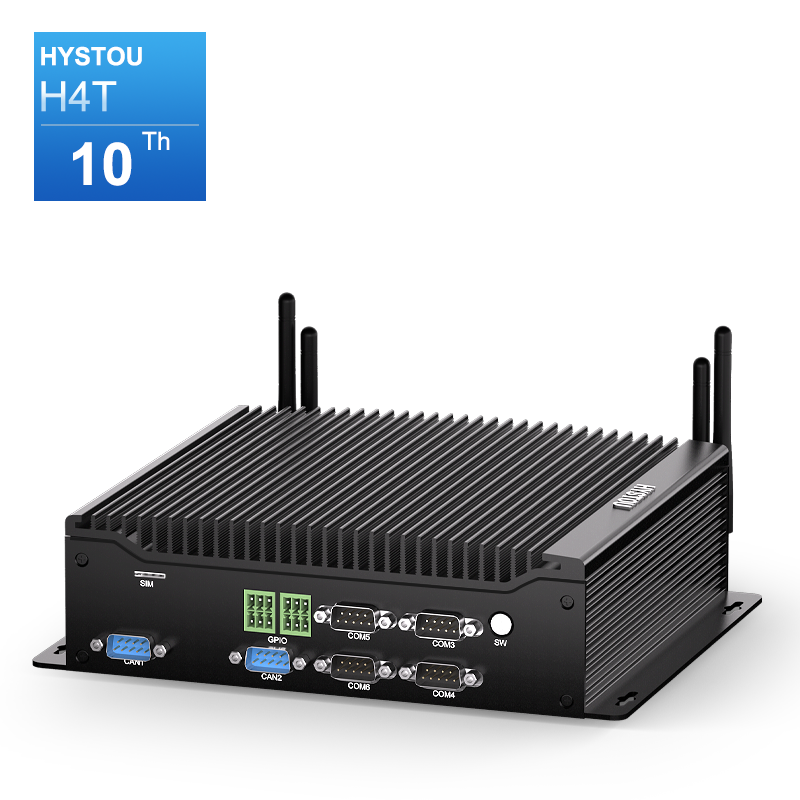
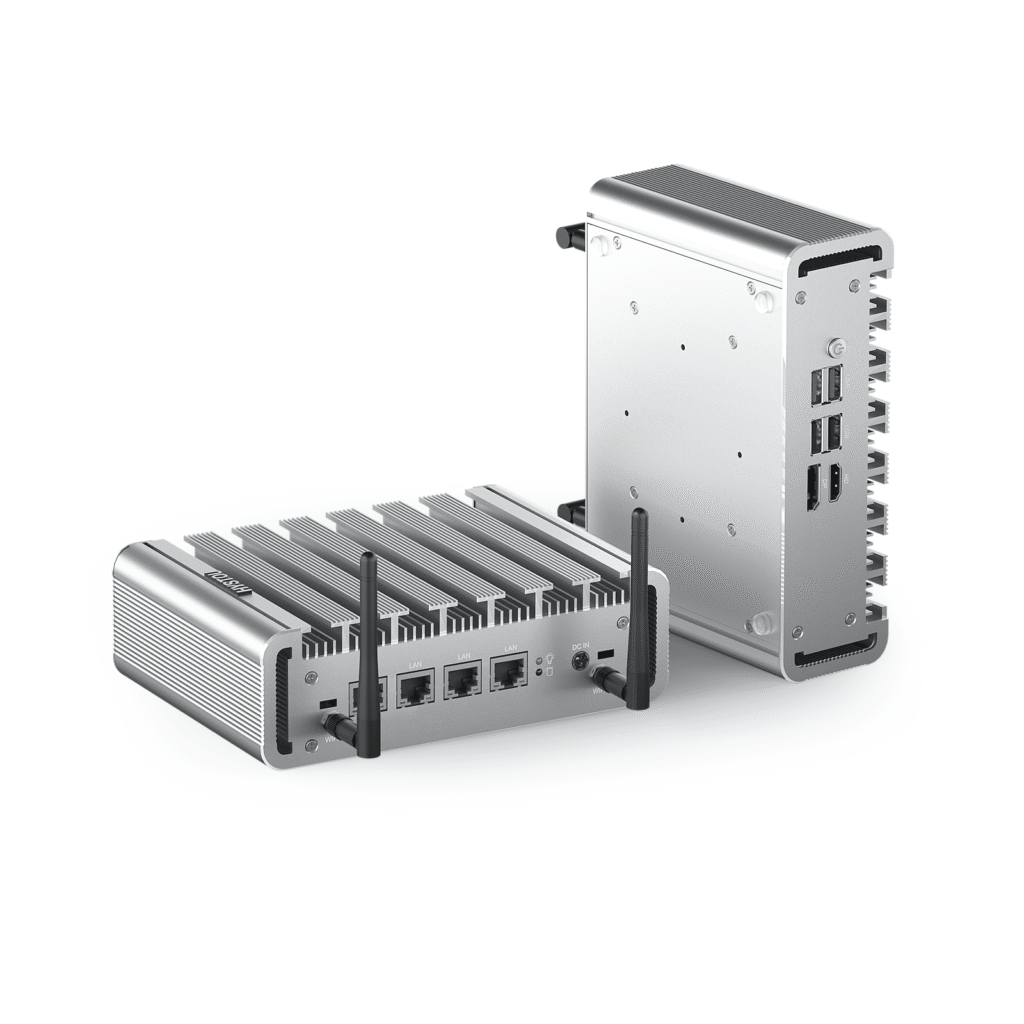
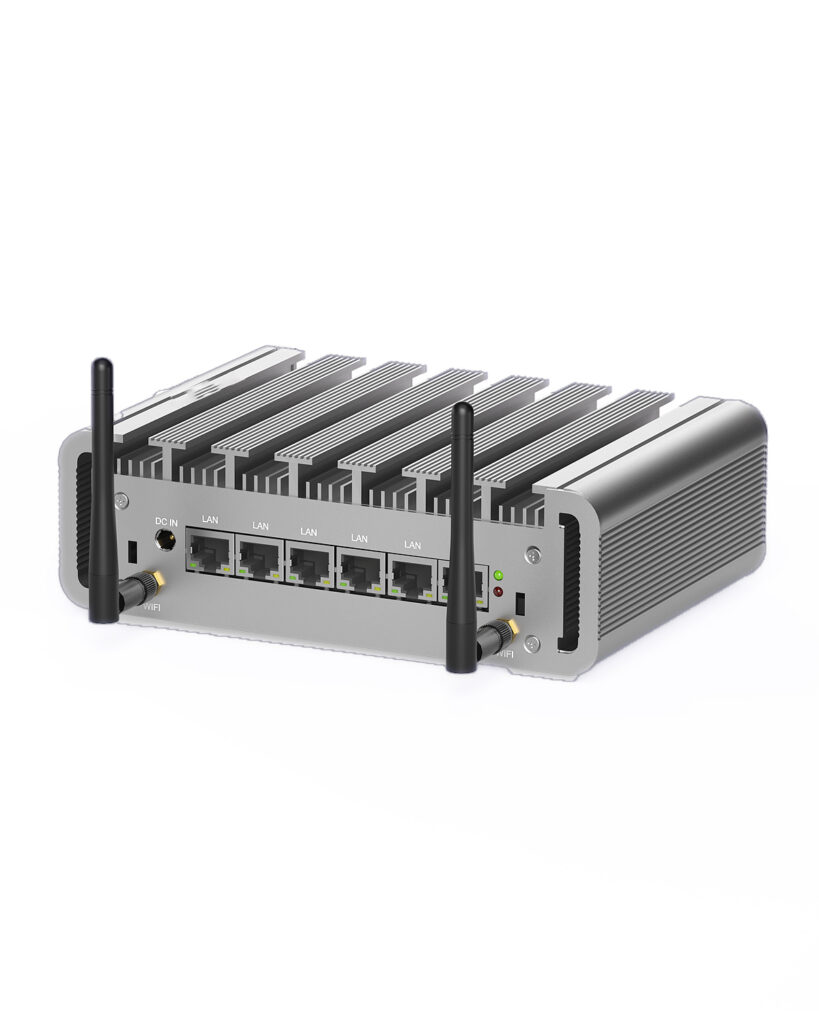
HYSTOU designs industrial-grade Mini PCs with hardware watchdog timers built into the motherboard. Here are the top models, organized by use case:
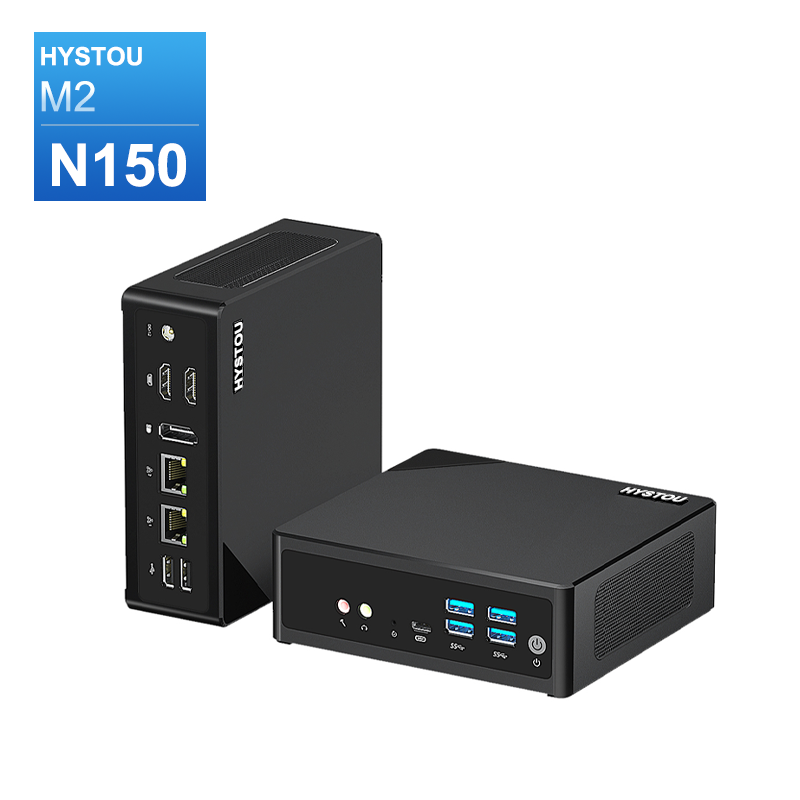
- Intel N150/N305
- 32GB DDR5
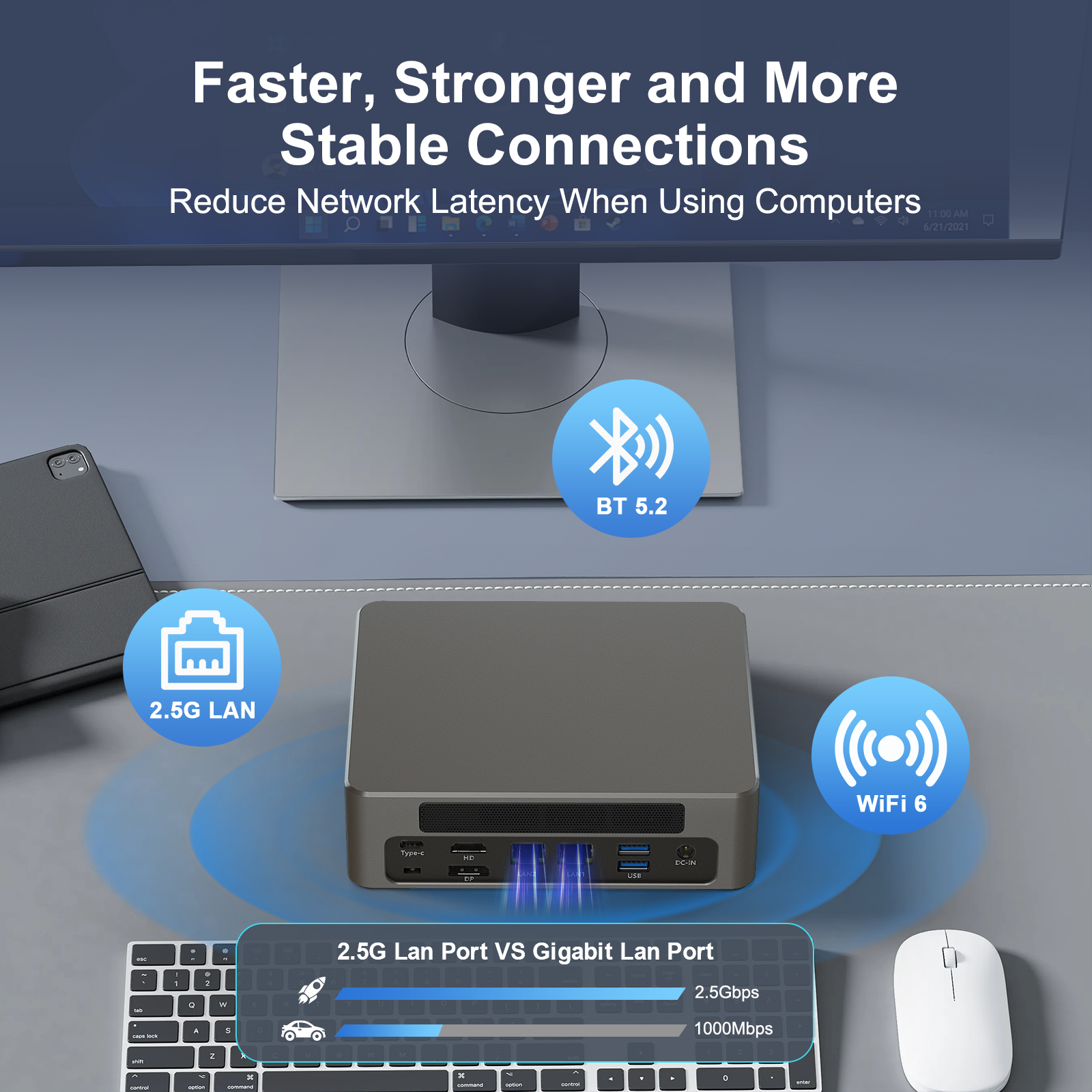
- WIFI 6 Bluetooth 5.2
- 4K Triple Display
- 135mm×127.6mm×45mm
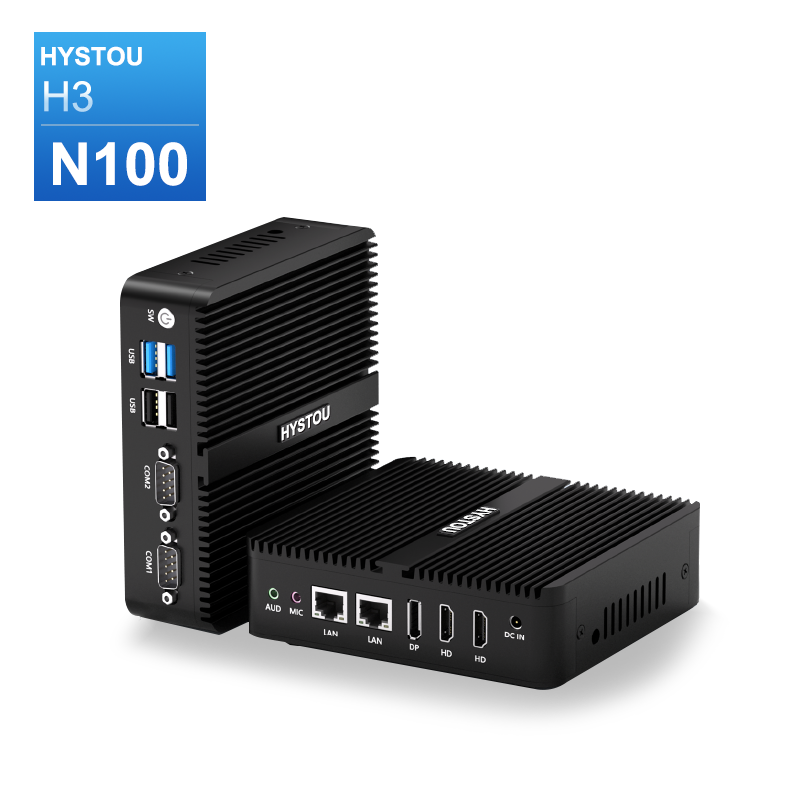
- Intel N100
- 32GB DDR4
- Fanless
- -20℃~50℃
- 135 x 127 x 39 mm
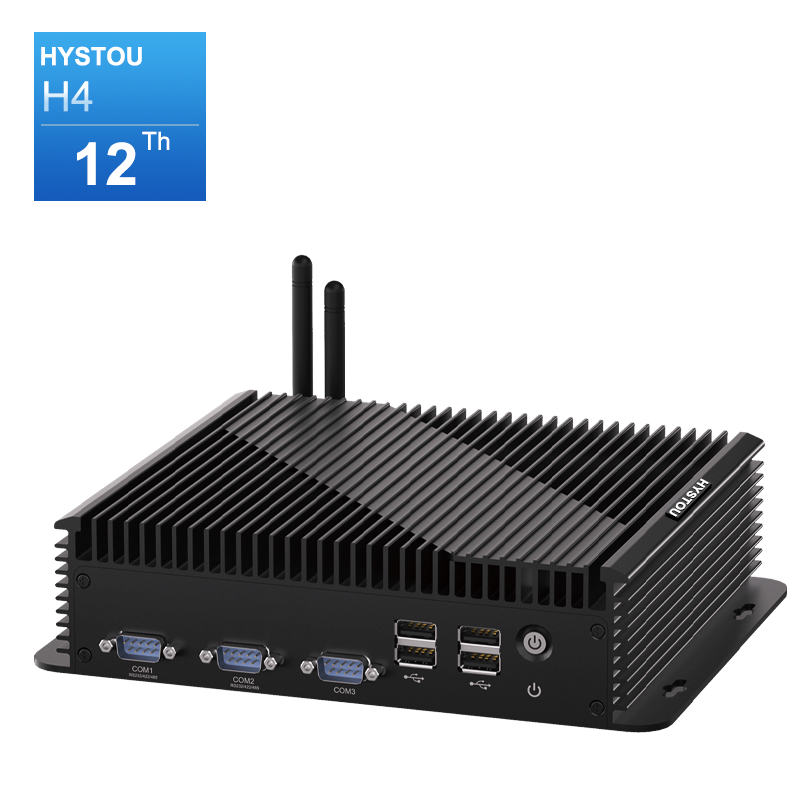
- Intel Core i5-1235U
- Dual-channel DDR5
- 2×2.5Gbps LAN Ports
- Intel® UHD Graphics, Intel Iris Xe Graphics
- 4K Triple Display
- i7-10710U
- 64GB DDR4
- 2×2.5Gbps LAN Ports
- Fanless
- 4K Triple Display
- Intel N100
- 32GB DDR5
- 4×2.5Gbps LAN Ports
- Fanless
- -20℃~60℃
- Intel N100
- 32GB DDR5
- 6×2.5Gbps LAN Ports
- Fanless
- -20℃~60℃
Frequently Asked Questions
What is the recommended watchdog timeout for a Mini PC?
For most Mini PC applications, a timeout of 60 to 120 seconds is recommended. This gives the system enough time to complete boot-up and handle temporary load spikes while still recovering quickly from genuine failures. Adjust based on your specific boot time and workload characteristics.
Can a watchdog timer fix a kernel panic?
A hardware watchdog can recover from a kernel panic by triggering a hard reset. A software watchdog cannot, because it depends on the operating system to send heartbeats — if the kernel has panicked, the software heartbeat stops, and only a hardware watchdog can intervene.
Does Windows 11 support hardware watchdog timers?
Yes, Windows 11 supports hardware watchdog timers through manufacturer-provided drivers. Many Mini PC vendors offer watchdog drivers compatible with Windows 10 and 11. Check your manufacturer’s support page for specific driver downloads.
What is the difference between a watchdog timer and a UPS?
A watchdog timer monitors software/system health and reboots the system when it becomes unresponsive. A UPS (Uninterruptible Power Supply) provides backup power during electrical outages. They serve different purposes and are often used together for complete system resilience.
How do I test if my watchdog timer is working correctly?
The most reliable test is to intentionally cause a system hang (for example, by running a CPU-intensive infinite loop) and verify that the Mini PC reboots automatically within the timeout period. On Linux, you can also use the command echo 1 > /dev/watchdog to manually trigger a watchdog timeout. Only perform this test on systems where unexpected reboots will not cause data loss.
Do all Mini PCs have a watchdog timer?
No. Consumer-grade Mini PCs often lack a dedicated hardware watchdog timer. Industrial and commercial Mini PCs — such as those from HYSTOU — typically include hardware watchdog support as a standard feature. Always verify this specification before deploying in a mission-critical environment.
Conclusion

HYSTOU
HYSTOU has established its R&D headquarters in Shenzhen, drawing on over a decade of experience. Our core team members, who previously served at renowned companies such as Inventec and Quanta Computer, form the backbone of our technical expertise. With robust R&D and innovation capabilities, we remain steadfast in our commitment to pursuing excellence in the field of technology products.