i5 vs i7 Mini PC: Which One Should You Buy in 2026?
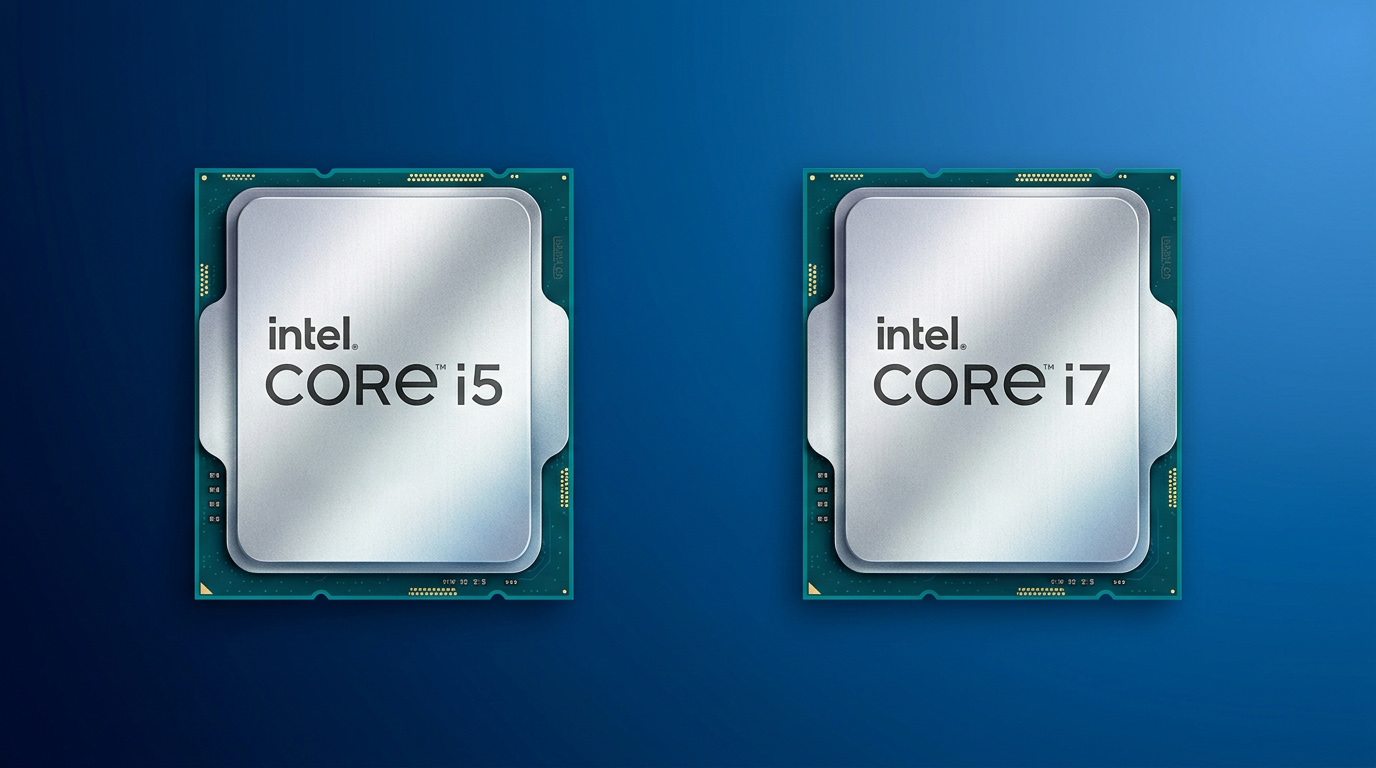
Picking between an i5 and an i7 mini PC is more confusing than it should be. On a desktop tower, the answer is usually simple: an i7 means more cores, higher clock speeds, and higher sustained performance. But a mini PC is not a desktop tower.
Most comparison guides copy desktop conclusions and paste them onto compact systems. They focus entirely on core counts and peak boost clocks while ignoring the single factor that dictates real-world performance in a small form factor: the power wall.
In this guide, we evaluate how an i5 vs i7 mini PC actually performs under real working conditions across office workloads, 4K media playback, casual gaming, heavy multitasking, and 24/7 industrial edge deployments. We analyze thermal dissipation, power limits (PL1/PL2), active versus passive cooling designs, and long-term cost-efficiency.
Quick Answer: Should You Choose i5 or i7?
Choose Core i5 for everyday office tasks, 4K streaming, digital signage, casual 1080p gaming, and passive fanless industrial setups. It delivers up to 90–95% of real-world usable performance at a 30%–50% lower price point without triggering harsh thermal throttling.
Choose Core i7 for heavy multi-threaded production, video editing, local virtualization (Proxmox VE / ESXi), and sustained 24/7 edge computing—provided the mini PC uses an actively cooled chassis designed to sustain 28W+ continuously.
The Spec Sheet: What Actually Differs?
On paper, stepping up to an i7 processor looks like a massive performance upgrade. However, spec sheets omit how power limits impact these numbers inside a tight chassis.
| Feature / Spec | Intel Core i5 Mini PC (e.g., i5-1340P / i5-1235U) | Intel Core i7 Mini PC (e.g., i7-1360P / i7-1255U) | Real-World Impact in Mini PCs |
| Cores & Threads | 10–12 Cores / 12–16 Threads | 12–14 Cores / 16–20 Threads | i7 adds 2–4 Efficiency Cores; minimal gain in daily single-threaded applications. |
| Base / Boost Power | 15W–28W Base / 55W Turbo | 15W–28W Base / 64W Turbo | Power Wall: Both chips are constrained to 15W–28W sustained limits in mini PCs. |
| Integrated Graphics | Intel Iris Xe (80–96 EUs) | Intel Iris Xe (96 EUs) | GPU performance gap is < 5% when using identical dual-channel RAM configurations. |
| L3 Cache | 12MB – 18MB | 18MB – 24MB | Extra cache on i7 aids complex multi-threaded workloads and VM packet routing. |
Why Mini PCs Change the Performance Equation
Mini PCs operate within strict thermal and electrical envelopes. While a desktop tower can draw 65W to 125W+ unrestricted, most mini PCs cap sustained CPU power between 15W and 28W. This architectural bottleneck alters three key dynamics:
1. The Power Wall (PL1 / PL2 Limits)
Every CPU operates under Power Limits: PL1 (sustained power under long loads) and PL2 (short boost burst power).
In a desktop, PL2 boost can run indefinitely due to massive heatsinks. In a mini PC, PL2 drops down to PL1 (typically 15W–28W) within seconds. When an i5 and an i7 are both artificially capped at 25W sustained power, the i7’s extra cores and higher clock speeds are constrained by the exact same power ceiling. As a result, the multi-threaded performance gap shrinks from a theoretical 30% down to a real-world 10%–15%.
2. Accelerated Thermal Throttling
Higher power draw generates rapid heat accumulation. A mini PC’s compact copper heatsink has limited surface area. Under extended loads, an i7 reaches junction thermal thresholds (typically 95°C–100°C) much faster than an i5.
To prevent hardware damage, the BIOS triggers thermal throttling, automatically downclocking CPU frequency. Under prolonged heavy stress, a thermally throttled i7 frequently drops to operating frequencies identical to—or lower than—a properly cooled i5.
3. Identical Integrated Graphics (iGPU) Architecture
Most mini PC owners rely on integrated graphics for dual/triple 4K monitor support, video decoding, and light gaming.
Within the same processor generation, i5 and i7 mobile processors share virtually identical Intel Iris Xe graphics architecture (80 vs. 96 Execution Units). Because graphics execution relies primarily on memory bandwidth rather than raw clock speed, the real-world GPU performance gap is negligible.
Crucial Memory Hardware Note: Intel Iris Xe Graphics requires dual-channel RAM to activate full graphics execution. Running an i7 in a single-channel RAM configuration will deliver worse graphical performance than an i5 running in dual-channel mode.
Real-World Performance Breakdown
Office Work & Productivity
For web browsing, office suites, CRM management, and high-tab browser environments, single-core responsiveness is key. Modern Core i5 processors already exceed the baseline requirements for these tasks. An i7 does not noticeably speed up document opening times or cloud app execution.
4K Streaming & Media Playback
Hardware media decoding is handled directly by Intel Quick Sync Video built into the Iris Xe iGPU, not by the CPU cores. Both i5 and i7 process 4K/8K AV1, HEVC, and VP9 streams effortlessly at low CPU utilization.
Light Gaming (1080p Casual / Esports)
In titles like Counter-Strike 2, Valorant, and League of Legends, the iGPU serves as the main bottleneck. Benchmarks show an i7 yields only a 1 to 4 FPS increase over an equivalent i5 when both are matched with identical dual-channel memory.
Multitasking, Virtualization & Content Creation
When rendering 4K video, batch processing RAW images, or compiling software, the extra efficiency cores and L3 cache of an i7 provide measurable advantages. If you run Proxmox VE with multiple concurrent Linux/Windows virtual machines, the i7 offers essential headroom.
Fanless vs. Fan-Cooled: How Thermal Design Dictates CPU Choice
Cooling design directly impacts real-world CPU performance in mini PCs. Choosing between passive (fanless) and active (fan-cooled) systems dictates which processor you should buy.
Passive Cooling (Fanless Mini PCs)
Fanless mini PCs dissipate thermal energy entirely through an aluminum alloy chassis and internal heat pipes. They feature zero moving parts, silent 0dB operation, completely sealed dustproof housing, and high reliability in harsh environments.
However, passive thermal dissipation has a strict physical limits—usually 15W TDP max
An i7 installed in a standard fanless chassis will hit its thermal wall rapidly under load. Once thermal throttling triggers, its clock speeds drop down to i5 levels. Paying a 30%–50% price premium for an i7 in a fanless chassis yields almost no practical benefit.
Fanless Recommendation: Core i5 is the clear choice. Its lower thermal output matches passive cooling limits, maintaining stable performance without aggressive thermal degradation.
Active Cooling (Fan-Cooled Mini PCs)
Active systems utilize a copper heatsink combined with a high-RPM fan, maintaining sustained power levels of 28W to 45W+.
Under active cooling, an i7 can maintain high clock speeds across all cores without immediate thermal throttling. The multi-threaded performance gap between an i5 and an i7 expands to its full 15%–25% potential.
Fan-Cooled Recommendation: Core i5 for general use; Core i7 if running sustained multi-threaded workloads or home lab virtualization.
| Deployment Scenario | Thermal Architecture | Recommended CPU | Key Technical Reason |
| Industrial / Dust-Prone / 24/7 | Sealed Fanless (≤15W TDP) | Core i5 | i7 throttles under passive cooling, yielding no extra speed. |
| Edge AI / Multi-VM Gateway | Heavy Fin Fanless (20W–25W) | Core i5 or i7 | i7 is viable only if chassis thermal mass can dissipate >20W continuously. |
| 4K Editing / Heavy Production | Active Fan System (28W–45W+) | Core i7 | Active fan prevents throttle, unlocking i7’s full boost clock speeds. |
| Office Work / Media / Signage | Standard Active / Passive Build | Core i5 | Highly cost-effective; CPU load rarely triggers thermal caps. |
Power Consumption & Industrial Reliability
At idle, both i5 and i7 mini PCs pull modest power—typically between 5W and 10W
Under full load, energy consumption diverges:
Core i5 Mini PC: Draws roughly 15W–30W under full load.
Core i7 Mini PC: Draws 30W–65W peak under load.
In industrial deployments, cooling fan bearings are common failure points in dusty or 24/7 environments. Selecting a fanless Core i5 mini PC
Top Hardware Recommendations
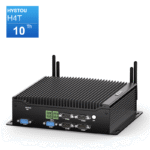
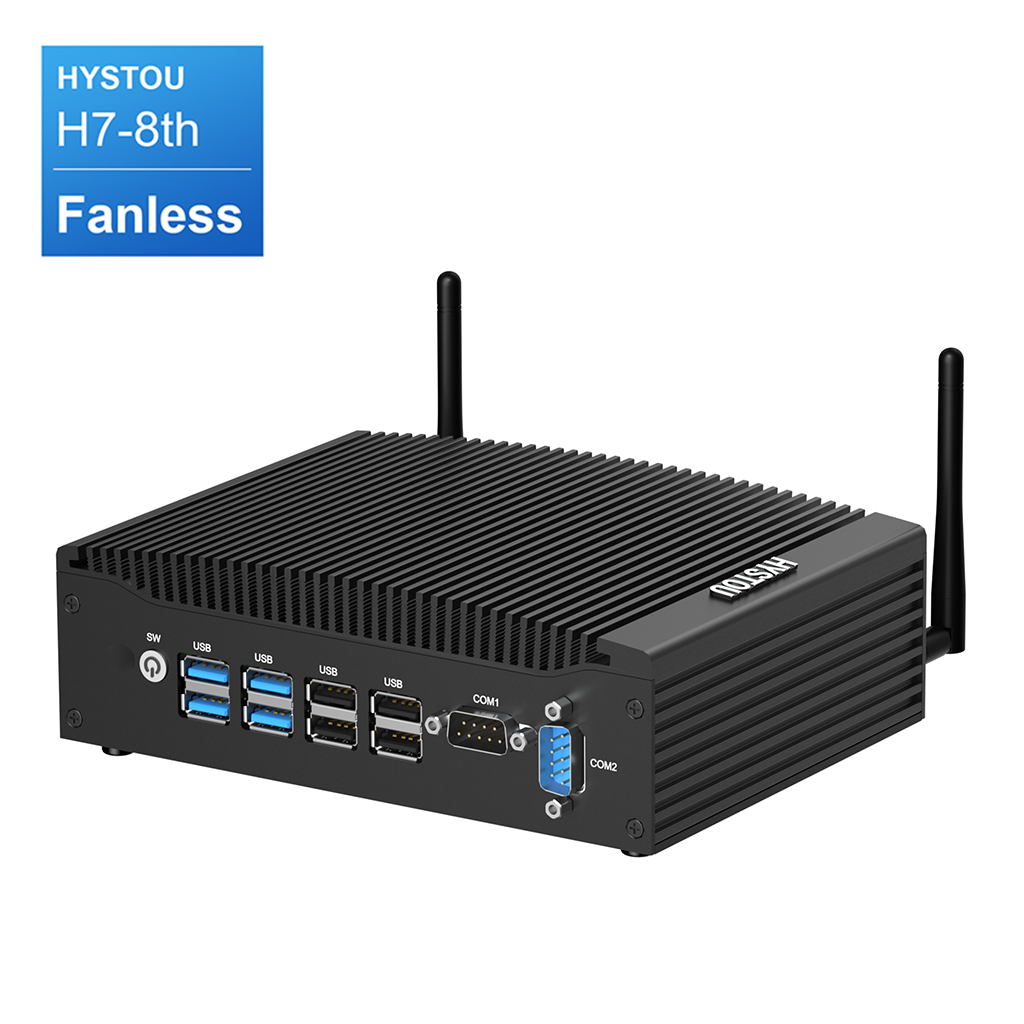
Best Fanless Industrial Mini PC: HYSTOU H7-8th
- Cooling System: Sealed passive, fanless aluminum heat dissipation (0dB silent, dustproof).
- Networking & Connectivity: Dual Gigabit Ethernet ports (Realtek), onboard Nano-SIM slot for 4G/LTE cellular failover.
- Storage & Memory: Up to 32GB DDR4 RAM, M.2 NVMe PCIe 3.0 SSD slot + 2.5-inch SATA drive bay with hardware RAID 0/1 support.
- Industrial Interfaces: 2× RS232 COM serial ports, 4× USB 3.0, dual HDMI output.
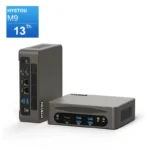
Best Active Performance Mini PC: HYSTOU M9
The HYSTOU M9 is built for demanding computing tasks, featuring the Intel Core i7-1360P processor (12 Cores / 16 Threads, 28W base / 64W turbo limit). Its active cooling system features a copper heat pipe, dual-sided airflow ventilation, and a low-noise turbine fan to sustain high power levels under heavy workloads.
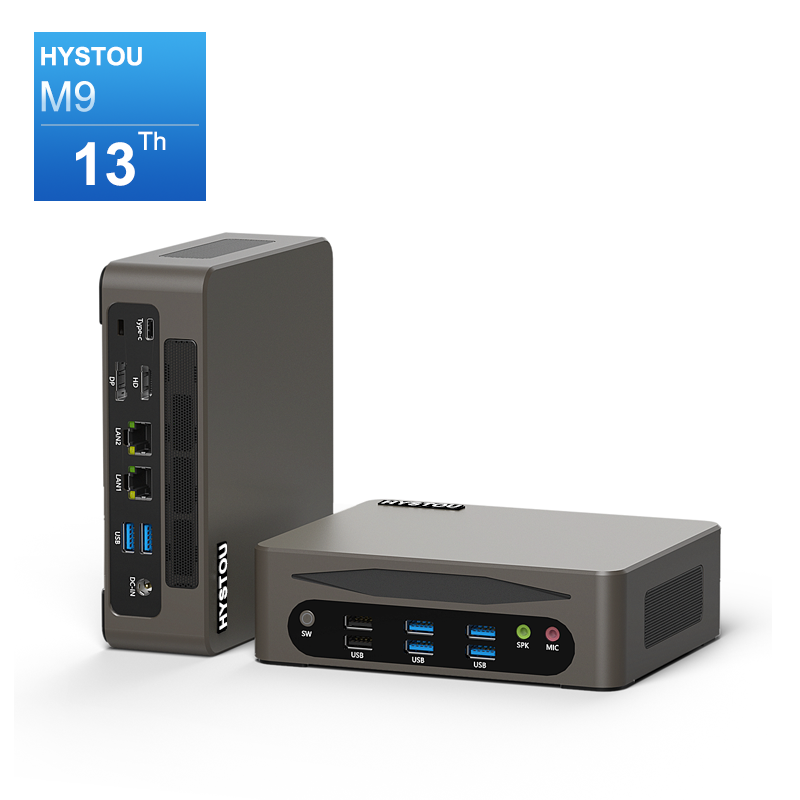
- Memory & Storage: Up to 64GB DDR5 4800MHz dual-channel RAM; Triple storage slots (1× M.2 NVMe PCIe 4.0 + 1× M.2 NVMe PCIe 3.0 + 1× 2.5-inch SATA).
- Graphics & Displays: Intel Iris Xe Graphics driving up to three simultaneous 4K/8K displays via HDMI 2.0, DisplayPort 1.2, and Thunderbolt 4 (40Gbps).
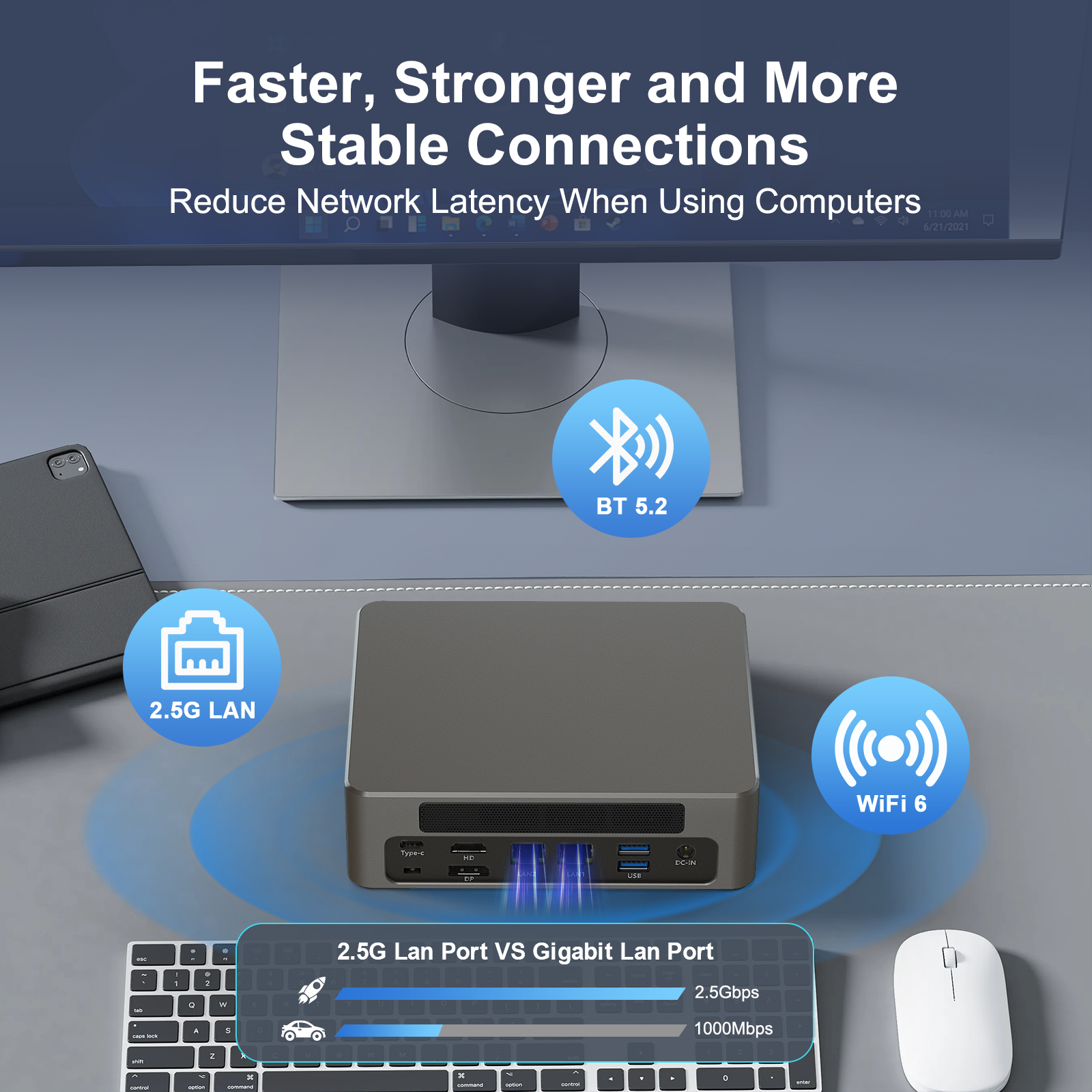
- High-Speed Networking: Dual 2.5GbE Intel Ethernet ports for high-throughput network routing and virtual machine bridging; optional Wi-Fi 6 / BT 5.2.
Frequently Asked Questions
Is an i7 Mini PC worth the extra money over an i5?
For everyday workloads, office software, and media streaming, no. Mini PCs are power-constrained (15W–28W). An i7 throttles quickly under sustained loads in standard chassis, yielding only a 5%–15% real-world speed improvement despite costing 30%–50% more.
Should I pick an i5 or i7 for a fanless mini PC
Core i5 is recommended for fanless mini PCs. Passive cooling caps TDP around 15W, causing an i7 to thermal throttle rapidly under load and drop down to i5 performance levels.
Does i5 vs i7 matter for mini PC gaming?
No. Integrated graphics (Intel Iris Xe) act as the primary performance limit. Frame rates in casual 1080p gaming vary by only 1–4 FPS between i5 and i7 models. Memory configuration (ensuring dual-channel RAM) has a far greater impact on frame rates.
Summary Verdict
When choosing between an i5 and an i7 mini PC, base your decision on your specific workload and chassis cooling capacity:
Buy a Core i5 Mini PC if you need high performance per dollar for office productivity, 4K media playback, or a zero-maintenance fanless industrial installation.
Buy a Core i7 Mini PC if you run multi-threaded workloads like 4K video editing or local virtual machines—and are using an actively cooled chassis designed to dissipate 28W+ continuously.

Author: Nick FU
Marketing Specialist | HYSTOU Mini PC & Network Appliance Manufacturer
HYSTOU has established its R&D headquarters in Shenzhen, drawing on over a decade of experience. Our core team members, who previously served at renowned companies such as Inventec and Quanta Computer, form the backbone of our technical expertise. With robust R&D and innovation capabilities, we remain steadfast in our commitment to pursuing excellence in the field of technology products.