
What is a Watchdog Timer? Essential Protection for Your Mini PC

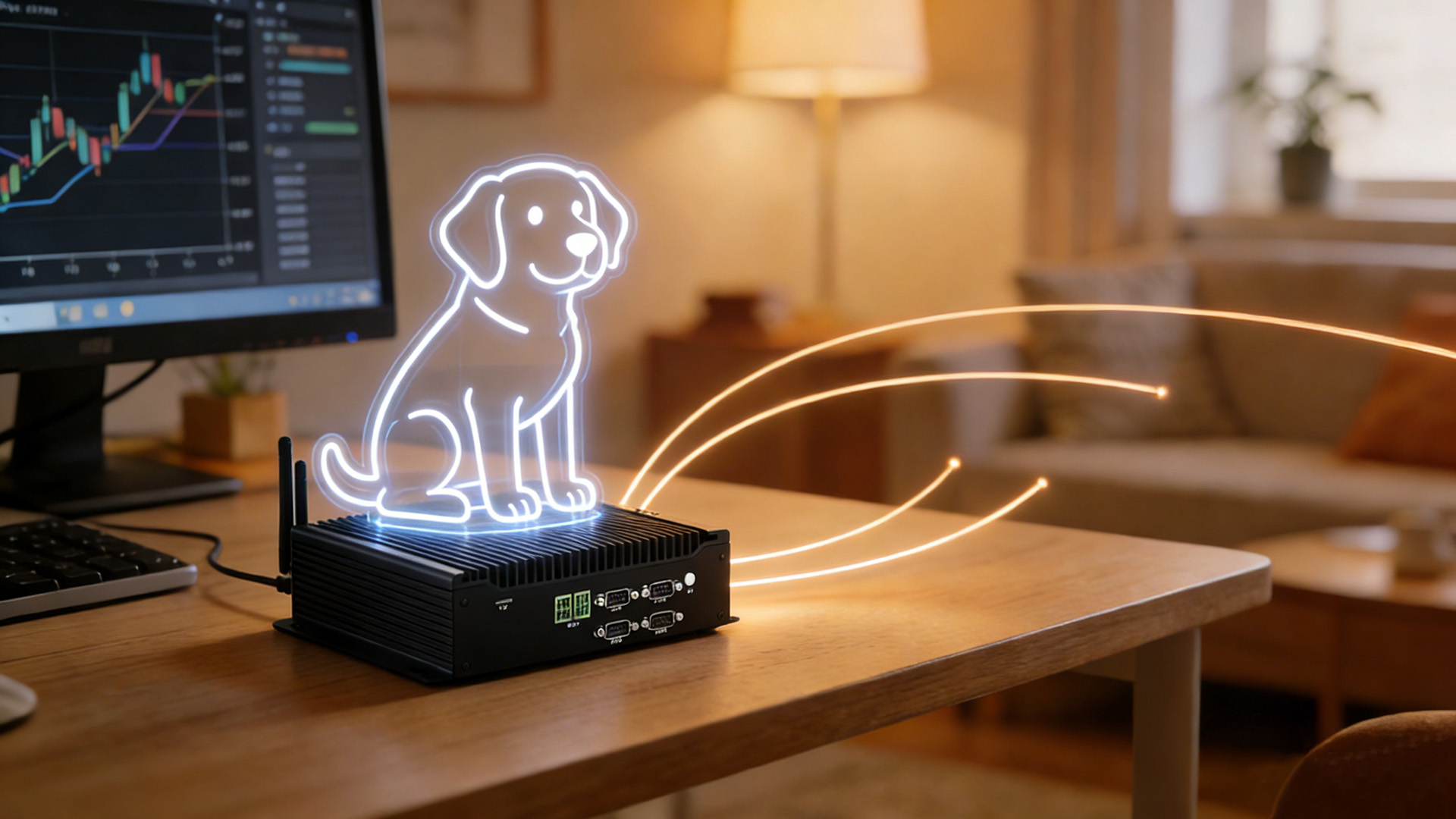
Understanding Watchdog Timers: The Unsung Heroes of Mini PC Reliability
In the world of Mini PCs, reliability is everything. Whether you’re using your device for industrial automation, digital signage, or home server applications, unexpected system crashes can lead to costly downtime and data loss. This is where watchdog timers come in – the unsung heroes of system stability.
A watchdog timer is a specialized hardware or software component designed to monitor the operation of a computer system. Its primary function is to detect when the system has become unresponsive and automatically reset it to restore normal operation. This makes it an essential feature for mission-critical Mini PC deployments where continuous uptime is required.
How Watchdog Timers Work to Keep Your Mini PC Running
The basic principle behind watchdog timers is simple yet effective. Here’s a step-by-step explanation of how they work:
- Initialization: When the Mini PC starts up, the watchdog timer is initialized with a specific timeout value, typically ranging from a few seconds to several minutes, depending on the application.
- Heartbeat Signal: The operating system or application software must send regular “heartbeat” signals to the watchdog timer to indicate that it is functioning properly. These signals are usually sent at intervals shorter than the timeout value.
- Timeout Detection: If the system becomes unresponsive and fails to send the heartbeat signal within the specified timeout period, the watchdog timer assumes that the system has crashed or frozen.
- System Reset: When a timeout is detected, the watchdog timer triggers a hardware reset of the Mini PC, forcing it to restart and restore normal operation.
This process happens automatically without any user intervention, making it an ideal solution for remote or unattended Mini PC installations.
Benefits of Watchdog Timers in Industrial Mini PC Applications
Watchdog timers offer several key benefits for Mini PC users, particularly in industrial and commercial applications:
1. Increased System Reliability
By automatically recovering from system crashes, watchdog timers significantly increase the overall reliability of Mini PC systems. This is especially important in industrial automation, where a single system failure can disrupt entire production lines.
2. Reduced Downtime
In commercial applications such as digital signage or point-of-sale systems, every minute of downtime can result in lost revenue. Watchdog timers minimize downtime by quickly restoring system operation without manual intervention.
3. Remote Monitoring Capabilities
Many modern Mini PCs with watchdog timers include remote monitoring features, allowing administrators to receive alerts when a system reset occurs. This enables proactive maintenance and helps identify underlying issues that may be causing frequent crashes.
4. Cost Savings
By reducing the need for on-site technical support and minimizing production losses due to downtime, watchdog timers can provide significant cost savings for businesses using Mini PCs in critical applications.
Step-by-Step Guide to Enabling Watchdog Timer on Your Mini PC
Enabling the watchdog timer on your Mini PC is a straightforward process, but the exact steps may vary depending on your device’s hardware and operating system. Here’s a general guide to help you get started:
For Windows Systems:
- Check Hardware Support: First, verify that your Mini PC includes a hardware watchdog timer. This information can usually be found in the device’s technical specifications or user manual.
- Install Drivers: If required, install the appropriate watchdog timer drivers for your Mini PC model. These drivers are typically available from the manufacturer’s website.
- Configure Settings: Open the watchdog timer configuration utility (usually found in the Control Panel or as a separate application). Set the desired timeout value and configure any additional features such as email alerts or remote monitoring.
- Enable the Timer: Once the settings are configured, enable the watchdog timer and test it by intentionally causing a system crash or freeze to ensure it works correctly.
For Linux Systems:
- Check Kernel Support: Most modern Linux kernels include support for watchdog timers. You can check if your kernel supports watchdog timers by running the command `modinfo watchdog`.
- Load Module: If the watchdog module is not already loaded, load it using the command `modprobe watchdog`.
- Configure Settings: Edit the watchdog configuration file (usually located at `/etc/watchdog.conf`) to set the timeout value and other parameters.
- Start Service: Enable and start the watchdog service using the commands `systemctl enable watchdog` and `systemctl start watchdog`.
Choosing the Right Mini PC with Watchdog Timer Support
When selecting a Mini PC for applications requiring high reliability, it’s important to choose a model that includes robust watchdog timer support. Here are some key factors to consider:
1. Hardware vs. Software Watchdog
Hardware watchdog timers are generally more reliable than software-based solutions, as they continue to operate even if the operating system crashes. Look for Mini PCs with dedicated hardware watchdog timer chips.
2. Customizable Timeout Settings
Choose a Mini PC that allows you to customize the watchdog timer timeout value to suit your specific application requirements. Some models offer timeout values ranging from 1 second to 60 minutes or more.
3. Remote Monitoring Features
For remote or unattended installations, look for Mini PCs that include remote monitoring capabilities for the watchdog timer. This can include email alerts, SNMP traps, or integration with cloud-based monitoring platforms.
4. Industrial-Grade Components
In industrial applications, choose a Mini PC with industrial-grade components that can withstand harsh environmental conditions, including wide temperature ranges, humidity, and vibration.
HYSTOU Mini PCs with Watchdog Timer Support
HYSTOU offers a range of high-performance Mini PCs equipped with robust watchdog timer functionality, designed to meet the reliability requirements of industrial, commercial, and home server applications. Here are our top models featuring this essential protection:
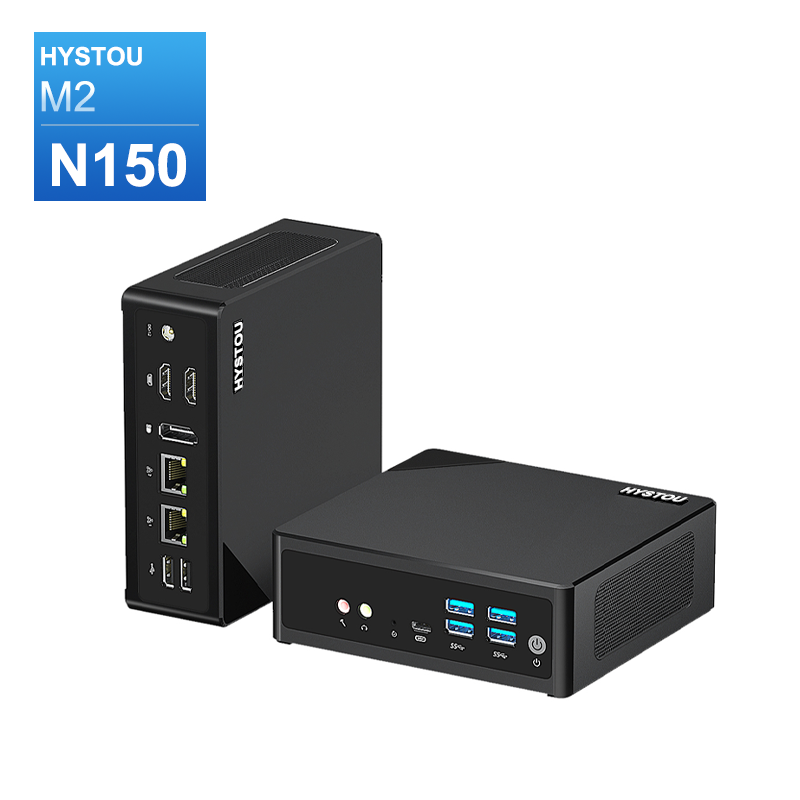
- Intel N150/N305
- 32GB DDR5
- WIFI 6 Bluetooth 5.2
- 4K Triple Display
- 135mm×127.6mm×45mm
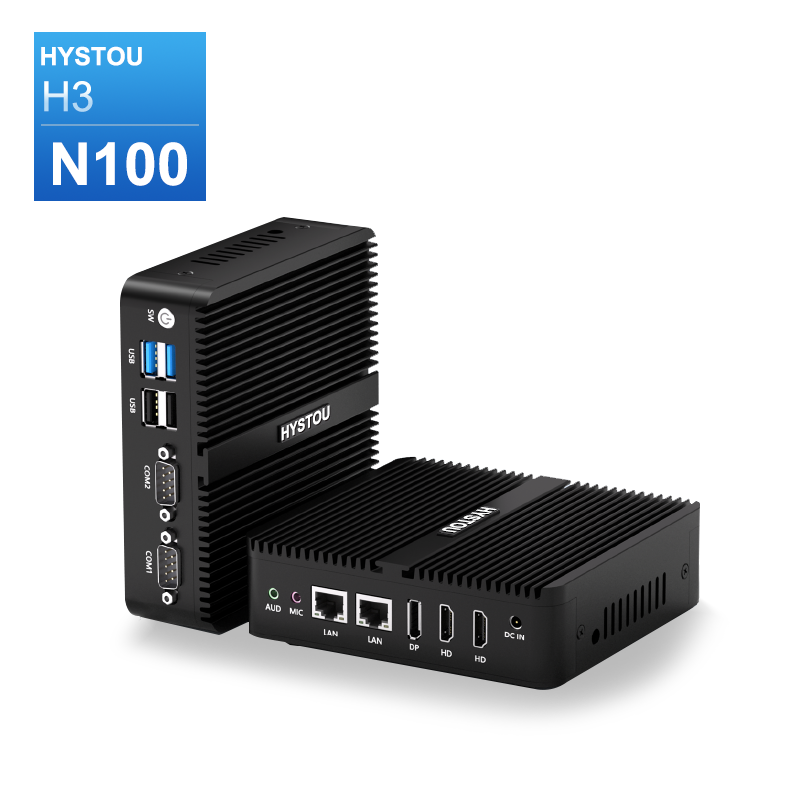
- Intel N100
- 32GB DDR4
- Fanless
- -20℃~50℃
- 135 x 127 x 39 mm
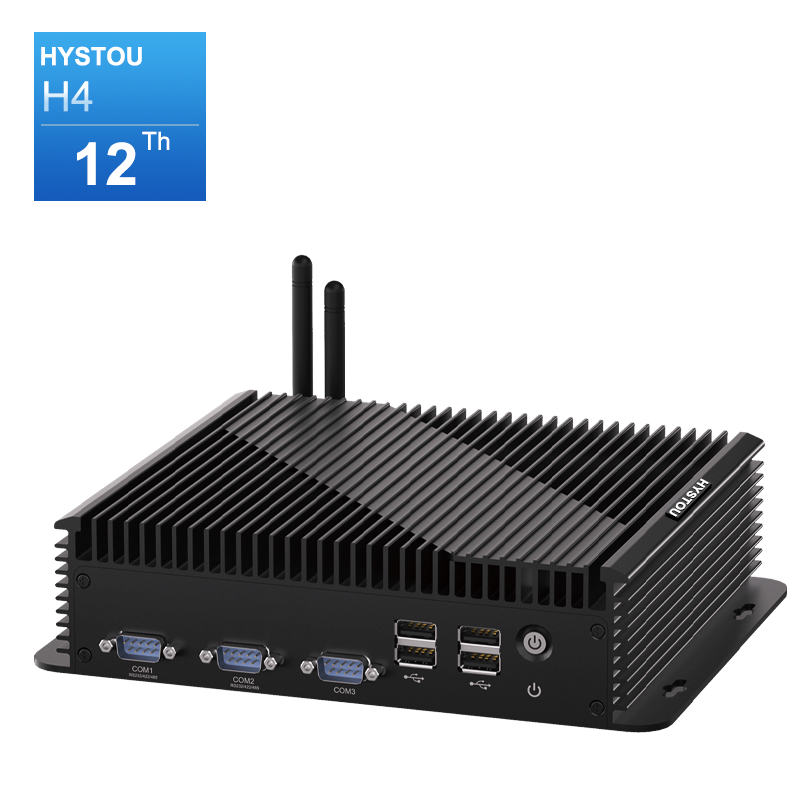
- Intel Core i5-1235U
- Dual-channel DDR5
- 2×2.5Gbps LAN Ports
- Intel® UHD Graphics, Intel Iris Xe Graphics
- 4K Triple Display
- i7-10710U
- 64GB DDR4
- 2×2.5Gbps LAN Ports
- Fanless
- 4K Triple Display
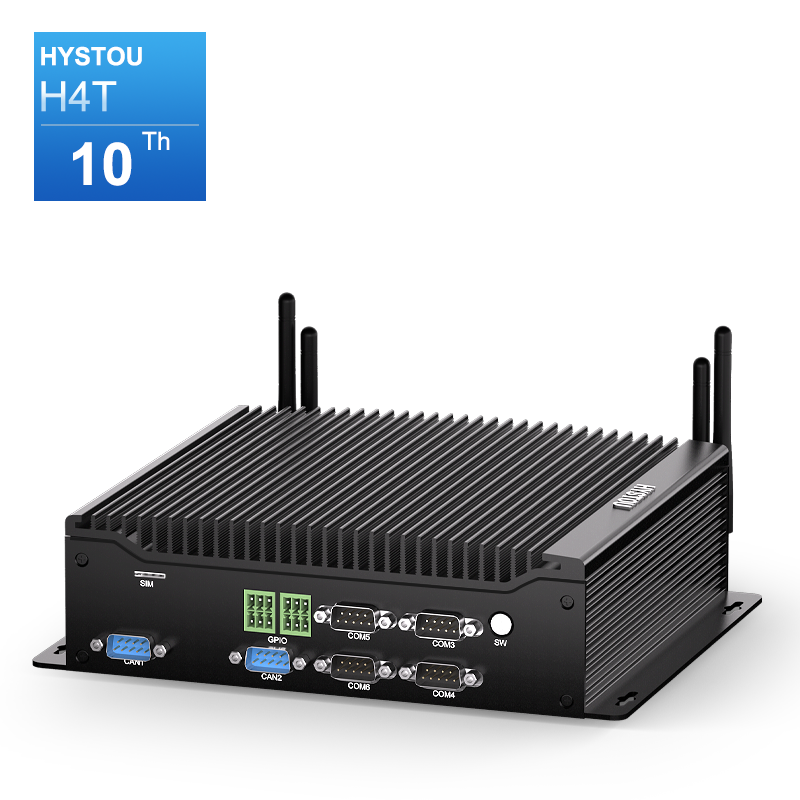
- Intel N100
- 32GB DDR5
- 4×2.5Gbps LAN Ports
- Fanless
- -20℃~60℃
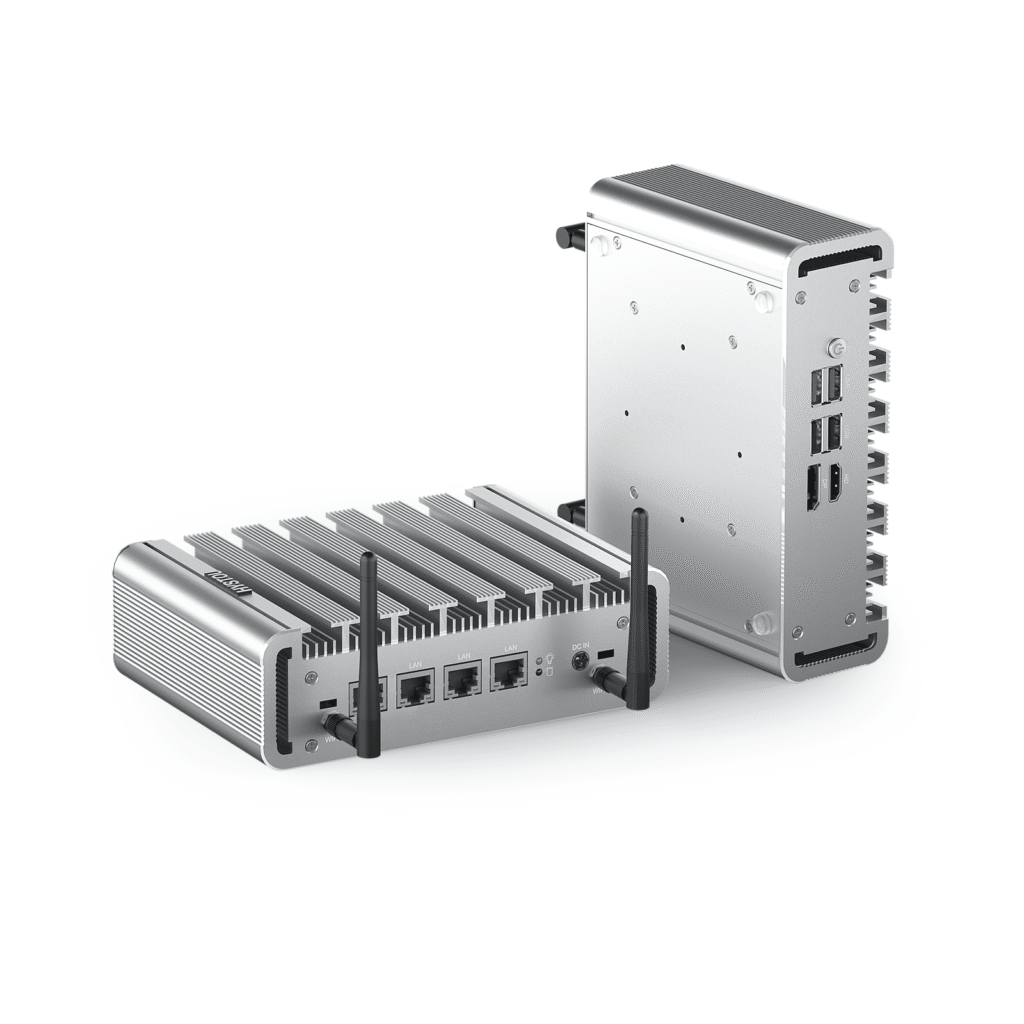
- Intel N100
- 32GB DDR5
- 6×2.5Gbps LAN Ports
- Fanless
- -20℃~60℃
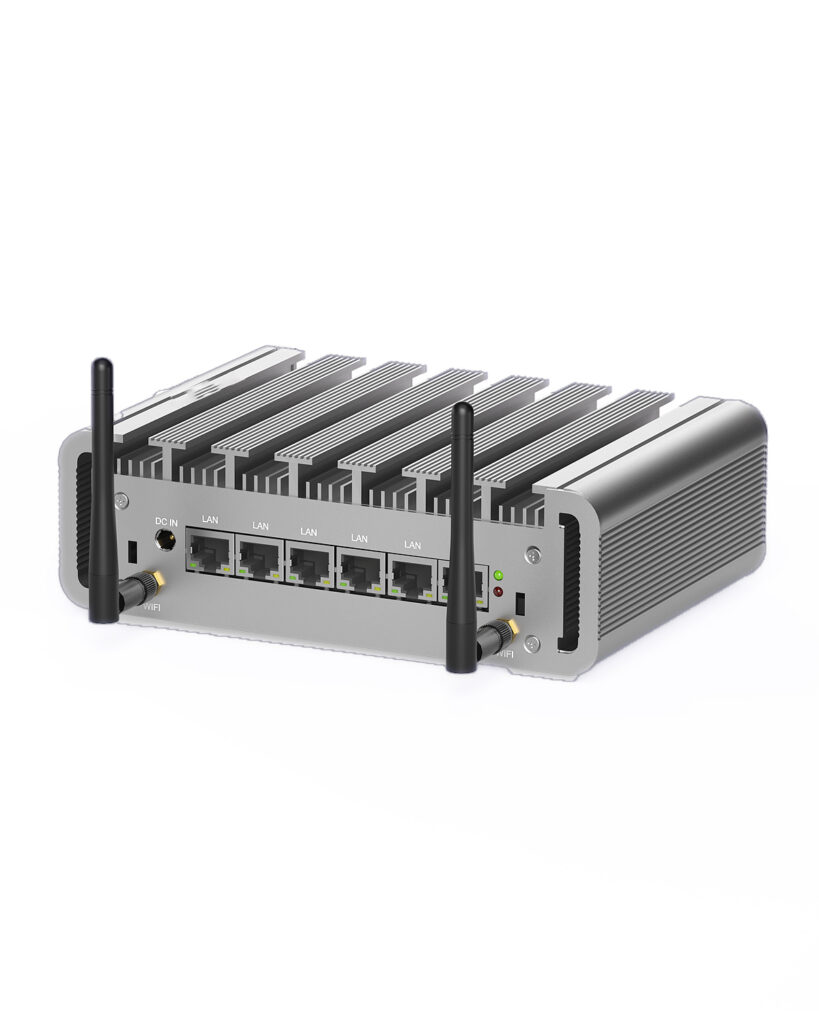
The Importance of Watchdog Timers for Mini PC Reliability
In today’s fast-paced business environment, Mini PCs are being used in an increasingly wide range of mission-critical applications. From industrial automation to digital signage, these compact yet powerful devices need to operate reliably 24/7 to ensure business continuity.
Watchdog timers play a crucial role in ensuring the reliability of Mini PC systems by automatically detecting and recovering from system crashes. By choosing a Mini PC with robust watchdog timer support and properly configuring it for your application, you can significantly increase system uptime, reduce downtime costs, and ensure that your critical operations continue to run smoothly.
As technology continues to evolve, we can expect to see even more advanced watchdog timer features in future Mini PC models, including enhanced remote monitoring capabilities and integration with artificial intelligence-based predictive maintenance systems.

HYSTOU
HYSTOU has established its R&D headquarters in Shenzhen, drawing on over a decade of experience. Our core team members, who previously served at renowned companies such as Inventec and Quanta Computer, form the backbone of our technical expertise. With robust R&D and innovation capabilities, we remain steadfast in our commitment to pursuing excellence in the field of technology products.



