Mini PC Motherboard Architecture: Comprehensive Guide for Hardware & Configuration

Understanding mini PC motherboard components is essential for choosing the right system for gaming, office productivity, or specialized deployment. This guide covers the engineering, expansion options, discrete GPU integration, and component architecture of modern mini PC motherboards.
Essential Components of a Mini PC Motherboard
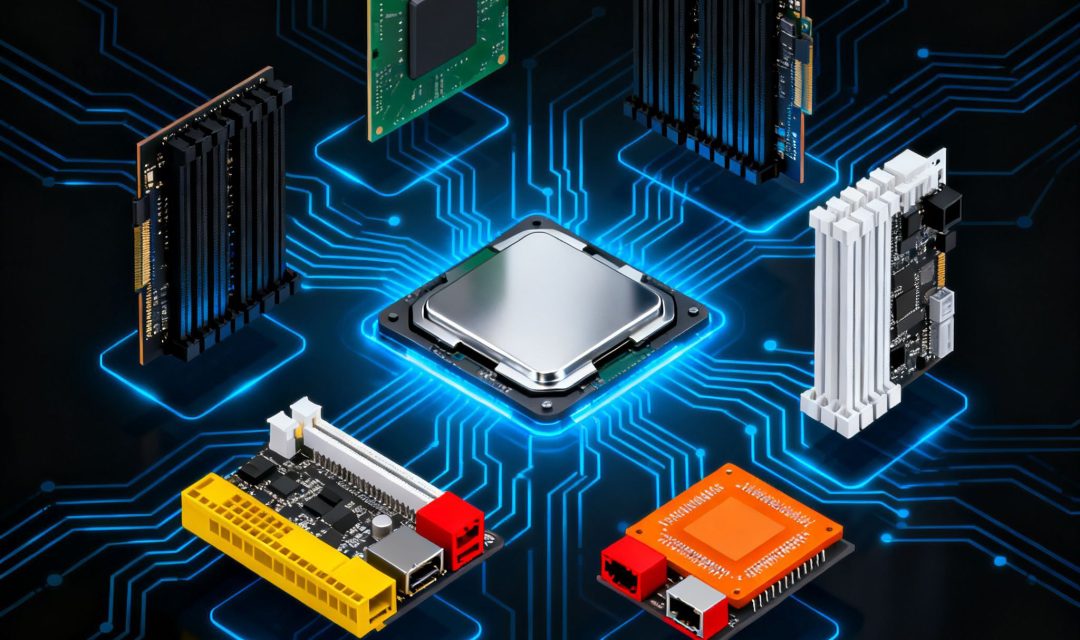
To fully understand and make the most of your mini PC, it’s essential to have a clear understanding of the components that make up its motherboard. Below is a comprehensive breakdown of the key components:
High-Density PCB & Soldered BGA SoC
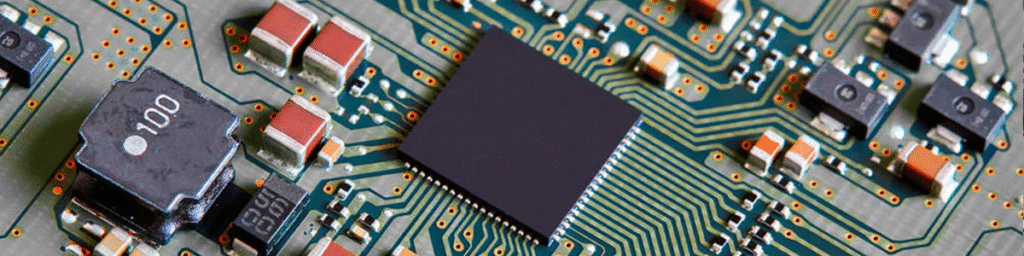
Unlike traditional desktop motherboards with bulky sockets and multi-chip designs, modern mini PC motherboards feature high-density multi-layer PCBs with integrated System-on-Chip (SoC) architectures.
Processors (Intel Core or AMD Ryzen) are soldered directly onto the motherboard using BGA (Ball Grid Array) packaging. This design eliminates socket height, drastically reduces total chassis volume, improves thermal dissipation, and reduces mechanical failure points.
Dedicated Graphics Architecture (Discrete GPUs)
While many compact systems use integrated graphics, demanding workloads require dedicated graphical power. Hystou addresses this with engineered motherboards built for discrete GPUs:
HYSTOU RTX3050: Equipped with dedicated NVIDIA GeForce RTX graphics on-board, offering hardware-accelerated ray tracing and AI DLSS features for gaming and creative workloads.
HYSTOU GT-U: Features a specialized high-performance graphics layout designed for multi-display workstations and graphics-intensive computing tasks.
Voltage Regulator Modules (VRM) & Thermal Management
Memory Architecture
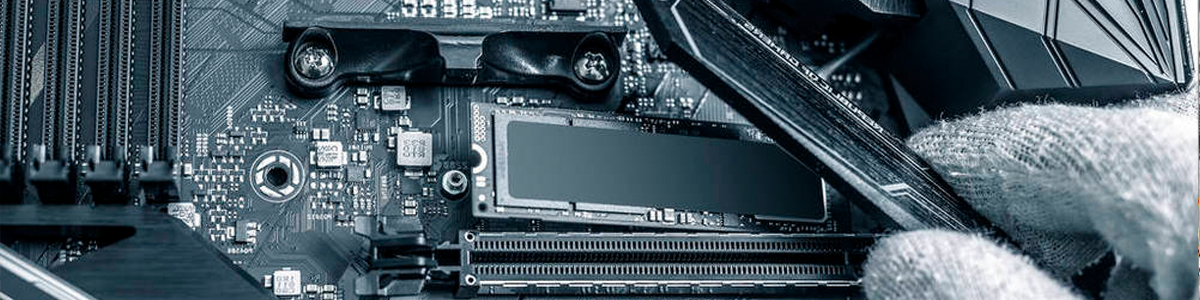
Space-saving SO-DIMM slots are used across mini PC motherboards, configured to meet specific deployment requirements:
Single-Channel Configurations: Optimized for low-power industrial deployments and fanless mini PCs. Single-channel layouts minimize power draw and heat generation, delivering rock-solid stability in sealed industrial environments where power budgets are tight.
Dual-Channel Configurations: Featured on commercial workstations and gaming/AI models, dual SO-DIMM slots double available memory bandwidth (DDR4 or DDR5) to accelerate graphics processing and heavy multitasking.
Multi-Standard Storage Interfaces
Storage flexibility is crucial for supporting both modern edge computing and legacy industrial setups:
M.2 2280 Slots: The primary choice for high-speed boot drives, supporting high-throughput PCIe NVMe and M.2 SATA SSDs.
mSATA Slots: Featured on specialized industrial motherboards to maintain compatibility with legacy embedded storage media.
2.5-Inch SATA Bays: Allows easy integration of standard 2.5-inch SATA SSDs or hard drives for affordable, high-capacity local data logging.
Industrial-Grade I/O Controllers & Connectivity
The onboard I/O control modules handle communication across peripheral interfaces, offering:
Multi-Display Output: Drives up to triple or quad displays simultaneously via HDMI 2.1, DisplayPort 1.4, or full-featured Type-C interfaces for control rooms and digital signage.
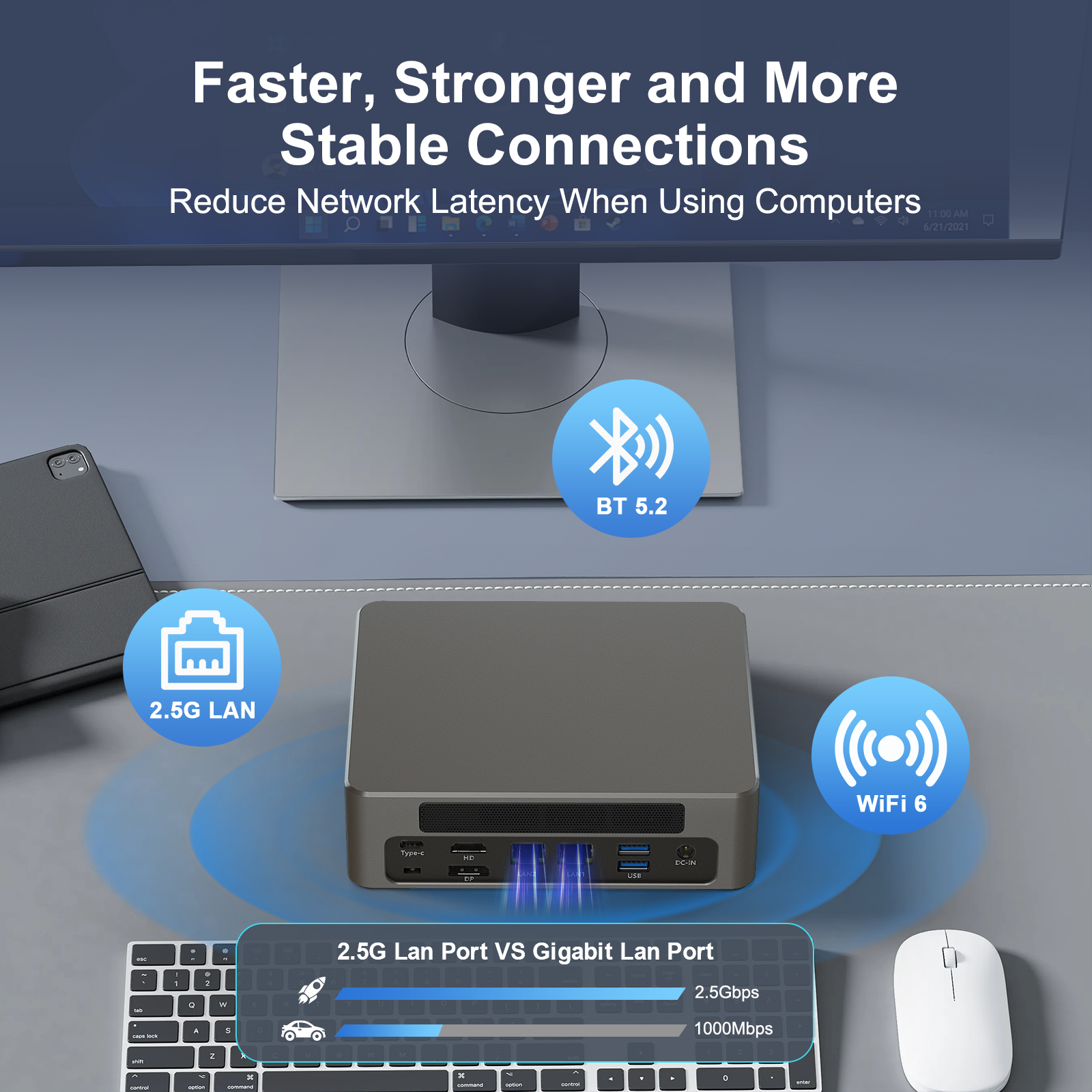
Industrial Networking: Integrated dual Gigabit or 2.5GbE LAN controllers for network isolation, firewall routing, and redundant factory connections.
Technical Comparison: Industrial vs. Commercial Mini PC Motherboards
| Feature | Industrial Mini PC Motherboard | Commercial / High-Performance Motherboard |
| Primary Target | Edge Computing, Automation, 24/7 Operation | AI Workstations, Creative Editing, Office |
| Cooling Design | Passive / Fanless Chassis Optimization | Active Heatpipe & Cooling Fan Assembly |
| Key Platform Tech | Wide Voltage Input, Intel vPro® (GT-U) | High Memory Bandwidth, RTX Discrete GPUs |
| RAM Configuration | Single or Dual SO-DIMM (Low Power Focus) | Dual-Channel SO-DIMM (High Bandwidth Focus) |
| Storage Protocols | M.2 2280, mSATA, 2.5″ SATA | M.2 2280 PCIe NVMe SSDs |
| GPU Options | Integrated SoC or Workstation Discrete (GT-U) | Onboard Discrete GPUs (e.g., RTX 3050) |
Upgrades and System Maintenance
Whether deployed on a factory floor or an office desk, maintaining a Hystou mini PC is straightforward:
Accessing Components: Removing the chassis base plate gives immediate access to SO-DIMM RAM slots, M.2 2280 bays, and SATA ports.
Dust-Free Reliability: Sealed fanless designs eliminate internal dust build-up, significantly reducing maintenance overhead in industrial environments.
UEFI BIOS Control: User-friendly BIOS options allow administrators to adjust power profiles, configure auto-power-on features for unattended deployments, and tune fan curves.
Choosing the Right Mini PC: Key Considerations

Conclusion

HYSTOU
Marketing Specialist | HYSTOU Mini PC & Network Appliance Manufacturer
HYSTOU has established its R&D headquarters in Shenzhen, drawing on over a decade of experience. Our core team members, who previously served at renowned companies such as Inventec and Quanta Computer, form the backbone of our technical expertise. With robust R&D and innovation capabilities, we remain steadfast in our commitment to pursuing excellence in the field of technology products.