Wi-Fi 5 vs Wi-Fi 6 vs Wi-Fi 7 for Mini PCs: The 2026 Industrial Buying Guide
Real speed depends on your wireless module. Here is how to choose the right Wi-Fi for a standard or industrial mini PC in 2026.
TL;DR — for busy buyers
- Wi-Fi 6 is the safe default for most mini PCs in 2026.
- Wi-Fi 7 shines for high throughput, AGV mobility, and future-proof industrial builds.
- Wi-Fi 5 still works below 500 Mbps with light, single-device use.
- Match your router first. The router sets the real speed ceiling.
- On AMD mini PCs, choose MediaTek MT7925 or a Qualcomm Wi-Fi 7 module. Avoid Intel BE200.
- Most mini PCs take M.2 2230 E-key modules, so you can upgrade later.
Why Your Wi-Fi Choice Matters
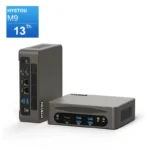
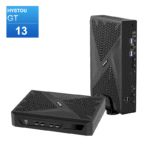
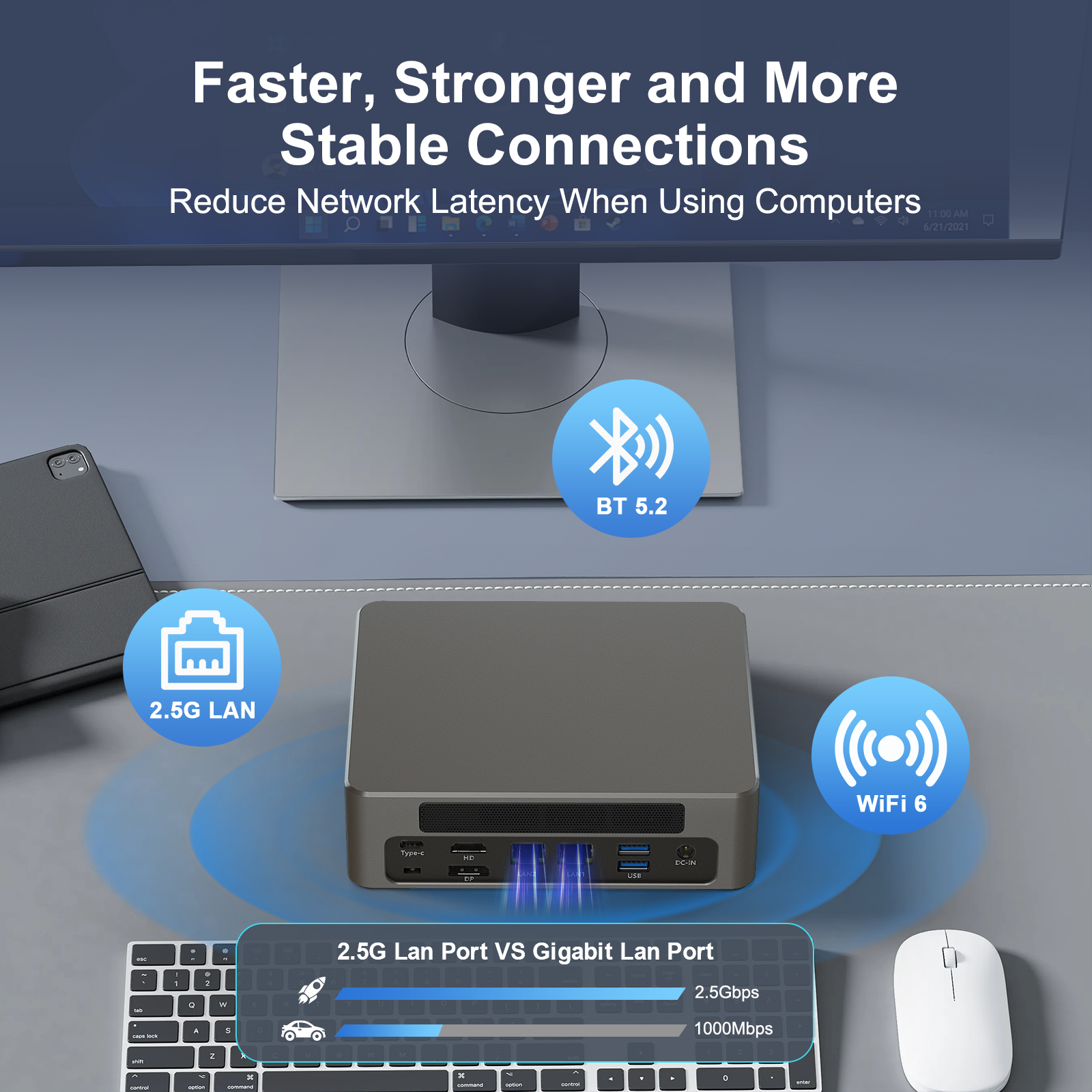
Compared to traditional desktop computers, the HYSTOU Business Mini PC occupies significantly less space. Whether placed in a remote home office or a studio, it solves space resource shortages, allowing for a more efficient arrangement of office supplies. Furthermore, its compact size enables easy portability, letting small businesses with remote teams flexibly arrange workspaces and empowering employees to work from various locations.
Wi-Fi Generations at a Glance
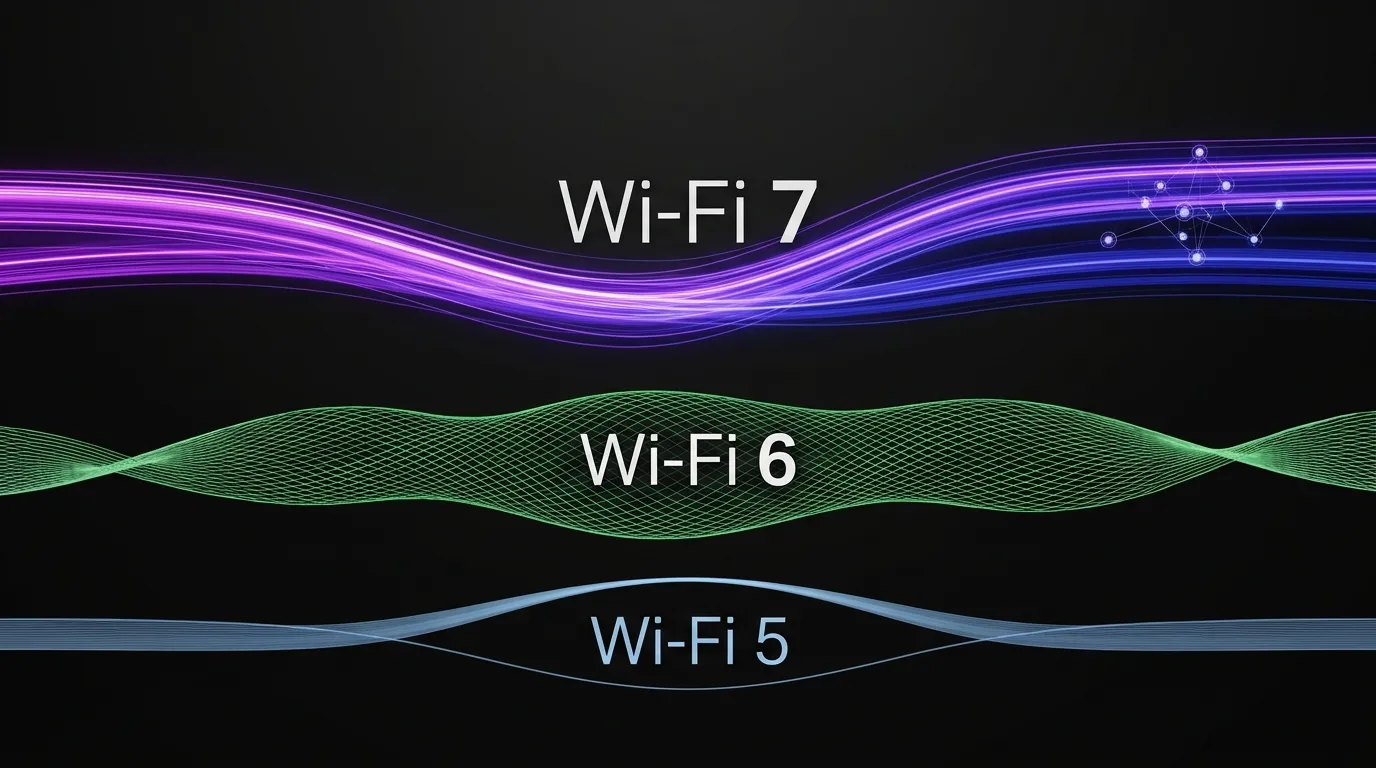
Wi-Fi names follow generations, not versions. Each generation adds new features. Each one also raises certified speeds. The table below maps the key facts.
| Generation | Standard (year) | Bands | Max channel | Theoretical peak | Key features |
|---|---|---|---|---|---|
| Wi-Fi 5 | 802.11ac (2014) | 5 GHz | 160 MHz | ~3.5 Gbps | 256-QAM; MU-MIMO |
| Wi-Fi 6 | 802.11ax (2019) | 2.4 + 5 GHz | 160 MHz | 9.6 Gbps | OFDMA; 1024-QAM; TWT |
| Wi-Fi 6E | 802.11ax (2021) | adds 6 GHz | 160 MHz | 9.6 Gbps | 6 GHz band; Wi-Fi 6 features |
| Wi-Fi 7 | 802.11be (2024) | 2.4 + 5 + 6 GHz | 320 MHz | ~46 Gbps (8-stream lab max; a common 2×2 mini PC module peaks around 5.8 Gbps at 320 MHz) | MLO; 4K-QAM; low latency |
Theoretical peaks come from lab conditions. Real throughput depends on your router, distance, and interference. Treat the table as a guide, not a promise.
Three Facts That Decide Your Real Speed
Spec sheets list limits. Real life follows three rules. Keep them in mind before you compare numbers.
Your router sets the ceiling
A Wi-Fi 7 card cannot outrun a Wi-Fi 5 router. The link negotiates down to the lower generation. In practice, upgrade the router first if it is old. Then a newer Wi-Fi module makes sense.
Your broadband plan sets the need
A 500 Mbps plan runs fine on Wi-Fi 5. A 1 Gbps plan is comfortable on Wi-Fi 6. Plans above 2 Gbps start to justify Wi-Fi 7. That said, local transfers matter too. Moving files between a NAS and a mini PC can use far more than your internet speed.
Spectrum rules vary by country
The 6 GHz band is open in the United States and in parts of Europe. Some regions still restrict it. Meanwhile, Wi-Fi 7 still improves on 5 GHz through MLO. Always check local regulation before you plan around 6 GHz.
How to Choose Wi-Fi for a Standard Mini PC
Most mini PCs serve typical home or office roles. The best choice follows the workload. Use the scenarios below as a starting point.
- Home office and streaming. Wi-Fi 5 handles this well below 500 Mbps. Wi-Fi 6 adds headroom for multiple tabs and devices. For example, a family with shared video calls will feel the difference.
- Multi-device households. Wi-Fi 6 wins here. OFDMA serves many devices at once. Older generations queue traffic instead.
- Gaming and VR. Latency matters more than peak speed. Wi-Fi 6E or Wi-Fi 7 keeps input lag low. Wi-Fi 5 may feel sluggish in crowded homes.
- NAS and local media servers. Local transfers need real bandwidth. Wi-Fi 6E or Wi-Fi 7 handles large files well. Wi-Fi 5 often becomes the bottleneck.
In short, choose Wi-Fi 6 for most buyers. Choose Wi-Fi 6E or Wi-Fi 7 when local throughput, latency, or future-proofing matters. The price gap keeps shrinking.
Choosing Wi-Fi for Industrial Mini PCs
Industrial mini PCs work differently. They run around the clock. They face heat, vibration, dust, and crowded radio environments. Reliability matters more than peak speed. As a result, the decision criteria change. This also holds for an industrial mini PC for AGV fleets, where a dropped link can stop a moving robot.
Three principles come first. Wire fixed machines where possible. Wireless should serve mobility and hard-to-reach spots. Plan bands deliberately. Use 2.4 GHz for range, 5 GHz and 6 GHz for throughput. Remember that 2.4 GHz is crowded. Bluetooth, microwaves, and Zigbee all share it. Beyond that, secure and manage the network. WPA3-Enterprise plus a single SSID across access points keeps roaming smooth.
| Industrial scenario | Recommended Wi-Fi and why |
|---|---|
| Factory automation (HMI/PLC) | Wi-Fi 6 with a wired backup. Steady low-latency links, and OFDMA suits many devices on one floor. |
| Machine vision and inspection | Wi-Fi 6E/7 or wired 2.5G. Camera streams need high bandwidth with low jitter. |
| AGV / AMR robots | Wi-Fi 7 with Multi-Link Operation (MLO), or Wi-Fi 6 with fast roaming. MLO sends data on 5 GHz and 6 GHz at once. If one band hits interference, the other keeps the link alive. |
| Digital signage and POS | Wi-Fi 6. Wide coverage plus easy remote management across sites. |
| Edge AI and local LLM | Wi-Fi 7 or wired 2.5G. Model and dataset sync demand real throughput. A fanless mini PC with Wi-Fi 7 fits this role well in dusty plants. |
| Outdoor and harsh sites | Wi-Fi 6 with external antennas. Range and durability beat peak speed here. |
Why MLO matters for moving machines
Why MLO matters for moving machines
Can You Upgrade the Wi-Fi Module Later?
Most mini PCs ship with a removable module. The common form factor is M.2 2230 with an E-key. That opens a clear upgrade path. Still, the choice is not purely mechanical. Platform compatibility matters just as much as the slot.
Here is the compatibility map for popular modules. It links each card to its interface and to the CPU platform it actually supports.
| Module | Wi-Fi generation | Interface | Intel platform | AMD platform |
|---|---|---|---|---|
| Intel AX210 | Wi-Fi 6E | PCIe/USB (M.2 2230) | Yes | Yes |
| Intel AX211 | Wi-Fi 6E | CNVio2 (Intel only) | Yes | No |
| Intel BE200 | Wi-Fi 7 | CNVio2 (Intel only) | Yes (10th Gen+) | No |
| Intel BE201 | Wi-Fi 7 | CNVio2 (Intel only) | Yes | No |
| MediaTek MT7925 | Wi-Fi 7 | PCIe/USB (M.2 2230) | Yes | Yes |
| Qualcomm Wi-Fi 7 (NCM825) | Wi-Fi 7 | PCIe/USB (M.2 2230) | Yes | Yes |
- Intel-only modules. Intel BE200, BE201, and AX211 use Intel’s proprietary CNVio/CNVio2 interface. They work only on Intel platforms. On an AMD mini PC, they may not be recognized at all. Intel BE200 needs 10th Gen or newer Intel CPUs.
- Universal modules. MediaTek MT7925 and Qualcomm Wi-Fi 7 M.2 cards use standard PCIe/USB interfaces. They fit AMD and Intel platforms alike.
- Check the slot type. A standard PCIe/USB M.2 card fits both CNVio2 and standard slots. The reverse is not true. Confirm your board’s M.2 E-key slot supports PCIe/USB cards, not CNVio2 only.
One practical example sums it up. An M.2 2230 Wi-Fi 7 upgrade on an AMD mini PC should use the MediaTek MT7925 or a Qualcomm card. The same upgrade on an Intel mini PC can use the Intel BE200.
Three more checks apply before any upgrade. Antenna connectors, usually IPEX/MHF4 pigtails. Driver support, since Windows 11 24H2 and newer support Wi-Fi 7 fully. Regional rules, because a 6 GHz-capable card needs a country that allows 6 GHz.
A practical path: buy a Wi-Fi 6 mini PC now. Upgrade to Wi-Fi 7 later when routers and spectrum mature. Confirm compatibility with the vendor before purchase.
Frequently Asked Questions
Does a Wi-Fi 7 mini PC work with a Wi-Fi 6 router?
Yes. Wi-Fi 7 is backward compatible. The link simply runs at Wi-Fi 6 speeds in that case.
Is Wi-Fi 6 enough for a 1 Gbps connection?
Yes for most homes. Near the router, real-world Wi-Fi 6 often exceeds 1 Gbps. Distance and walls still reduce the result.
What is the difference between Wi-Fi 6E and Wi-Fi 7?
Wi-Fi 6E adds the 6 GHz band. Wi-Fi 7 adds 320 MHz channels, multi-link operation (MLO), and 4K-QAM. In short, Wi-Fi 7 is faster and more stable under load.
Can I put a Wi-Fi 7 card into an AMD Ryzen mini PC?
Yes, but avoid Intel BE200. Use AMD-compatible Wi-Fi 7 modules such as the MediaTek MT7925 or a Qualcomm Wi-Fi 7 M.2 card instead. Intel BE200 and BE201 rely on the proprietary CNVio2 interface and work on Intel platforms only.
Should I wait for Wi-Fi 8?
It depends on your priorities. If data safety matters most, RAID 1 is the better choice. On the other hand, if you need maximum speed and can afford to lose data, RAID 0 may suit you better. For more details, see the RAID 0 vs. RAID 1 comparison table above.
Which Wi-Fi does a HYSTOU mini PC ship with?
HYSTOU offers mini PCs with Wi-Fi 5, Wi-Fi 6/6E, and Wi-Fi 7-capable wireless modules. Availability depends on the model. Check the product page for the exact module.
Does the 6 GHz band work everywhere?
No. The United States opened 6 GHz in 2020, and several European countries followed. Some regions still restrict it. Verify local rules before you rely on 6 GHz.
The 2026 Checklist
- Light use below 500 Mbps → Wi-Fi 5 or Wi-Fi 6.
- 1 Gbps with several devices → Wi-Fi 6.
- 2 Gbps+ or heavy local traffic → Wi-Fi 7.
- Fixed industrial machines → wired first, Wi-Fi 6 as backup or mobility.
- AGV and robots → Wi-Fi 7 with MLO, or Wi-Fi 6 with fast roaming and WPA3.
- AMD mini PC upgrade → MediaTek MT7925 or Qualcomm Wi-Fi 7, never Intel BE200.
- Always match the router, check spectrum rules, and verify module compatibility.
Your choice does not need to be perfect. It needs to match your router, your workload, and your region. Wi-Fi 6 covers most needs today. Wi-Fi 7 prepares you for tomorrow. HYSTOU industrial mini PCs support both paths, with serviceable wireless modules.
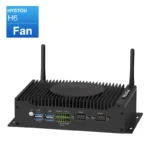
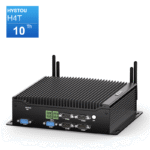
Whether you need a fanless Wi-Fi 6 DIN-rail mini PC for factory automation or a Wi-Fi 7 edge computing node, HYSTOU provides customizable, reliable industrial solutions with pre-installed or expandable M.2 wireless modules.

Author: Nick FU
Marketing Specialist | HYSTOU Mini PC & Network Appliance Manufacturer
HYSTOU has established its R&D headquarters in Shenzhen, drawing on over a decade of experience. Our core team members, who previously served at renowned companies such as Inventec and Quanta Computer, form the backbone of our technical expertise. With robust R&D and innovation capabilities, we remain steadfast in our commitment to pursuing excellence in the field of technology products.
Lorem ipsum dolor sit amet, consectetur adipiscing elit. Ut elit tellus, luctus nec ullamcorper mattis, pulvinar dapibus leo.