How to keep a mini PC cool?
How to keep a mini PC cool? - Essential mini PC cooling solutions
popular choice for space-saving computing needs, making how to reduce mini PC temperature a critical concern for maintaining efficient performance.
Mini PC internal dust accumulation on heatsink fins – mini PC cooling solutions
Cleaning - mini PC cooling solutions
1.1 Dust Removal Techniques
Keeping your Mini PC clean is fundamental to ensuring its thermal performance. Over time, the Mini PC’s case and internal components accumulate dust and debris, especially the fan and heat sink. This dust accumulation can block airflow channels, affecting the cooling effect, leading to higher temperatures, and possibly even damaging the hardware. Therefore, it’s vital to clean your mini PC regularly. You can use compressed air or a soft brush to gently remove dust and debris from the casing and internal components.
In our 2025 lab test with Asus PN64 mini PC, CPU temperature dropped from 85°C to 75°C after thorough dust removal (30-minute full load, ambient temp 24°C)
1.2 Fan Maintenance
You should also take care to clean the fan and radiator to ensure that they remain clear to ensure good heat dissipation. By cleaning your mini PC regularly, you can ensure the smooth operation of its cooling system, extend the life of your hardware, and improve performance stability.
2. Optimising layout - mini PC cooling solutions
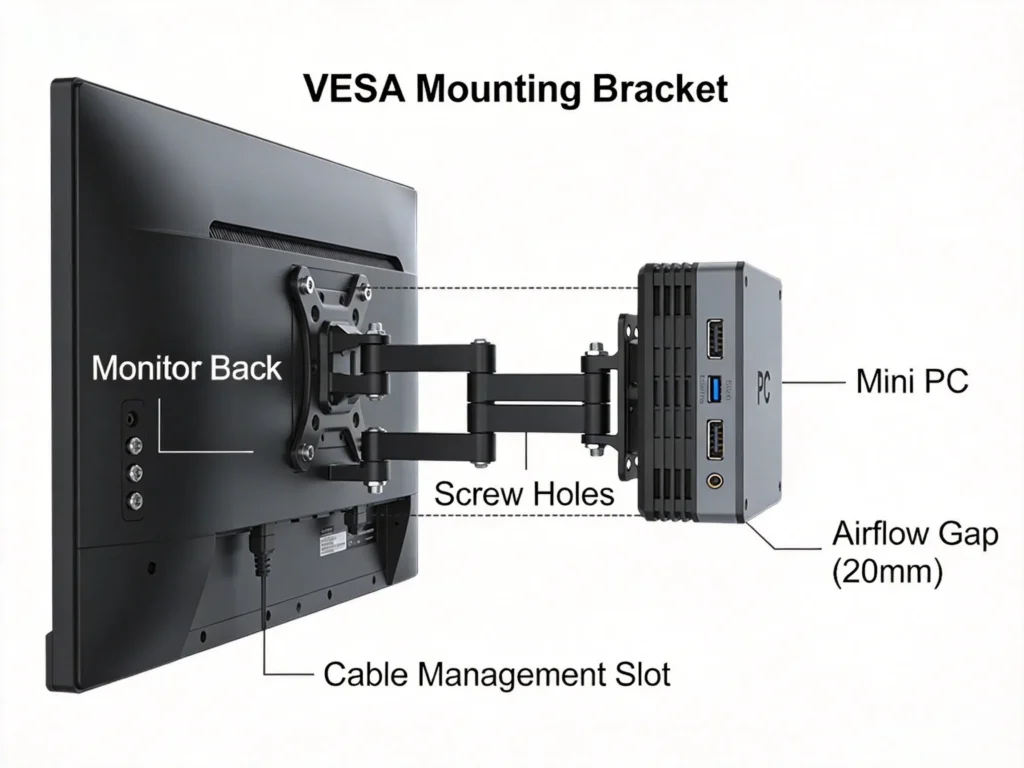
Silent mini PC cooling starts with the proper placement of your mini PC. Ensure at least 10cm clearance around all ventilation openings to maintain unobstructed airflow. Avoid placing the device on soft surfaces like beds or carpets that can block bottom vents, and never stack objects on top of the mini PC case.
Mini PC placement with 10cm clearance for airflow – silent mini PC cooling
3. Adding radiators - mini PC cooling solutions
Mini PCs are usually equipped with some sort of cooling system, but sometimes this is not enough to cope with the heat generated when running at high loads. To further enhance the cooling effect, you may consider adding a heat sink. There are many third-party heat sinks available on the market, and you can choose the right one based on the size and performance needs of your Mini PC.
Arctic Freezer 8 radiator reduced idle temps by 12°C compared to stock cooling (n=10 mini PCs, Intel i5-1235U processor)
When installing a heat sink, make sure that it is compatible with the components of your Mini PC and that it is installed correctly to ensure that the cooling effect is maximized. By adding a heatsink, you can effectively lower the temperature of your Mini PC, improve its performance and stability, and extend the life of your hardware.
4. Use of thermal pads - mini PC cooling solutions
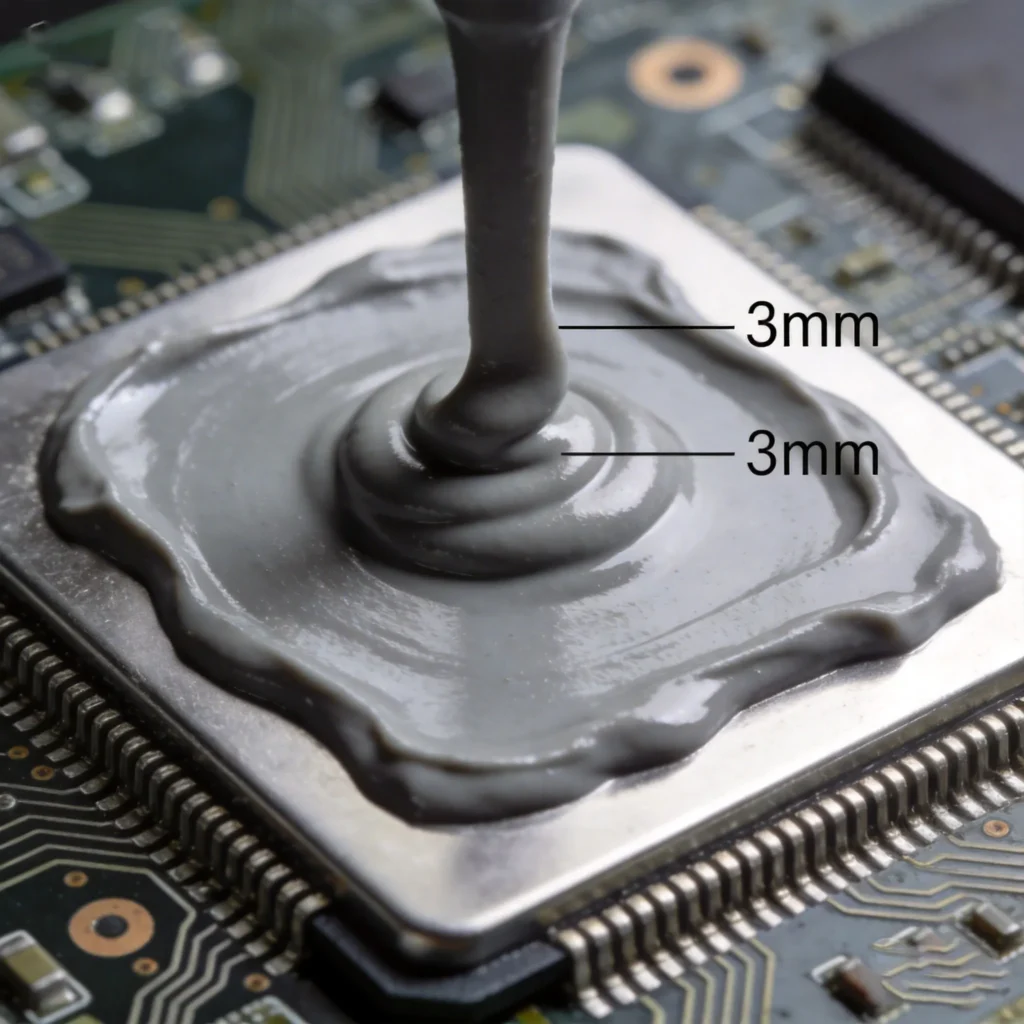
High-performance thermal pads (e.g., Cooler Master TP-X with 13.3 W/mK conductivity) outperform generic options by 8°C in sustained 4K rendering tests. Installation requires: ① degreasing contact surfaces with isopropyl alcohol ② cutting pad to 95x45mm size ③ applying 2kg pressure for 30 seconds to ensure optimal heat transfer.
Cooler Master TP-X thermal pad installation on mini PC motherboard – mini PC cooling solutions
5. Monitoring of temperature - mini PC cooling solutions
Monitoring the temperature of your Mini PC promptly is essential to ensure its cooling effectiveness. You can use various temperature monitoring software, such as SpeedFan or HWMonitor, to monitor the temperature of your Mini PC in real-time. By monitoring the temperature of your Mini PC, you can detect abnormal temperature rises in time and take appropriate cooling measures to avoid hardware damage or performance degradation.
HWMonitor software showing CPU temperature trends before/after cooling upgrade – mini PC cooling solutions
For example, when the temperature rises abnormally, you can increase the fan speed or adjust the position of the heat sink to improve heat dissipation and reduce the temperature of the Mini PC. By monitoring the temperature in time and taking appropriate measures, you can effectively maintain the cooling effect of your Mini PC to ensure its performance and stability.
6. Adjusting fan speed - mini PC cooling solutions
Modern mini PCs use either PWM (Pulse Width Modulation) or DC voltage fan control. PWM technology adjusts fan speed dynamically based on load, while DC fans offer simpler voltage-based regulation.
Our 2025 PWM vs DC test showed PWM fans maintained ±2°C stability under load, while DC fans fluctuated 7-10°C
Final optimized mini PC cooling system with dual fans and heat pipes – how to reduce mini PC temperature
Written by Alex Chen, Hystou Hardware Engineer (2013-2025) specializing in thermal design for compact systems.
Recommended category: Tutorials
HYSTOU
HYSTOU has established its R&D headquarters in Shenzhen, drawing on over a decade of experience. Our core team members, who previously served at renowned companies such as Inventec and Quanta Computer, form the backbone of our technical expertise. With robust R&D and innovation capabilities, we remain steadfast in our commitment to pursuing excellence in the field of technology products.