Core Ultra vs AMD Ryzen AI: Full Architecture & Real-World AI Performance Guide
AI PCs have officially transitioned from early-adopter novelties to mainstream computing standards. At the center of this shift is the NPU (Neural Processing Unit)—no longer a niche coprocessor, but a fundamental block of modern x86 silicon.
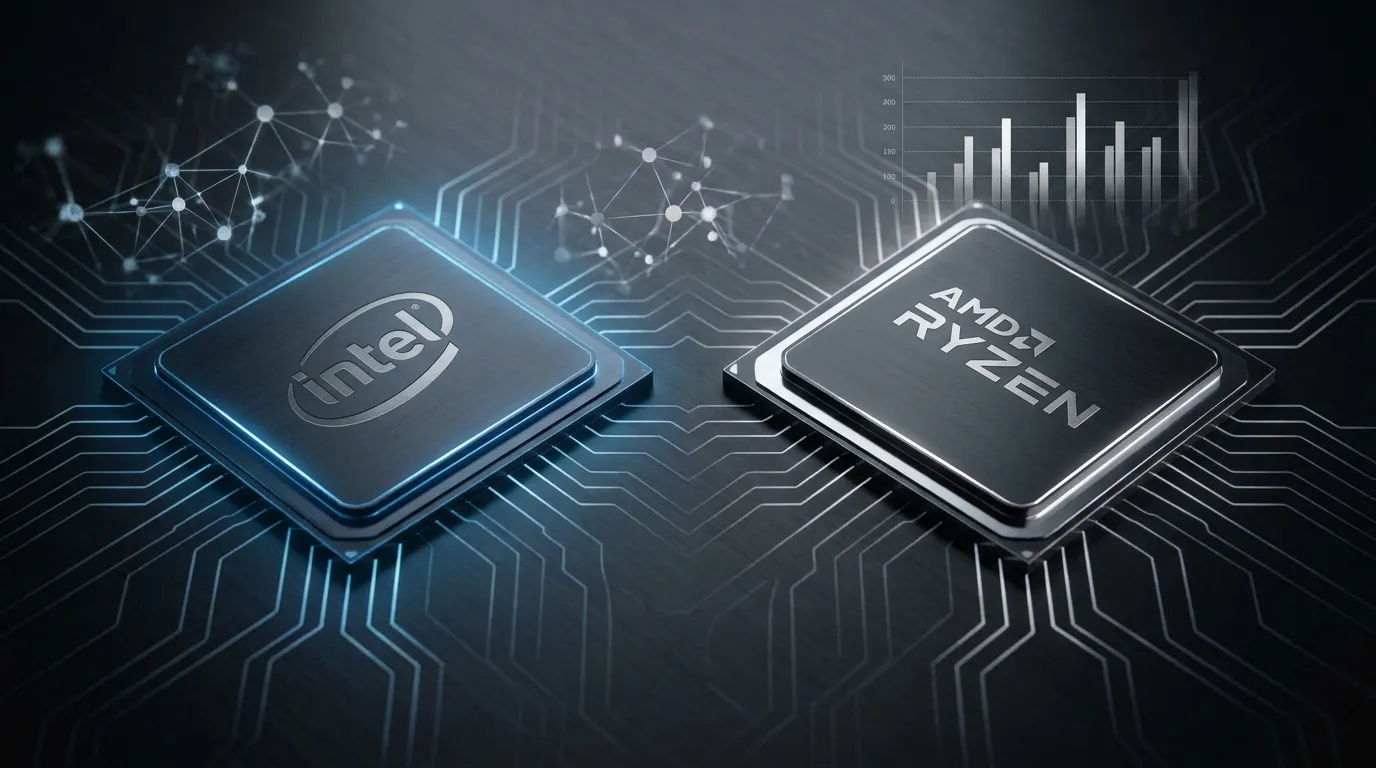
In the x86 ecosystem, Intel Core Ultra and AMD Ryzen AI represent two fundamentally different approaches to local AI acceleration. While both platforms promise fast inference, they differ in tile design, unified memory handling, peak NPU throughput, and real-world efficiency.
This comprehensive guide breaks down their core architectural differences, side-by-side hardware specifications, benchmark metrics across local LLMs and creative tools, software ecosystem support, and practical buying recommendations.
Quick Verdict: Which Platform Fits You Best?
Choose Intel Core Ultra (Series 2 / Lunar Lake & Arrow Lake) if you prioritize all-day battery life, ultra-quiet or fanless mini PC builds, low-power background AI (like Windows Copilot+ collaboration tools), and enterprise driver stability for commercial software.
Choose AMD Ryzen AI (300 / 400 Series – XDNA 2) if you need maximum standalone NPU compute (50–60 TOPS), run local LLMs (7B/13B parameter models) continuously, or rely heavily on open-source Linux AI frameworks (ROCm).
Core Architecture: Two Different Paths to AI Computing
To understand real-world performance gaps, we must first look at how Intel and AMD integrate AI silicon into their processors.
Intel Core Ultra: 3D Heterogeneous Stacking for Balanced Efficiency
Intel builds its Core Ultra processors using modular tile architectures connected via Foveros 3D packaging. In platforms like Core Ultra Series 2 (Lunar Lake and Arrow Lake), responsibility is split across specialized tiles:
NPU (Intel AI Boost): Designed for persistent, low-power tasks like voice noise cancellation, background blur, and eye tracking.
Integrated Arc GPU: Optimized for high-throughput parallel AI tasks, such as local text-to-image generation and heavy video upscaling.
Intel’s strategy avoids relying solely on single-NPU peak TOPS. Instead, it emphasizes Total Platform AI TOPS (combining CPU, iGPU, and NPU). While early Series 1 (Meteor Lake) offered 11 NPU TOPS, Series 2 elevates standalone NPU compute to up to 48 TOPS, pushing total system AI capacity past 120 TOPS.
AMD Ryzen AI: Unified Memory for High-Throughput Spatial Inference
AMD utilizes a high-density APU integration approach where CPU cores, GPU compute units, and the XDNA NPU share a unified memory address space.
XDNA 2 Spatial Array: Derived from Xilinx FPGA technology, XDNA 2 uses adaptive spatial dataflow blocks rather than traditional fixed execution pipelines. It excels at continuous, heavy inference matrix math.
Zero Copy Overhead: Unified memory addressing allows large model weights to be shared across CPU, GPU, and NPU without copying data across bus boundaries.
AMD’s second-generation XDNA 2 architecture (found in Ryzen AI 300 series and beyond) delivers 50 to 60 standalone NPU TOPS, exceeding Microsoft’s 40 TOPS baseline for Copilot+ PCs directly on the NPU block.
Architectural Comparison Summary
Aspect | Intel Core Ultra (Series 2) | AMD Ryzen AI (300 / 400 Series) |
Design Philosophy | Modular tiles, heterogeneous load distribution | Unified APU, high-throughput spatial array |
Peak Standalone NPU TOPS (INT8) | 13–48 TOPS | 50–60 TOPS |
Total Platform TOPS (CPU+GPU+NPU) | Up to 120+ TOPS | Up to 80–85 TOPS |
Memory Architecture | High-density cross-tile interconnect / On-Package LPDDR5X | Unified memory bus, zero-copy address space |
Target Load Profile | Always-on background tasks + GPU offloading | Native local LLMs and heavy continuous inference |
Side-by-Side Specs: Key Mainstream SKUs Compared
The table below compares mainstream mobile and mini PC processors representing both platforms:
Model | CPU Core Config | NPU Architecture | Standalone NPU TOPS | iGPU Specs | Native Memory Support | Typical TDP | Copilot+ Certified? |
Intel Core Ultra 7 155H (Gen 1) | 6P + 8E + 2LPE | Intel AI Boost | 11 TOPS | Arc (8 Xe-Cores) | LPDDR5X-7467 / DDR5-5600 | 28W–45W | No (<40 TOPS) |
Intel Core Ultra 7 258V (Gen 2) | 4P + 4E | NPU 4 | 47 TOPS | Arc 140V (8 Xe2) | LPDDR5X-8533 (On-Package) | 17W–37W | Yes |
AMD Ryzen 7 8845HS (Hawk Point) | 8C / 16T (Zen 4) | XDNA 1 | 16 TOPS | Radeon 780M | LPDDR5X-7500 / DDR5-5600 | 35W–54W | No (<40 TOPS) |
AMD Ryzen AI 9 HX 370 (Strix) | 12C / 24T (Zen 5/5c) | XDNA 2 | 50 TOPS | Radeon 890M | LPDDR5X-7500 | 15W–54W | Yes |
Real-World AI Performance: Workload Benchmarks
Raw spec sheets do not tell the whole story. Real-world AI performance is constrained by system memory bandwidth, thermal limits, and runtime API optimization.
Local Large Language Model (LLM) Inference
Running quantized open-weight models (e.g., Llama-3-8B, Phi-3, Mistral-7B) locally via tools like Ollama or LM Studio relies heavily on memory bandwidth and NPU/GPU matrix throughput.
AMD Ryzen AI (XDNA 2 / 50 TOPS): Sustains ~22–26 tokens/sec on Llama-3-8B (INT4). The unified memory architecture eliminates transfer latency, allowing smooth multi-turn context retention.
Intel Core Ultra Series 2 (NPU 4 / 47 TOPS): Reaches ~18–22 tokens/sec using OpenVINO optimizations, offering high efficiency per watt during long chat sessions.
First-Gen Intel Core Ultra (11 TOPS): Delivers ~8–11 tokens/sec, requiring offloading to the integrated Arc GPU, which increases system heat and power draw.
AI Image Generation (Stable Diffusion)
Local image generation via Stable Diffusion 1.5 / XL relies primarily on integrated GPU compute rather than the NPU block.
AMD Radeon 890M (RDNA 3.5): Generates a standard $512 \times 512$ image (50 steps, Euler a) in ~3.2 to 4.0 seconds using DirectML / ONNX Runtime.
Intel Arc 140V (Xe2): Completes the same generation in ~3.5 to 4.2 seconds, with strong memory bandwidth scaling via on-package LPDDR5X.
Productivity & Collaboration Features
For everyday AI workloads—such as Microsoft Studio Effects (background blur, gaze contact), noise suppression, and real-time live captions:
Intel Core Ultra: Demonstrates a slight efficiency advantage. Its low-power island and dedicated NPU handle continuous background video/audio streams with minimal package power consumption ($< 2.5\text{W}$).
AMD Ryzen AI: Handles these background tasks seamlessly, maintaining minimal CPU utilization so primary cores remain free for heavy multitasking.
General Computing: CPU, GPU, & Power Behavior
CPU Performance & Multi-Threading
Multi-Core Workloads: AMD’s high core-count designs (up to 12 cores / 24 threads in Strix Point) hold a clear lead in multi-threaded tasks like video rendering, code compiling, and archive compression.
Single-Core & Legacy Support: Intel maintains competitive single-core performance and deep enterprise software validation, particularly for legacy Windows industrial software.
Integrated Gaming Performance
AMD Radeon 890M: Remains the performance benchmark for integrated graphics, capable of running 1080p esports and modern AAA titles at medium settings smoothly.
Intel Arc 140V: Significantly narrows the graphics gap compared to previous generations, offering improved driver stability and XeSS upscaling across popular titles.
Thermal Management & Mini PC Form Factors
Idle & Low Load: Intel’s split-tile architecture results in lower idle power draw, making it well-suited for fanless, compact, or ultra-quiet mini PCs.
Sustained Full Load: AMD delivers high performance per watt at higher thermal envelopes (35W–54W). However, in extremely small form factors, inadequate cooling can lead to quicker thermal throttling during extended AI workloads.
Software Ecosystem & Developer Toolchains
Ecosystem Layer | Intel Core Ultra | AMD Ryzen AI |
Primary AI Framework | OpenVINO (Highly optimized for x86) | ROCm (Linux) / XDNA SDK |
Cross-Platform APIs | DirectML, ONNX Runtime, WinML | DirectML, ONNX Runtime |
Linux Support | Mature drivers, OpenVINO Linux runtime | Strong open-source driver stack, expanding ROCm |
Commercial Adoption | High validation in enterprise software (Adobe, MS) | Rapid adoption in open-source AI communities |
Intel OpenVINO: Provides pre-optimized model libraries and quantized runtimes for fast deployment across CPU, iGPU, and NPU.
AMD ROCm & XDNA SDK: Offers native support for Linux-based AI development, making AMD processors a preferred choice for developers deploying open-source PyTorch or Hugging Face pipelines locally.
Buying Recommendation Matrix
Choose Intel Core Ultra if:
You want a silent or ultra-compact Mini PC: Lower idle power consumption keeps fan noise and thermal output to a minimum.
Your main AI needs are collaboration tools: You rely on Windows Copilot+, live translation, and background video processing during daily work.
You prioritize enterprise stability: Your workflows involve long software support cycles and verified driver compatibility with commercial Windows tools.
Choose AMD Ryzen AI if:
You run local LLMs daily: High NPU TOPS and unified memory bandwidth deliver higher token generation rates for local AI assistants.
You want a single machine for AI and light gaming: AMD’s RDNA 3.5 integrated graphics deliver top-tier 1080p gaming alongside AI capabilities.
You develop on Linux: AMD’s open-source driver integration and ROCm stack support flexible developer environments.
Frequently Asked Questions
Q1: Is a 16 TOPS NPU sufficient for AI PC features?
No. Microsoft’s Copilot+ PC standard requires a minimum of 40 standalone NPU TOPS. First-generation platforms with 11–16 TOPS (such as Intel Meteor Lake or AMD Hawk Point) cannot run native local Copilot+ features on the NPU, though they can still accelerate standard third-party software via DirectML or ONNX.
Q2: Why does memory speed matter so much for local AI PCs?
Local generative AI models (like LLMs or Diffusion models) are heavily bound by memory bandwidth. Higher memory speeds (such as LPDDR5X-7500 or LPDDR5X-8533) allow the processor to stream model parameters into memory faster, directly increasing token generation rates and reducing image render times.
Q3: Does Stable Diffusion run on the NPU or the GPU?
Stable Diffusion primarily runs on the integrated GPU (iGPU) rather than the NPU. While NPUs are optimized for low-power continuous matrix math, iGPUs possess higher parallel compute throughput required for complex diffusion image pipelines.

Author: Nick FU
Marketing Specialist | HYSTOU Mini PC & Network Appliance Manufacturer
HYSTOU has established its R&D headquarters in Shenzhen, drawing on over a decade of experience. Our core team members, who previously served at renowned companies such as Inventec and Quanta Computer, form the backbone of our technical expertise. With robust R&D and innovation capabilities, we remain steadfast in our commitment to pursuing excellence in the field of technology products.