Best Mini PCs for Office Work in 2026: Compact, Powerful & Energy-Efficient Solutions

Modern workplaces are changing rapidly. Businesses and professionals are increasingly looking for compact, efficient, and powerful computing solutions that save space without sacrificing performance.
This is where Mini PCs come in.
A Mini PC is a small form factor desktop computer designed to deliver desktop-level productivity in a compact chassis. These devices are becoming the preferred choice for home offices, startups, enterprise workstations, and remote work setups.
Why Mini PCs Are Ideal for Office Work
1. Space-Saving Design
One of the biggest advantages of Mini PCs is their compact size. Unlike bulky desktop towers, Mini PCs can easily fit on a desk, behind a monitor, or even mounted using a VESA mount.
This makes them perfect for:
Minimalist workspaces
Small offices
Reception desks
Retail counters
Meeting rooms
Despite their small size, modern Mini PCs deliver impressive computing power suitable for daily productivity tasks.
2. Energy Efficiency
Energy efficiency is a major advantage of Mini PCs. Most office Mini PCs consume significantly less power than traditional desktop computers.
Typical desktops consume 60–100W, while Mini PCs often operate between 15–25W, reducing electricity costs and environmental impact.
For companies deploying hundreds of computers, this can translate into substantial annual energy savings.
3. Multi-Monitor Productivity
Modern professionals often rely on multiple displays for improved productivity.
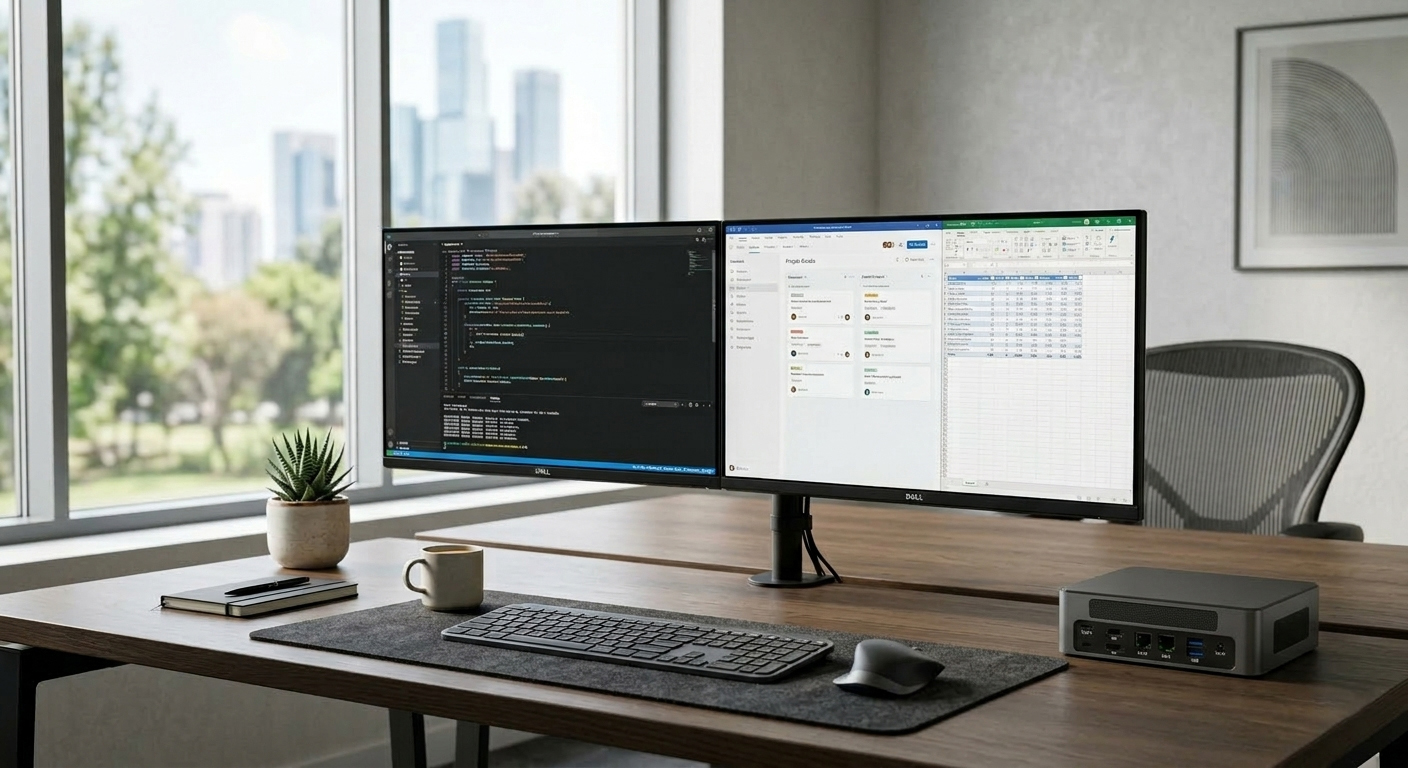
Many high-performance Mini PCs support dual, triple, or even four display outputs, allowing users to run:
spreadsheets
video meetings
project management tools
data dashboards
all simultaneously.
This makes Mini PCs ideal for developers, financial analysts, designers, and business professionals.
4. Quiet Operation
Office environments benefit from silent or ultra-quiet computers.
Many Mini PCs feature optimized cooling systems and low-noise fans, ensuring minimal sound even under load. Some systems operate below 30 dB, which is quieter than a library.
This improves concentration and overall workplace comfort.
Key Features to Look for in an Office Mini PC
Before choosing a Mini PC for your workspace, consider these important features:
Processor Performance
Choose modern CPUs such as:
Intel Core i5 / i7
Intel N-series processors
12th or 13th Gen Intel Core
These processors provide smooth multitasking for office applications.
Memory (RAM)
For productivity workloads:
8GB RAM — basic office tasks
16GB RAM — recommended for most users
32GB+ — heavy multitasking
Storage
Look for NVMe SSD storage, which offers faster speeds than traditional SATA drives.
Connectivity
A good office Mini PC should include:
Multiple USB ports
HDMI or DisplayPort outputs
Ethernet
Wi-Fi and Bluetooth
Expandability
Some Mini PCs support additional SSDs or RAM upgrades, extending the system’s lifespan.
Best Office Mini PCs in 2026
Here are some of the best Mini PCs designed for productivity and business environments.
HYSTOU M2 Mini PC – Best Budget Office Mini PC
The HYSTOU M2 Mini PC is an excellent entry-level solution for small offices and remote workers.
Key features include:
Intel N150 processors
DDR5 memory support up to 32GB
NVMe SSD storage up to 4TB
Dual Gigabit Ethernet ports
Triple 4K display support
Compact VESA-mountable design
With its low power consumption and quiet cooling system, the M2 is perfect for everyday productivity tasks such as Microsoft Office, web browsing, and video conferencing.
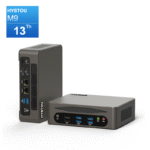
HYSTOU M9 Mini PC – Best High-Performance Office Mini PC
For professionals who require stronger computing performance, the HYSTOU M9 Mini PC offers powerful hardware in a compact form factor.
Highlights:
Intel Core i5 / i7 processors
Intel Iris Xe graphics
Up to 64GB DDR5 RAM
Dual 2.5G Ethernet networking
Triple-display 8K output
Multiple NVMe storage slots
This Mini PC is ideal for developers, designers, and professionals handling demanding workloads.
HYSTOU H7 Mini PC – Balanced Performance for Business
The HYSTOU H7 Mini PC combines strong performance with reliability.
Key specifications include:
Intel 12th Gen Core processors
DDR5 memory support
NVMe SSD storage
Dual LAN networking
Dual 4K display output
It’s a great option for enterprise deployments and office workstations.
HYSTOU H6 Mini PC – Reliable Workhorse for Everyday Office Tasks
The HYSTOU H6 Mini PC is designed for stable performance and long-term reliability.
Features include:
Intel Core i3/i5 / i7 processors
Up to 64GB RAM
Multiple SSD expansion options
efficient cooling system
support for Windows and Linux
This model is commonly used for:
office computing
retail systems
digital signage
industrial applications
Mini PC vs Traditional Desktop for Office Work
| Feature | Mini PC | Traditional Desktop |
|---|---|---|
| Size | Very compact | Large tower |
| Power consumption | Low | High |
| Noise | Very quiet | Moderate |
| Space usage | Minimal | Requires desk space |
| Upgrade options | Limited | Extensive |
For most office tasks, Mini PCs provide more than enough performance while saving space and energy.
Who Should Use an Office Mini PC?
Mini PCs are ideal for:
Remote workers
Startups and small businesses
Corporate offices
Call centers
Retail POS systems
Educational institutions
Their small footprint and reliability make them suitable for almost any professional environment.
Final Thoughts
Mini PCs have evolved dramatically in recent years. With modern processors, fast SSD storage, and multi-monitor support, they can easily replace traditional desktop computers for most office tasks.
If you are looking for a compact, efficient, and powerful office computer in 2026, Mini PCs such as the HYSTOU M2, M9, H7, and H6 provide excellent options for both businesses and home offices.
FAQ: Office Mini PCs
Can a Mini PC replace a desktop computer?
Yes. Modern Mini PCs offer enough power for office software, multitasking, video conferencing, and even light creative workloads.
Are Mini PCs good for business use?
Absolutely. Many businesses use Mini PCs because they are energy-efficient, compact, and easy to deploy across large offices.
Do Mini PCs support multiple monitors?
Yes. Many models support dual or triple monitor setups, which improves productivity.
Are Mini PCs reliable for long working hours?
With proper cooling and quality components, Mini PCs can operate 24/7 in professional environments.

HYSTOU
HYSTOU has established its R&D headquarters in Shenzhen, drawing on over a decade of experience. Our core team members, who previously served at renowned companies such as Inventec and Quanta Computer, form the backbone of our technical expertise. With robust R&D and innovation capabilities, we remain steadfast in our commitment to pursuing excellence in the field of technology products.