

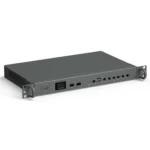
H1 1U Rackmount Firewall Appliance
Categories: Industrial Mini PC
- 3-Year Warranty
- 24/7 Tech Support
- Certificate
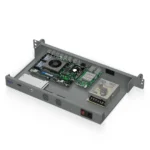
H1 1U Rackmount Firewall Appliance with 6× 2.5GbE and 2× 10G SFP+
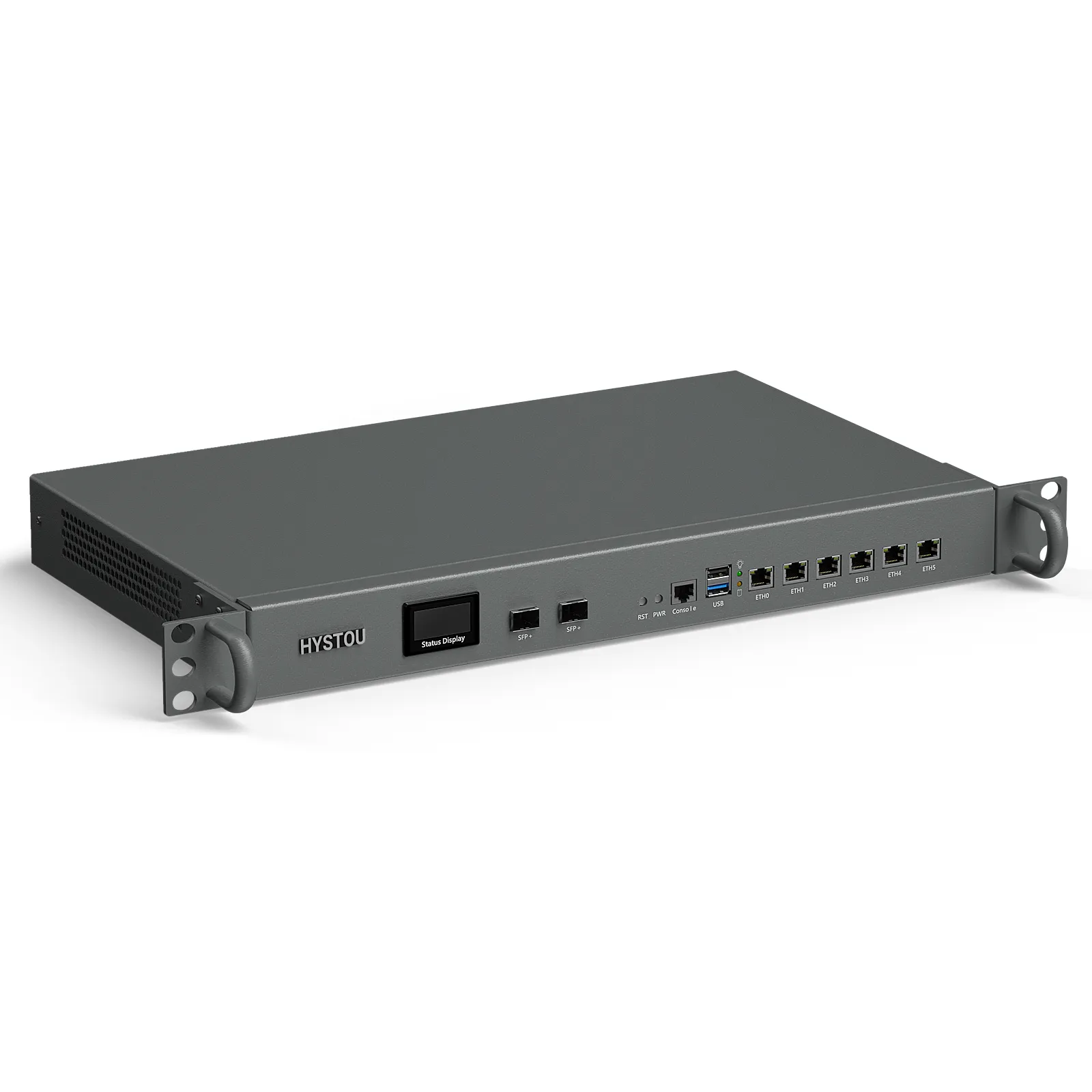
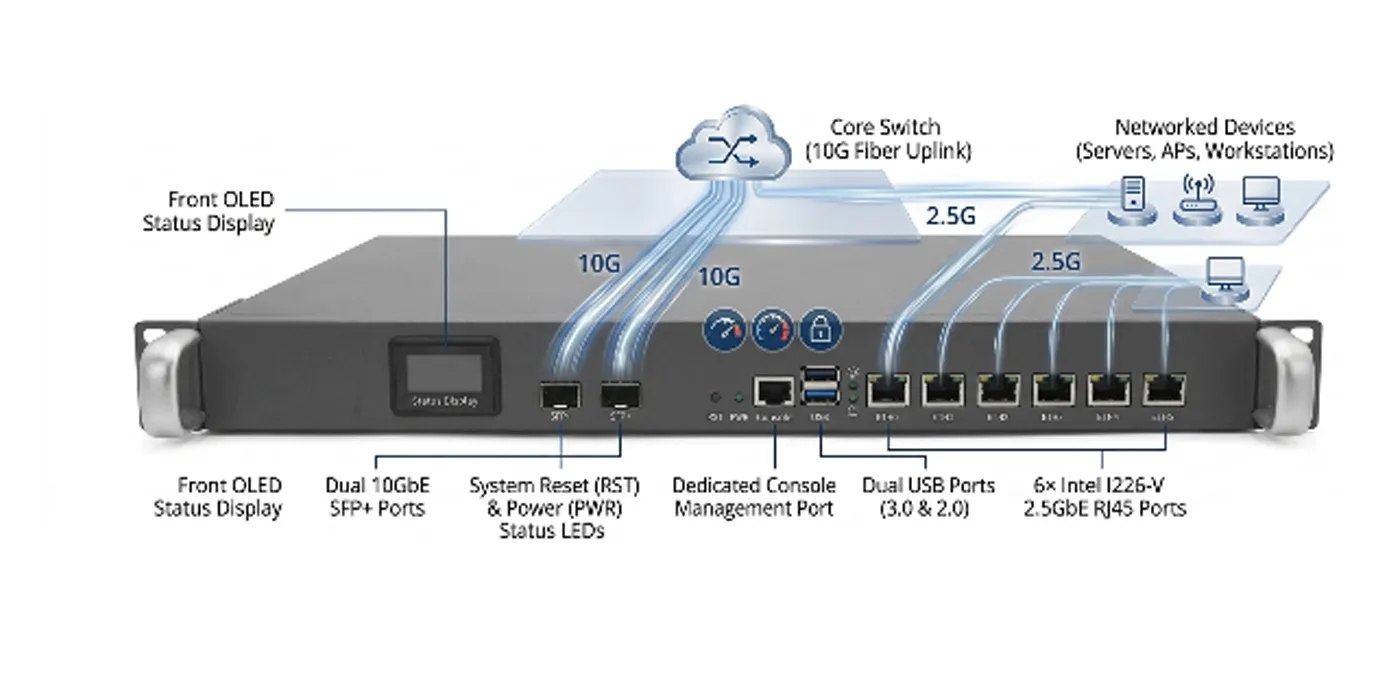
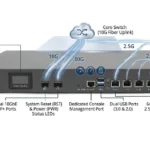
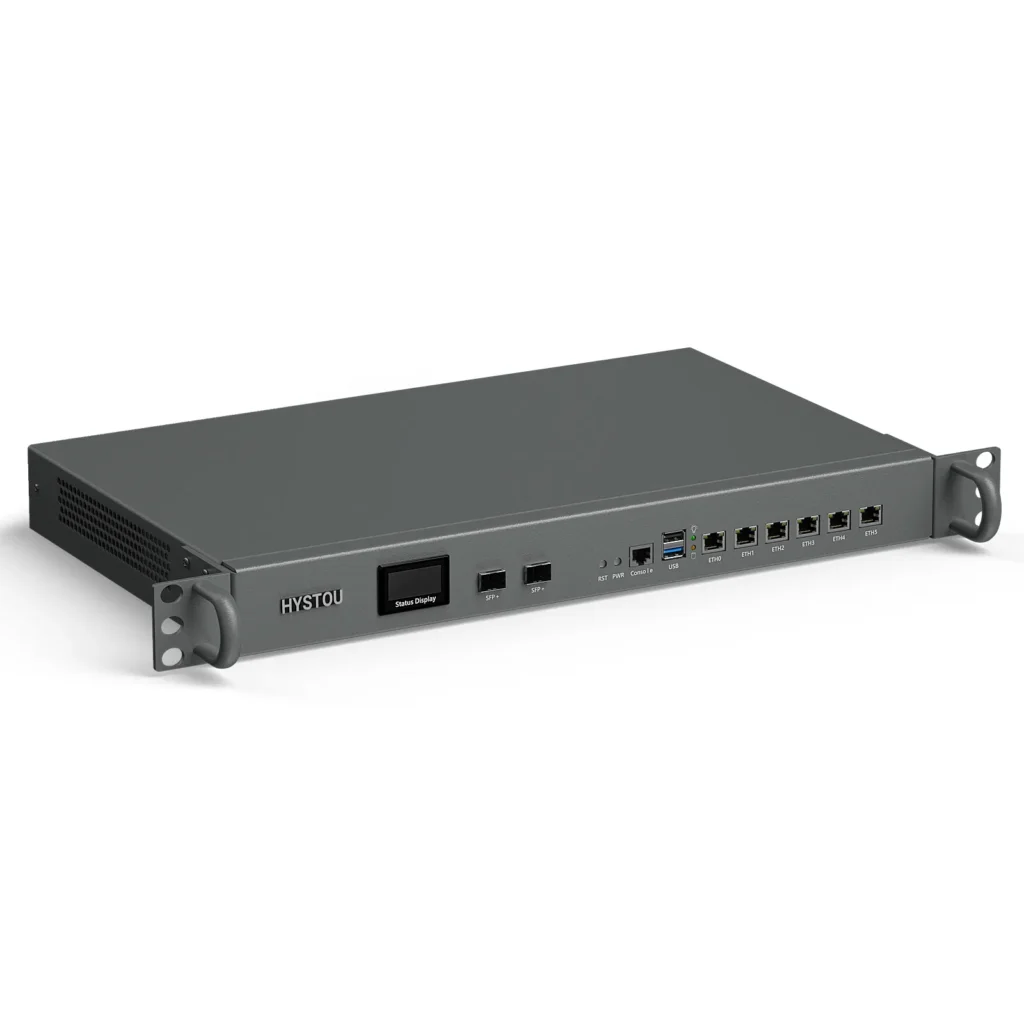
A mini PC balanced on a rack shelf can run pfSense. It will also collect dust, eat two shelves with its power brick, and leave you guessing which port is WAN at 11 p.m. The H1 moves that job into a proper 1U steel chassis: six Intel 2.5GbE ports across the front, two optional 10G SFP+ cages, a console port you can actually reach, and a status display that tells you the CPU temperature and fan speed before you even log in.
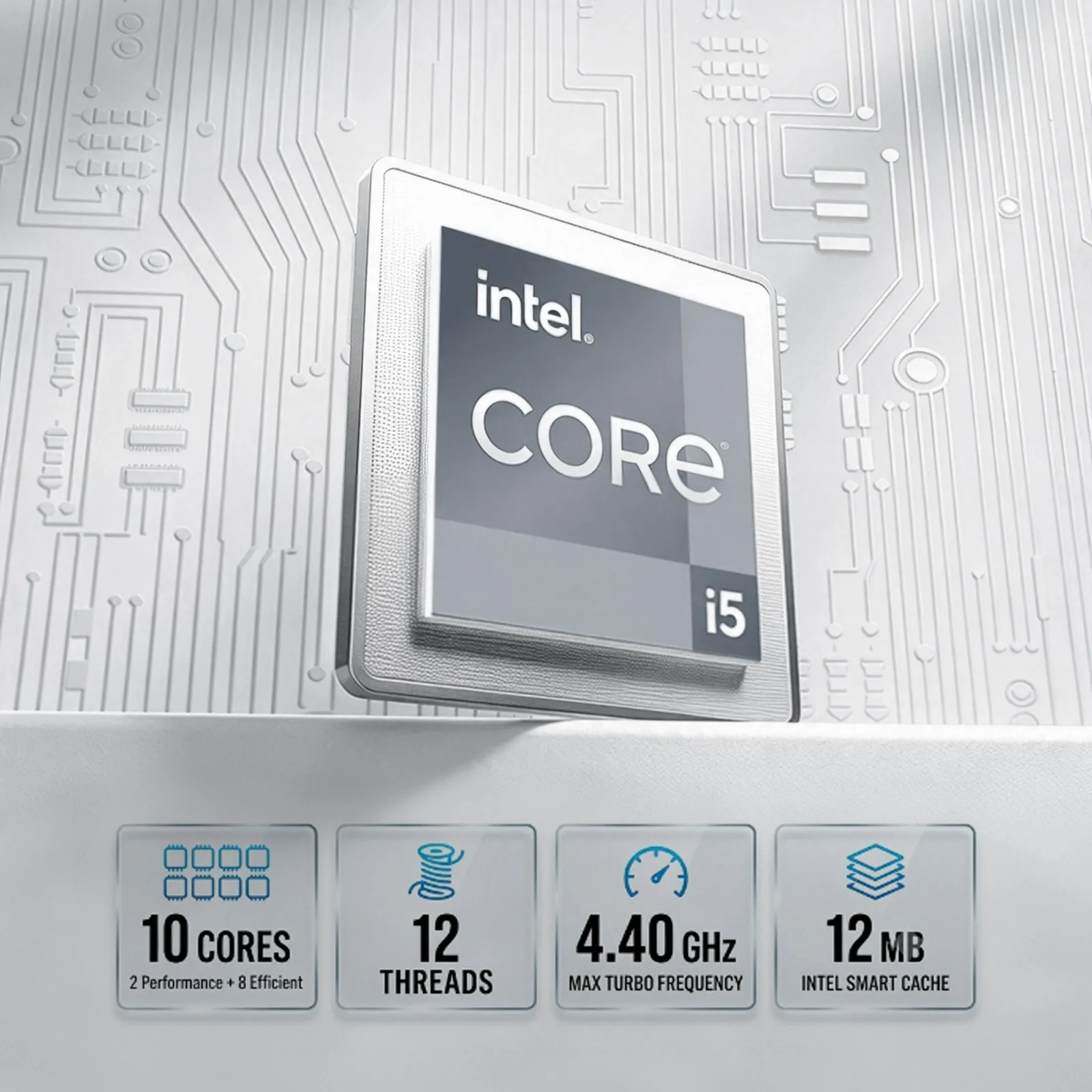
i5-1235U · 10C/12T
6× 2.5GbE · Intel I226-V
2× 10G SFP+ · optional
DDR4 · up to 32 GB
3 storage paths
TPM 2.0
0–50 °C
100–240 V AC
Why six 2.5GbE ports — and why the Intel I226-V matters
Gigabit used to be the safe default for a firewall. It isn’t anymore. Fiber plans above 1 Gbps are now common in the US and Europe, and a gigabit NIC turns that faster WAN link into a bottleneck you paid for. 2.5GbE fixes that without new cabling — it runs over the Cat5e you already have in the walls.
Six ports sounds like overkill until you lay out a real network: WAN, LAN, DMZ, a dedicated VoIP or camera segment, plus a spare for the day something new needs plugging in. Carve them up at the firewall, and you skip the managed switch you’d otherwise buy just to make up for missing interfaces. Every port auto-negotiates 2.5G / 1G / 100M, so the decade-old printer and the new fiber both connect at full speed.
And the controller? Intel I226-V, not a budget chipset. Here’s the part that trips people up: FreeBSD-based systems like pfSense and OPNsense are picky about NIC drivers. Intel is the reference platform they develop against, which is why the H1’s six ports show up as six working interfaces on first boot instead of a driver hunt.
If your internet plan is 1 Gbps or faster — or will be within the life of this box — a 6× 2.5GbE appliance removes the two most common upgrade triggers: the WAN bottleneck and the “I ran out of ports” switch purchase.
Do you actually need the two 10G SFP+ cages?
Short answer: only if something upstream of the H1 speaks 10G. The SFP+ pair is a factory-fitted option, not standard — and we’d rather tell you that now than have you pay for cages you never light up.
- Order the SFP+ option if your ISP handoff exceeds 2.5 Gbps, if the H1 will uplink to a 10G core switch, or if you’re pulling fiber between buildings or racks.
- Skip it if your WAN is 1 Gbps or less and your core switch is copper. Put that budget into 32 GB of RAM or a larger NVMe drive instead — on a firewall doing IDS/IPS or virtualization, you will feel those upgrades every day.
One practical note: because the cages are fitted during assembly, this is a decision to make at order time, not after the unit is racked.
The small front display earns its rack space
Most appliance boxes make you log in to learn anything. The H1’s front status display shows live CPU temperature and fan speed, so a quick walk-past check is a health check.
A fan that slows down, or a CPU temperature that creeps up week over week, is usually the first warning you get of dust build-up or a blocked vent — and catching it early means cleaning on your schedule, not during an outage or a 2 a.m. thermal shutdown.
Which systems does it run?
The H1 ships without an OS, so the choice stays yours:
- Firewall / UTM: pfSense, OPNsense — the pair this box is built for.
- Routing: OpenWrt, iKuai.
- Linux: Ubuntu, Debian, CentOS and friends.
- Virtualization: VMware ESXi — run the firewall as a VM next to a Pi-hole, a NVR or a small domain controller on the same 1U.
- Windows: Windows 10 / 11, with TPM 2.0 on board for Windows 11.
Day-to-day management is covered too: auto power-on after power loss (enabled by default), RTC scheduled boot, PXE network boot in UEFI mode, and Wake-on-LAN.
On Windows, WOL only works reliably if you disable **Fast Startup** first. Windows’ fast boot keeps the NIC from staying armed for the magic packet — turn it off in power settings and WoL works as expected. This catches out a lot of first-time setups.
Three storage paths, and a 4G/5G decision to make early
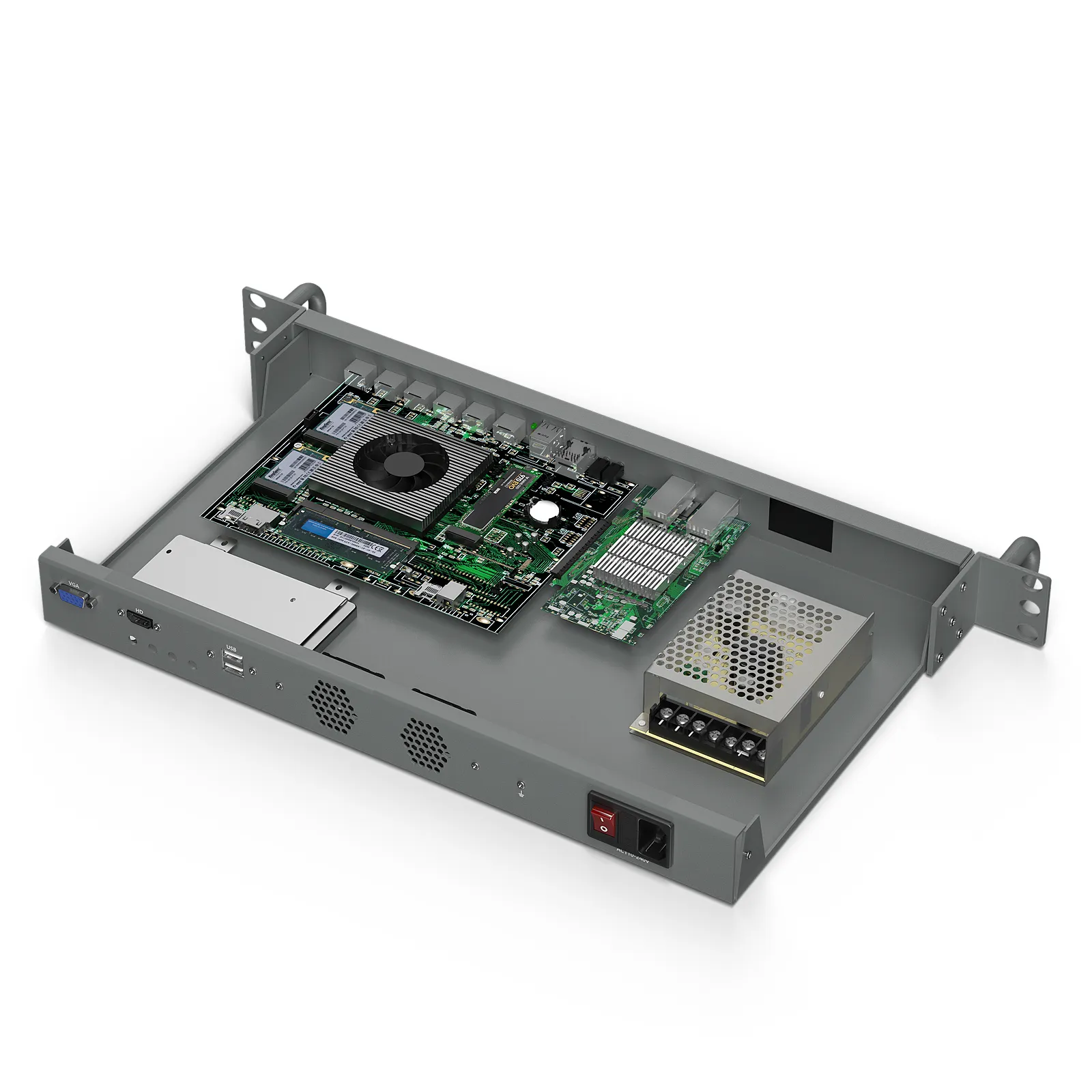
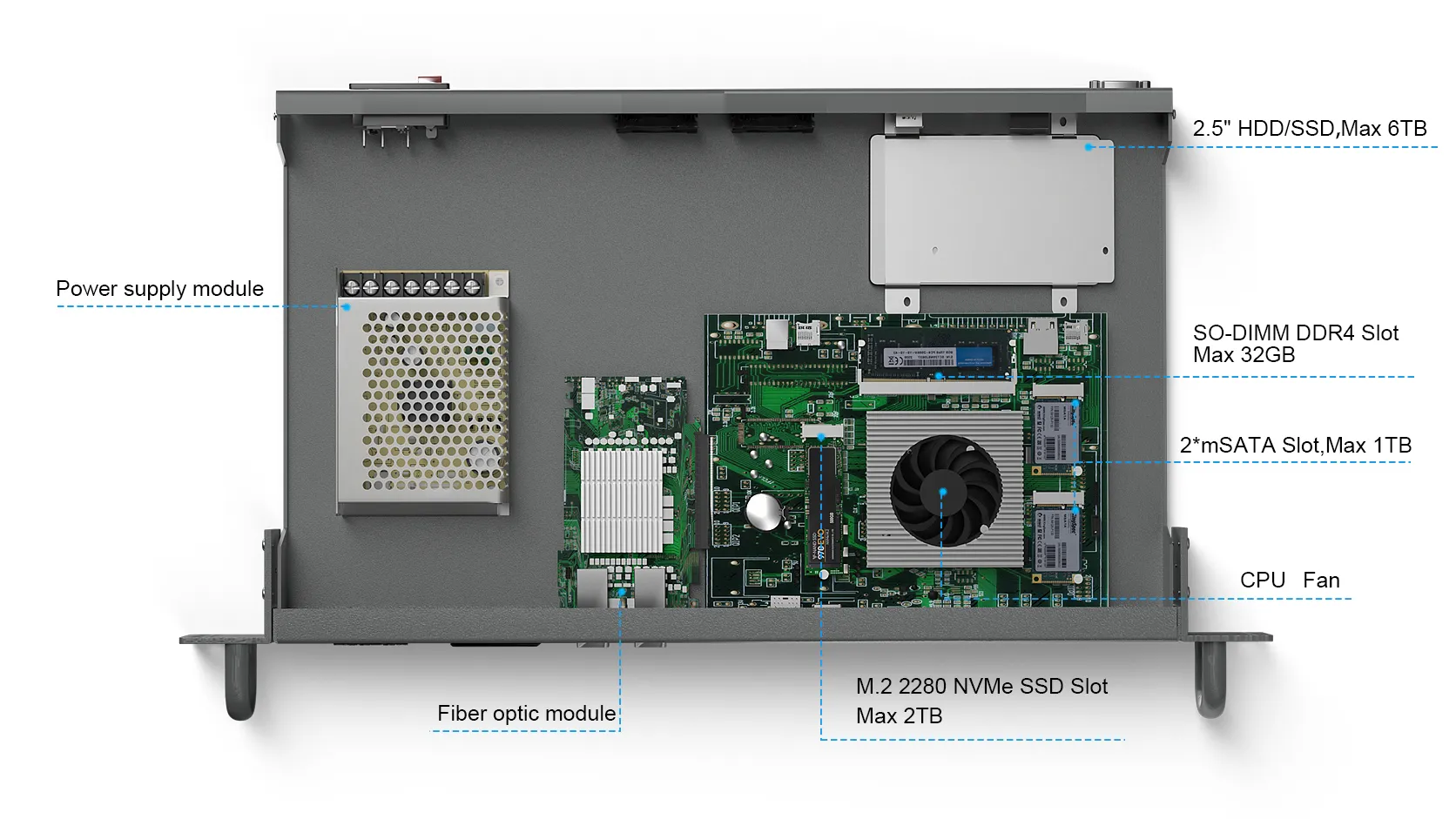
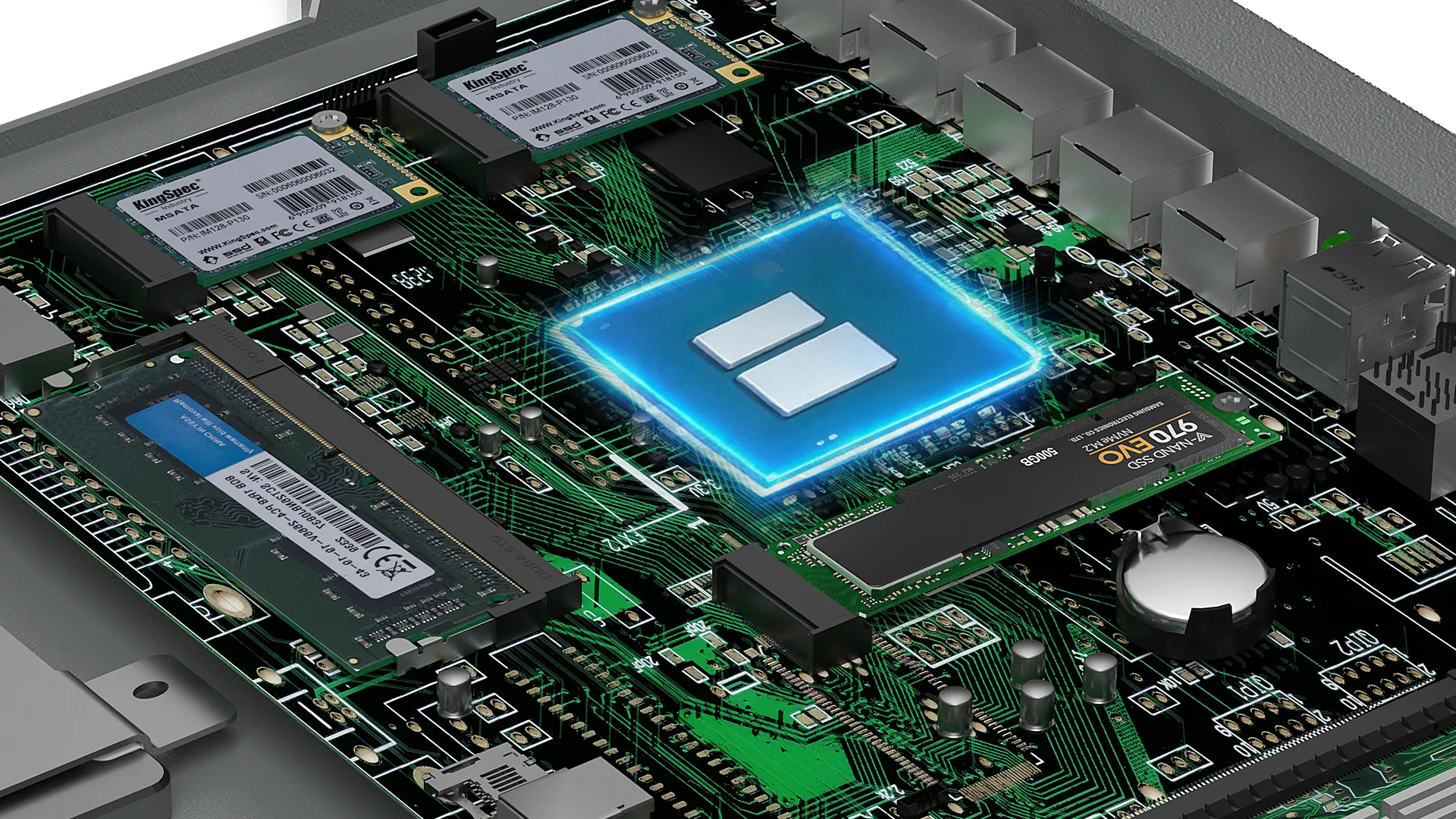
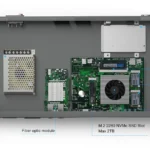
You get three independent storage interfaces, and they’re not interchangeable — match them to the job:
Put the OS and packages here — the box boots faster, and rule reloads and logging stay quick under load.
The bulk tier — logs, recordings, or VM data on a cheap 2.5-inch HDD/SSD.
A handy second OS drive or a cache volume without touching the NVMe slot.
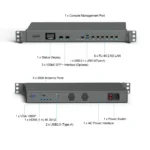
On the wireless side, be honest with yourself about which path you need, because they’re different slots: the full-height mPCIe takes a 3G/4G modem, while the M.2 Key-B slot takes a 5G module — pick one. Two SIM slots sit on the board for carrier failover, and four SMA holes on the rear panel take the antennas. A separate M.2 Key-E slot handles Wi-Fi 5 / Wi-Fi 6 plus Bluetooth, if the H1 doubles as a wireless gateway.
What the H1 is not
It isn’t fanless. Two vortex fans keep the i5-1235U in its comfort zone, and “quiet” is not “silent.” If this box is headed for a dusty factory floor or an office where fan noise is a problem, a fanless industrial PC is the better tool — that’s a different HYSTOU line; ask us and we’ll point you at the right model.
It isn’t a sealed industrial box either. Operating range is 0–50 °C in a steel 1U chassis. Server rooms, wiring closets, retail back offices, studio racks — that’s home turf. For 60 °C cabinets or washdown environments, talk to us before ordering.
Full specifications
HYSTOU H1 (1U-6L+2SFP) — complete technical specifications
| Item | Specification |
|---|---|
| Compute | |
| CPU | Intel Core i5-1235U · 10 cores (2 Performance + 8 Efficient) · 12 threads · up to 4.4 GHz · 15 W base power · 10 nm |
| Graphics | Intel UHD Graphics |
| Memory | 1× DDR4 SO-DIMM slot · up to 32 GB · up to 3200 MHz |
| Networking | |
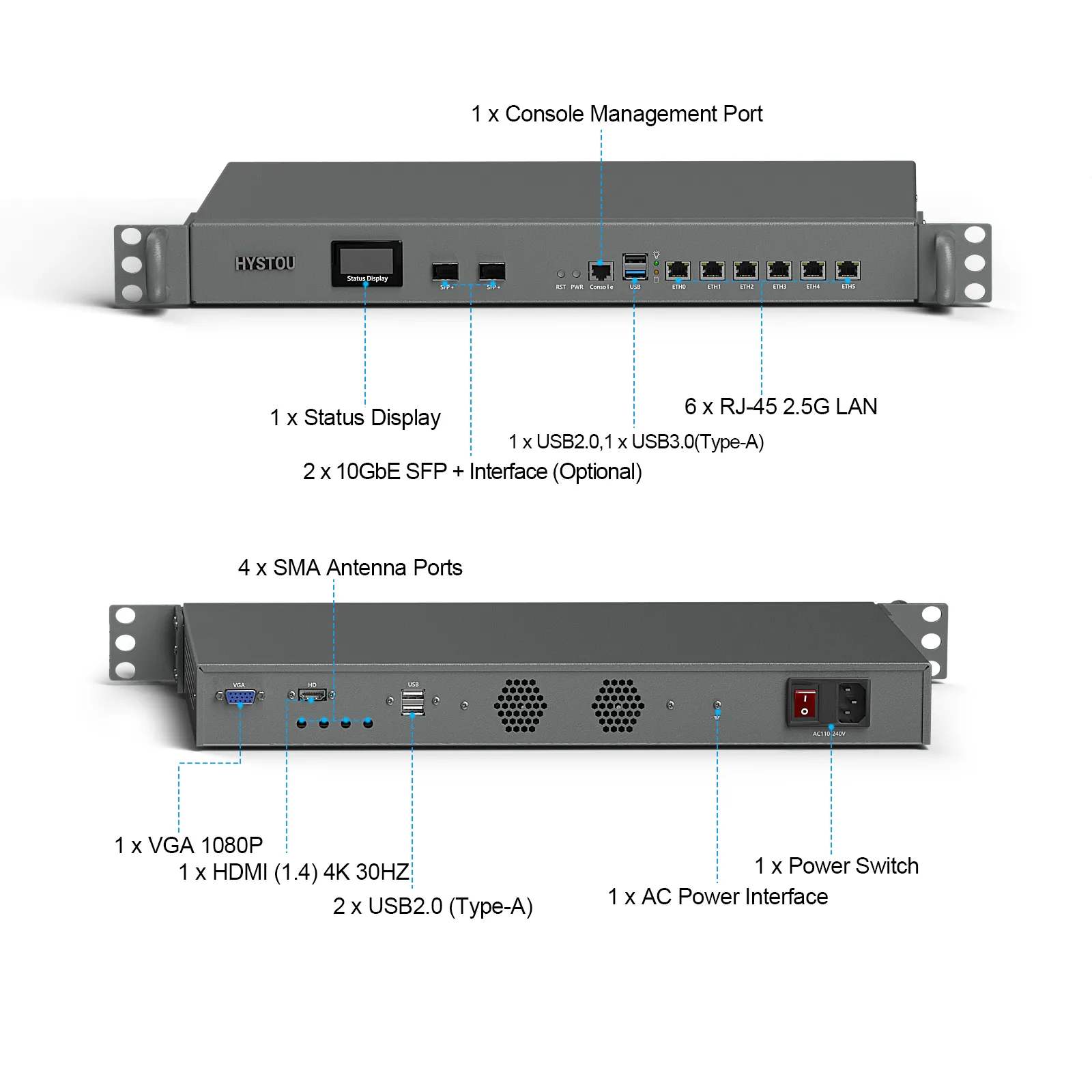
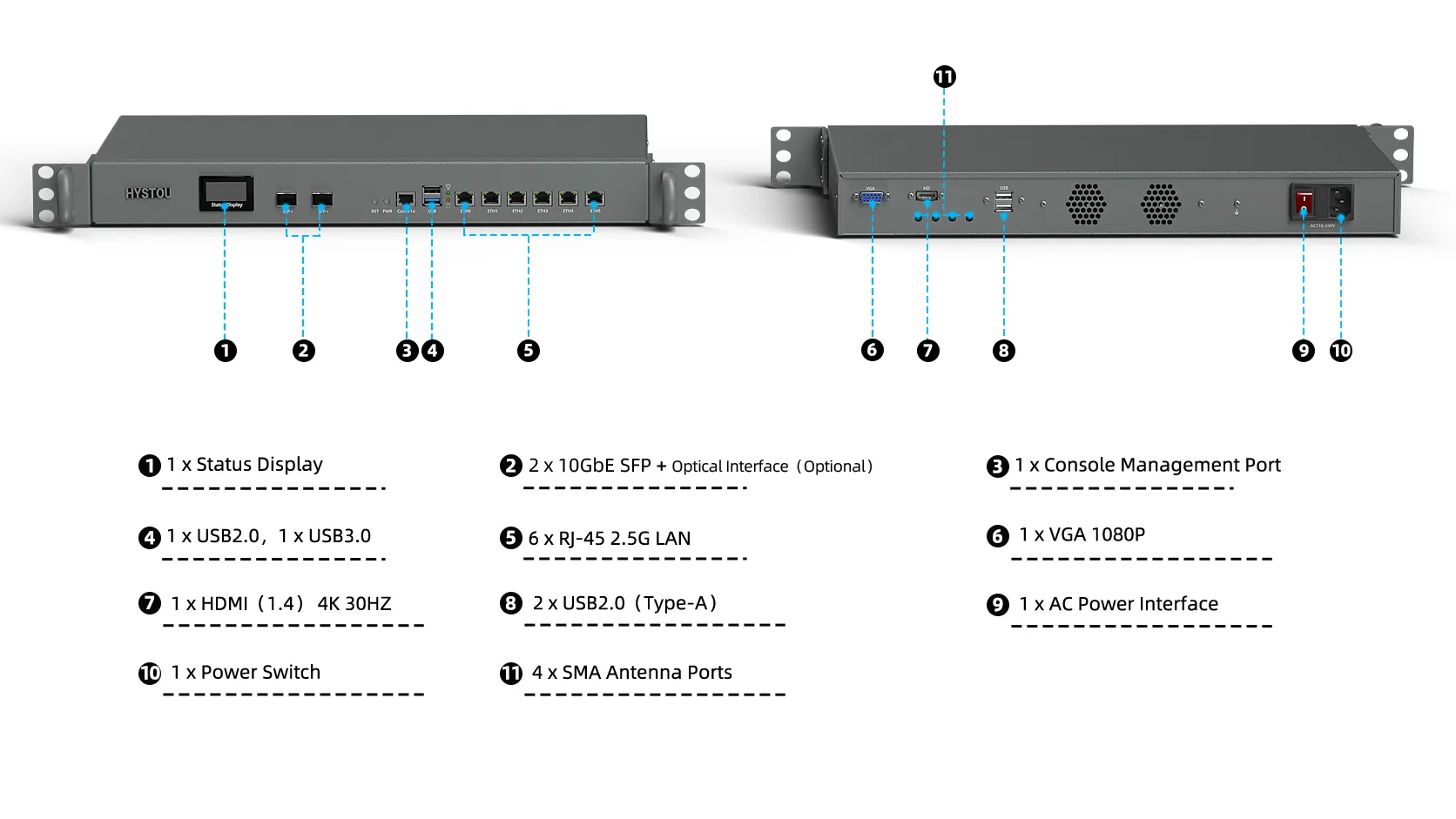
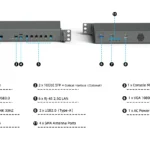
| Ethernet | 6× RJ45 2.5GbE · Intel I226-V · 2.5G / 1G / 100M auto-negotiation |
| Fiber uplink | 2× 10GbE SFP+ cages — factory-fitted option |
| Console | 1× RJ45 console management port |
| Front panel | |
| Display | Status display — live CPU temperature and CPU fan speed |
| Controls | 1× reset button · 1× power button · power & HDD LED indicators |
| USB | 1× USB 2.0 Type-A · 1× USB 3.0 Type-A |
| Rear panel | |
| Power inlet | AC input with power switch · 100–240 V AC wide-voltage |
| Cooling | 2× quiet vortex fans |
| USB | 2× USB 2.0 Type-A |
| Antenna | 4× SMA antenna holes for Wi-Fi / 4G / 5G modules · 1× grounding point |
| Video | |
| Outputs | 1× HDMI 1.4 (4K @ 30 Hz) · 1× VGA (1080p) |
| Storage | |
| NVMe | 1× M.2 2280 NVMe SSD slot · up to 2 TB |
| SATA | 1× SATA 3.0 for 2.5-inch HDD/SSD · up to 6 TB |
| mSATA | 1× mSATA · up to 1 TB |
| Expansion | |
| Cellular | 1× full-height mPCIe (3G/4G module) · 1× M.2 Key-B (5G module) · 2× SIM card slots |
| Wi-Fi / BT | 1× M.2 Key-E slot · optional Wi-Fi 5 / Wi-Fi 6 + Bluetooth module |
| Headers | 1× FP1 header (power switch, reset, power LED, HDD LED) |
| Power & features | |
| PSU | Internal power supply · 100 W standard (12 V / 8.5 A) |
| Functions | Auto power-on (default on) · RTC scheduled boot · PXE (UEFI only) · Wake-on-LAN · TPM 2.0 |
| Physical & environment | |
| Chassis | Steel · 1U |
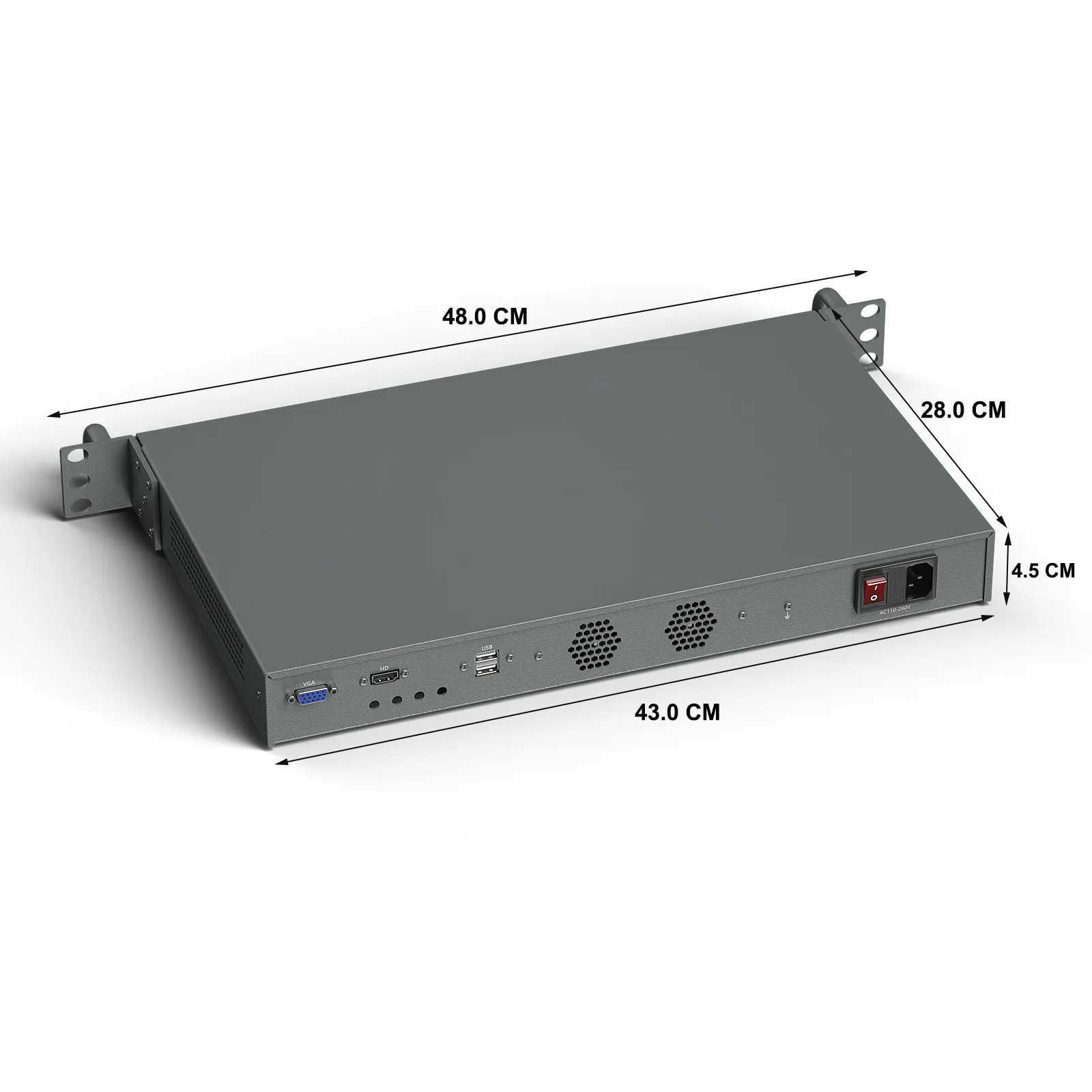
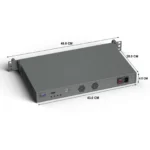
| Dimensions | 430 × 280 × 44 mm (width excludes rack ears, height excludes feet) |
| Net weight | 3.6 kg |
| Mounting | 1U rack / embedded mechanical mounting · desktop placement |
| Operating temp. | 0 – 50 °C |
| Operating systems | |
| Supported | Windows 10 / 11 · Ubuntu / Debian / CentOS · pfSense / OPNsense · VMware ESXi · OpenWrt / iKuai |
| BIOS access | Del — BIOS setup · F11 — quick boot menu |
Questions buyers ask before racking the H1
Which firewall and router systems can I install on the H1?
pfSense, OPNsense, OpenWrt and iKuai are all supported, along with Ubuntu, Debian, CentOS, Windows 10/11 and VMware ESXi. For the Intel I226-V network controllers, run a current release of your chosen system so the drivers are included out of the box.
Are the two 10G SFP+ ports included as standard?
No. The two 10GbE SFP+ cages are a factory-fitted option. If you need them, specify the SFP+ option when ordering, because they are fitted during assembly and are not a field upgrade.
What is the maximum memory and storage configuration?
One DDR4 SO-DIMM slot, up to 32 GB at 3200 MHz. For storage you get three independent paths: one mSATA (up to 1 TB), one M.2 2280 NVMe (up to 2 TB) and one SATA 3.0 bay for a 2.5-inch HDD or SSD (up to 6 TB).
Does the H1 support Wake-on-LAN and automatic power-on?
Yes. Auto power-on after power loss is enabled by default, RTC-scheduled boot is available, and Wake-on-LAN is supported. On Windows, disable Fast Startup first; otherwise, the system cannot be woken reliably. PXE network boot is supported in UEFI mode.
What power input does the H1 use?
An internal 100 W power supply (12 V, 8.5 A) with a rear AC inlet and power switch, accepting 100–240 V AC wide-voltage input, so the same unit works in US and EU mains without an external adapter.
Can the H1 sit on a desk, or does it need a rack?
Both. The steel chassis is 430 × 280 × 44 mm (1U height; width excludes rack ears) and weighs 3.6 kg. It is built for 1U rack or embedded mechanical mounting, but it can also run as a desktop unit. Operating temperature is 0–50 °C.
Tell us three things, we’ll spec the right H1
No 20-field form. Send over:
- Your WAN speed — and whether anything upstream speaks 10G (decides the SFP+ option).
- How many segments you’re carving up — WAN, LAN, DMZ, cameras, VoIP…
- What it runs — pfSense, OPNsense, ESXi or something else, plus any 4G/5G or Wi-Fi plan.