
Mini PC Video Ports Explained: How to Choose the Right Setup for Your Needs

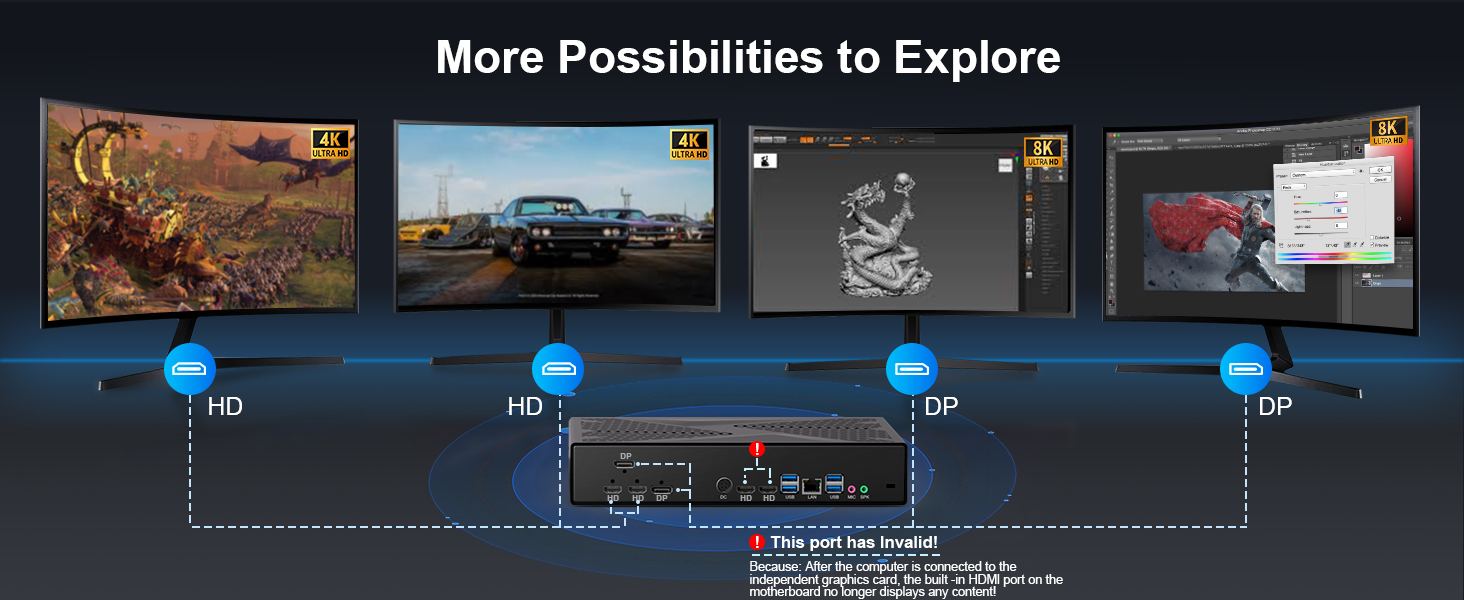
Dreaming of a sleek, minimalist workstation or a powerful home theater driven by a tiny Mini PC? It’s a great goal. But then you look at the back of the device, and you are met with a confusing array of slots and sockets. Which one connects to your 4K TV? Which one handles your high-refresh-rate gaming monitor?
Choosing the wrong video ports can limit your potential. It’s the difference between a crisp, smooth display and a blurry screen, or the frustration of wanting three monitors but only being able to plug in one.
Don’t worry—we’re here to translate the “tech speak.” This guide will break down the mainstream video ports (HDMI, DisplayPort, USB-C/Thunderbolt™) into simple terms. We will help you match the right Mini PC connectivity to your specific lifestyle, whether you are a coder, a gamer, or a movie buff.
Why Are Video Ports So Critical for Mini PCs?
One of the biggest advantages of a Mini PC is its ability to save desk space without sacrificing productivity. The secret to unlocking this power lies in multi-monitor support.
Programmers: Need vertical screens for coding and horizontal screens for debugging.
Day Traders: Require 3-4 screens to track market movements simultaneously.
Creatives: Need one color-accurate display for design and another for tools.
Gamers: Crave high refresh rates (Hz) for smooth motion.
Home Users: Want a simple plug-and-play connection to a large 4K TV.
Your experience depends entirely on the ports your Mini PC offers.
The Port "Cheat Sheet" (The Details)
Here is everything you need to know about the ports you will find on our Mini PCs, simplified.
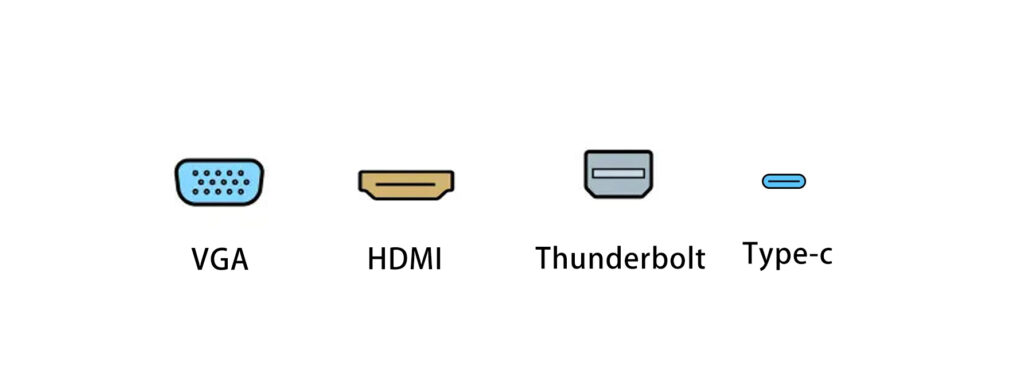
1. HDMI (High-Definition Multimedia Interface)
The Universal Standard
What it looks like: A trapezoid shape. Found on almost every TV, projector, and standard monitor.
Best For: Home entertainment, connecting to TVs, and general office work.
Key Capabilities:
Resolution: HDMI 2.0 supports 4K at 60Hz. The newer HDMI 2.1 supports up to 4K at 120Hz or even 8K.
Audio: Supports ARC/eARC (simplifies connecting soundbars).
The Verdict: If you are connecting to a TV or a standard 1080p/4K monitor, this is your go-to plug.
2. DisplayPort (DP)
The Performer’s Choice
What it looks like: Rectangular with one corner cut off. Commonly found on PC monitors and enterprise equipment.
Best For: Gaming, graphic design, and multi-monitor chains.
Key Capabilities:
Performance: Often supports higher refresh rates (144Hz+) more easily than older HDMI versions.
Daisy Chaining: Some versions (DP 1.2 MST) allow you to connect one monitor to the PC, and a second monitor to the first monitor (reducing cable clutter).
G-Sync/FreeSync: Essential for tear-free gaming.
The Verdict: The professional standard for PC gaming and heavy multitasking.
3. USB-C (with DisplayPort Alt Mode)
The Modern Marvel
What it looks like: Small, oval, reversible connector.
Best For: Clean desk setups, modern portable monitors, and versatility.
Key Capabilities:
3-in-1: Can transmit Video (DP Alt Mode), Data, and sometimes Power (PD) all through a single cable.
The Verdict: Perfect if you want a minimalist desk. Connect a USB-C hub to expand screens easily.
4. Thunderbolt™ 3 / 4
The Power User’s Dream
What it looks like: Identical to USB-C, but usually marked with a lightning bolt icon.
Best For: Extreme performance, external graphics cards (eGPU), and docking stations.
Key Capabilities:
Bandwidth: Massive 40Gbps speed allows for dual 4K monitors at 60Hz or even one 8K monitor from a single port.
The Verdict: If you are a video editor or want to turn your Mini PC into a gaming beast with an external GPU, you need this.
5.VGA(Video Graphics Array)
More choices
- What it looks like: It is usually a blue D-type connector with three rows of 15 pins.
- Best For:Connecting to an older monitor/projector, Industrial and server maintenance, System debugging, Hybrid environment bridging
- Key Capabilities: Analog signal transmission
- The Verdict: Although it will be gradually replaced by digital interfaces such as HDMI and DisplayPort by 2025, it will still be widely used in older hardware, industrial equipmen,t and education.
Buying Guide: Which Setup Matches Your Needs?
Don’t buy based on specs; buy based on what you do.
Scenario A: The Home Media Center
Your Goal: Watching Netflix in 4K, streaming movies, light web browsing on the living room TV.
What You Need: Simplicity. A standard HDMI 1.4 port is essential here, as it carries both video and audio to your TV seamlessly.
Our Recommendation: [HYSTOU M2] – Reliable 4K HDMI output perfect for movie nights.
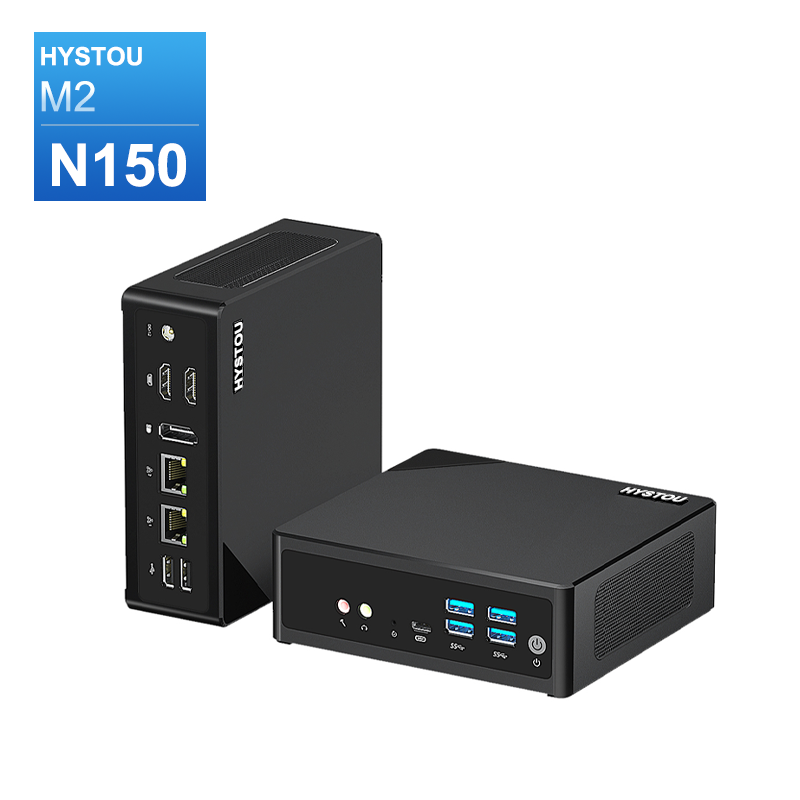
- 2×HDMI(1.4) 4K 30Hz
- 1×DP(1.2) 4K60Hz
Scenario B: The Productivity Master
Your Goal: You have endless spreadsheets, Zoom calls, and browser tabs. You need a dual-monitor setup (1080p or 2K).
What You Need: Flexibility. Look for a Mini PC with 2x HDMI ports OR a mix of HDMI + DisplayPort. This allows you to plug in two screens without buying expensive adapters.
Our Recommendation: [HYSTOU M9] – Triple-screen ready right out of the box.
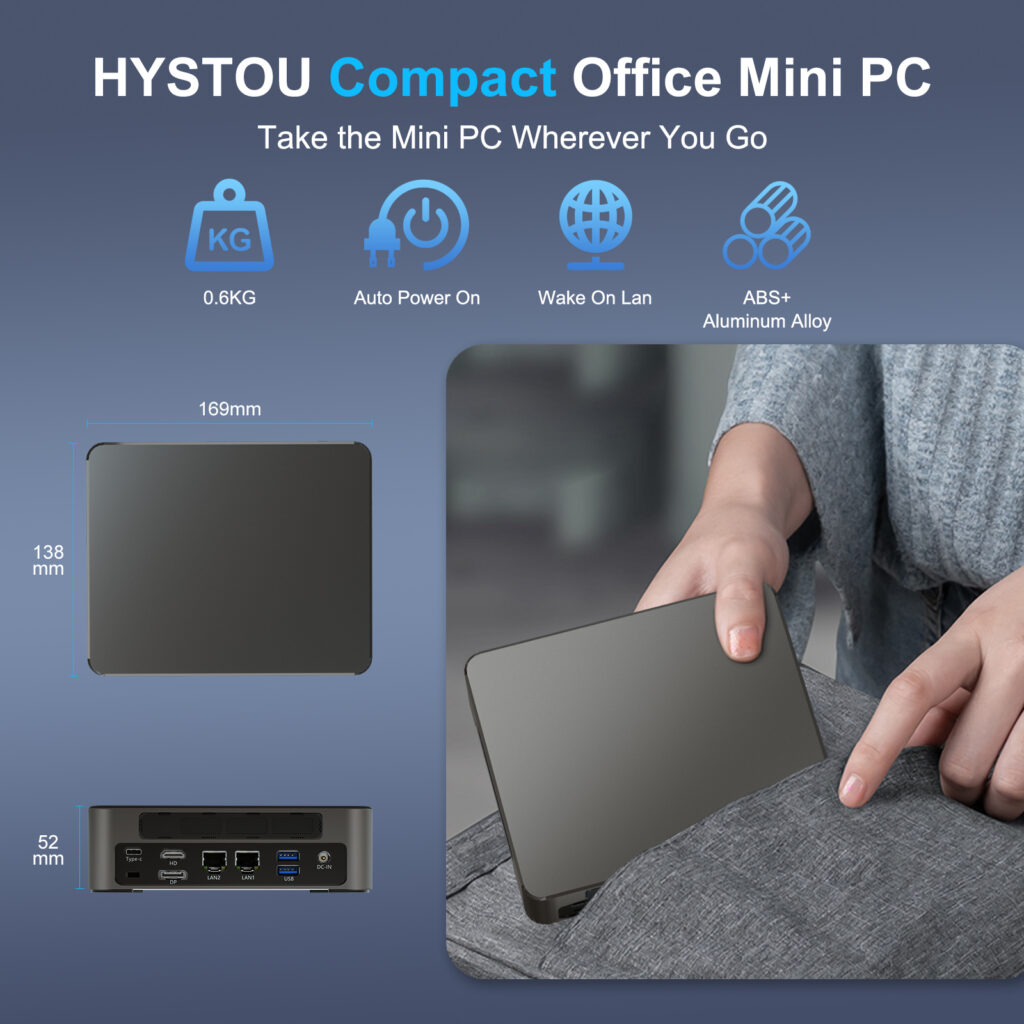
- 1×HDMI(2.0) 4K 60Hz
- 1×DP(1.2) 8K 30Hz/4K 60Hz
- Type-c 4K 60Hz(Thunderbolt 4 supported)
Scenario C: The Gamer & Creator
Your Goal: You are editing video, rendering 3D models, or playing competitive games where high refresh rates (144Hz+) matter.
What You Need: Bandwidth. DisplayPort is preferred for high-refresh monitors.
Our Recommendation: [HYSTOU RTX 3050] – Equipped with DisplayPort/HDMI for maximum performance.
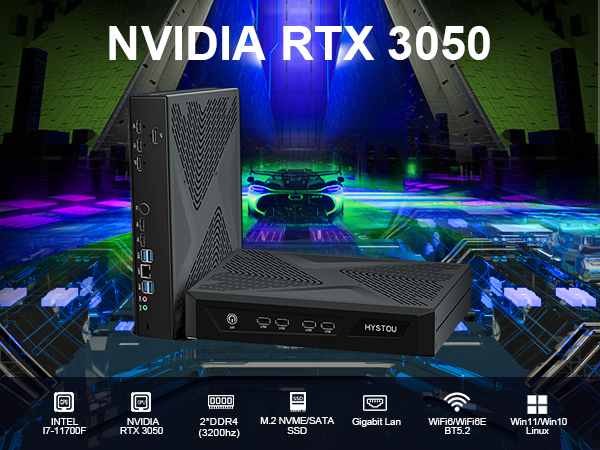
- 2×HDMI(2.1) 4K 120Hz
- 2×DP(1.4) 8K 60Hz
Explore Our Mini PC Collection
Choosing the right video port is the first step to building a workspace that works for you.
HDMI = TV & General Use.
DisplayPort = High Refresh Rate & Multi-Monitor.
USB-C/Thunderbolt = Modern connectivity & Ultimate Expansion.
How is your current desk set up? Are you trying to connect 2, 3, or even 4 monitors? Let us chat with our support team for a personalized recommendation!
We believe compact design shouldn’t mean compromised connectivity. Whether you need the legacy support of HDMI or the cutting-edge speed of Thunderbolt, we have a model for you.

HYSTOU
HYSTOU has established its R&D headquarters in Shenzhen, drawing on over a decade of experience. Our core team members, who previously served at renowned companies such as Inventec and Quanta Computer, form the backbone of our technical expertise. With robust R&D and innovation capabilities, we remain steadfast in our commitment to pursuing excellence in the field of technology products.



