

2026 Smart Home Hub Build Guide: Create Your Home Smart Brain From 0 to 1
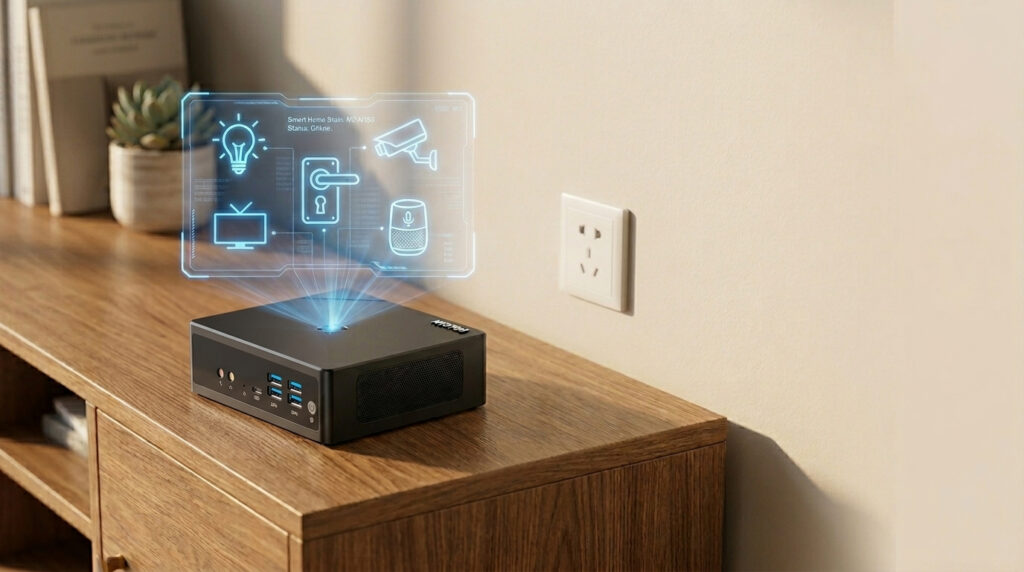
2026 Smart Home Hub Build Guide: Create Your Home Smart Brain From 0 to 1 Announcements Buyer Guide Comprehensive Tips Occasion Product Review Q&A Tutorials Have you ever faced these problems?Your Samsung lights can’t be controlled with Apple HomeKit.Cloud-based smart scenes often lag and stop working entirely when the internet goes out.Devices from different brands work in silos, with no way to create whole-home automation.The core solution to all these problems is building a standalone smart home hub.We’ll start with basic principles, and walk you through the full process — from hardware selection, system installation, to scene setup.We also include tested hardware recommendations and a pitfall checklist that 90% of beginners fall into, to help you get it right the first time. First Things First: What Is a Smart Home Hub? A smart home hub is the “brain” of all your connected home devices.It receives and processes signals from all your smart devices, runs the automation rules you set, and enables cross-brand device interoperability. Key Differences: Local Control vs Cloud Control Most off-the-shelf smart devices rely on brand cloud servers for control.This method has 3 critical flaws:- They stop working when your internet cuts out- Commands are routed through the cloud, causing frequent delays- Your home device data is stored on third-party servers, with privacy leak risksA local smart home hub runs all commands locally.It works reliably even without internet access, delivers millisecond-level response times, and protects your home’s privacy at the source. 3 Core Benefits of a Smart Home Hub – Break Brand Barriers: Unify control and automation for devices from Samsung, Apple, Google Nest, and more- Ultimate Stability & Reliability: Runs 24/7 locally, no internet downtime, zero command lag- Protect Home Privacy: All device data stays on-premises, no need to upload to third-party clouds Pre-Build Basics: Core Components & Protocols Explained Building a smart home hub doesn’t require complex technical knowledge.You only need to understand 3 core parts: hardware host, communication protocols, and hub software. How to Choose Hub Hardware? 3 Main Options Compared The first question most beginners ask: What device should I use as a hub?We’ve compared the pros and cons of 3 mainstream options to help you choose quickly: Hardware Host Core Advantages Core Disadvantages Best For Mini PC Low power consumption, high stability, full ports, strong expandability Slightly higher upfront cost than development boards All beginners, especially families seeking long-term reliability Raspberry Pi & Other SBCs Small form factor, low cost Weak performance, SD card corruption risk, prone to crashing during long-term operation Tinkerers, test scenarios with minimal devices NAS Network Storage Can double as file storage Limited performance allocation, risks of storage stability, and higher power consumption. Existing NAS owners who only want to test a smart hub lightly The conclusion is clear: A Mini PC is the best choice for beginners building a smart home hub. Mainstream Communication Protocols Explained Smart devices communicate with the hub via protocols. Beginners don’t need to memorize complex parameters, just the core differences:- WiFi: Highest penetration, no extra gateway needed, but can lag with many devices — ideal for large home appliances (e.g., Samsung smart refrigerators, LG smart washing machines)- Zigbee: Low power, low latency, strong anti-interference, the top choice for smart switches and sensors — requires a matching gateway (e.g., Amazon Echo Plus, Google Nest Hub)- Thread/Matter: New generation universal protocol, best cross-brand compatibility, the mainstream trend of the future, supported by Apple, Google, and Amazon- Bluetooth/BLE: Ideal for short-range devices like Schlage smart door locks and Ecobee temperature sensors, with limited coverage range Top Hub Software Recommendation for Beginners The most popular, beginner-friendly system in the world right now is Home Assistant.It’s 100% free and open source, supports over 10,000 smart devices and brands, has a visual interface, and is easy to use with no coding required.Most importantly, it natively supports local operation, perfectly matching the core needs of building a smart home hub. Golden Rules for Smart Home Hub Hardware Selection Choosing the right hardware makes 80% of your smart home hub build successful.For beginners, we’ve summarized 3 non-negotiable golden rules to help you avoid 90% of hardware pitfalls. Low Power Consumption Is Always the Top Priority A smart home hub needs to run 24/7, 365 days a year.Power consumption directly determines your long-term running cost.For example:- A 6W device costs ~$3.6 per year in electricity- A 15W device costs ~$9 per year in electricity- A device over 30W will cost over $18 per year in electricityOur recommendation: Prioritize devices with a TDP ≤10W, with the best value at around 6W. Stability Is a Non-Negotiable Bottom Line If your hub crashes, your entire smart home system goes down.That’s why stability is more important than raw performance.Prioritize these two types of devices:1. Fanless passive cooling design: No mechanical wear, zero noise, no risk of crashing from fan dust buildup2. Industrial-grade cooling design: Wide temperature operation, dust and interference resistance, ideal for long-term placement in enclosures or cornersIn addition, always choose devices that support auto power-on after an outage and a watchdog function. They will restart automatically after power is restored; no manual intervention is needed. You Must Reserve Room for Ports & Expandability The most common mistake beginners make: Only looking at performance, ignoring ports.As you add more smart devices to your home, you’ll need enough ports to expand functionality.Must-have port checklist:- At least 1 Gigabit Ethernet port (dual ports preferred, for network isolation and improved security)- At least 2 USB 3.0 ports (for connecting Zigbee/Bluetooth gateways, backup storage)- Wireless module supporting WiFi 6/Bluetooth 5.2 or higher (for new device compatibility and better coverage)- Upgradable RAM and storage slots (no need to replace the whole device when you add more devices later) Step-by-Step: Software Installation & Initial Setup Once you’ve chosen your hardware, we can start installing the hub system.We’ll use the most beginner-friendly Home Assistant OS as an example, no coding required, completed in 5 steps. 1. Prepare Installation Media Get a blank 8GB+ USB drive, download the official Rufus flashing tool,
2026 Smart Home Hub Build Guide: Create Your Home Smart Brain From 0 to 1 Read More »