

MiniPC Motherboard Components: A Comprehensive Guide for Enhanced Understanding and Configuration

2023 marked a transformative year for PC enthusiasts and casual users alike. The subsidence of the cryptocurrency mining frenzy brought a much-needed respite, with graphics card prices reverting to pre-boom levels. This price correction wasn’t limited to GPUs; essential components such as memory modules, solid-state drives (SSDs), and motherboards also saw significant price drops. As a result, the cost of building a PC plummeted, making high-performance computing more accessible than ever.
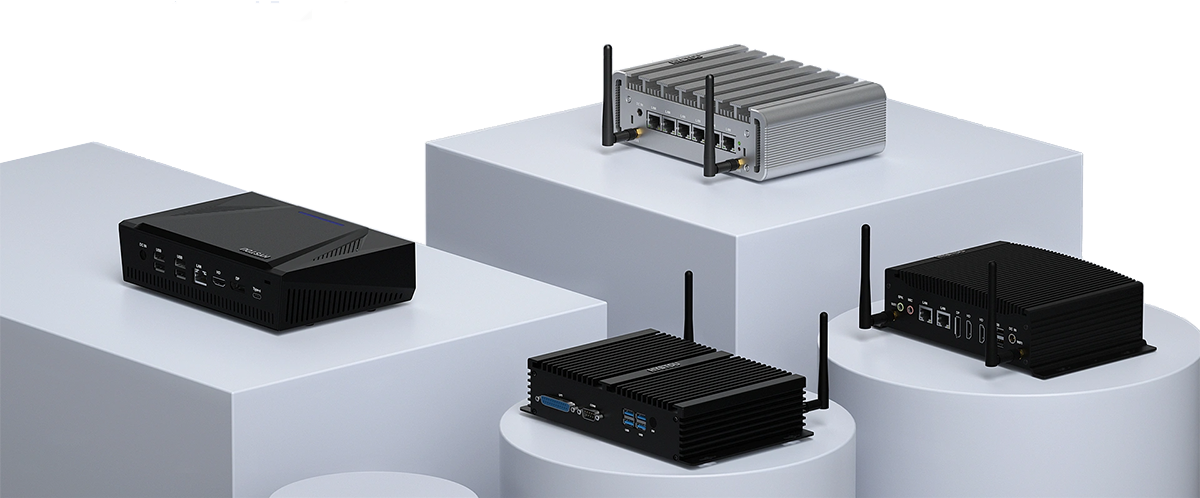
In this favorable market environment, numerous tech brands seized the opportunity to launch affordable mini PCs. These devices, which blend impressive performance, a compact form factor, and budget-friendly pricing, quickly captured the attention of a wide range of consumers. While mini PCs are not an innovation, their unique combination of portability and functionality has made them increasingly popular in recent years.
When compared to traditional desktops and gaming laptops, mini PCs offer a distinct advantage in terms of weight and size. Even when pitted against ultrabooks, which are known for their slim designs, mini PCs often come out on top. Weighing in at around 400 grams, these devices are incredibly lightweight, making them the ideal companion for business trips, vacations, or any situation where portability is a priority. This exceptional portability is one of the key factors driving the growing interest in mini PCs among consumers.
⭐We understand the importance of providing high-quality, reliable mini PCs that meet the diverse needs of our customers. Our mini PCs are designed with a focus on performance, durability, and user – user-friendliness, and a crucial part of this design process revolves around the motherboard. The motherboard is the heart of any mini PC, and understanding its components is essential for making informed decisions about your device.
The Advantages of Mini PC Motherboards
One of the standout features of mini PC motherboards is their high level of component integration. This integration not only contributes to the compact size of mini PCs but also offers several practical benefits. For instance, the high integration of components typically results in lower failure rates compared to traditional desktop motherboards. This means that mini PCs are often more reliable and require less maintenance, saving users time and money in the long run.
📞 If an internal issue does arise, having access to reliable after-sales service is crucial. At Hystou, we take pride in our independent factory after-sales service. This dedicated service ensures that our customers receive prompt and efficient support whenever they need it. Additionally, the compact size of mini PCs makes shipping for repairs a hassle-free process. Unlike large desktop towers, which can be cumbersome and expensive to ship, mini PCs are easy to package and transport, further reducing the cost and inconvenience associated with repairs.
A Detailed Look at Mini PC Motherboard Components
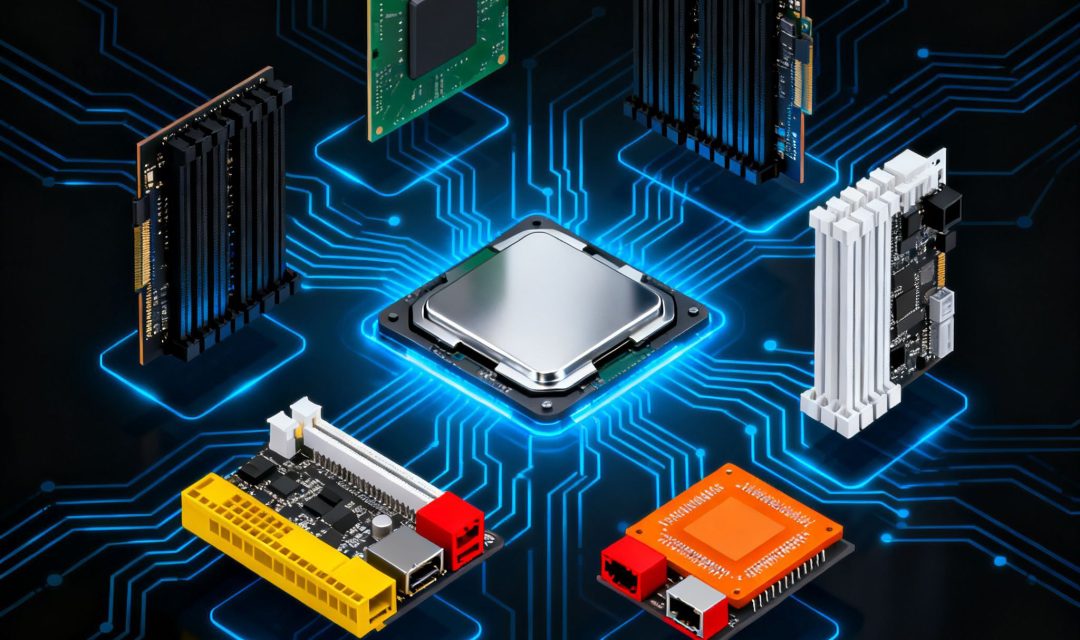
To fully understand and make the most of your mini PC, it’s essential to have a clear understanding of the components that make up its motherboard. Below is a comprehensive breakdown of the key components:
Circuit Board
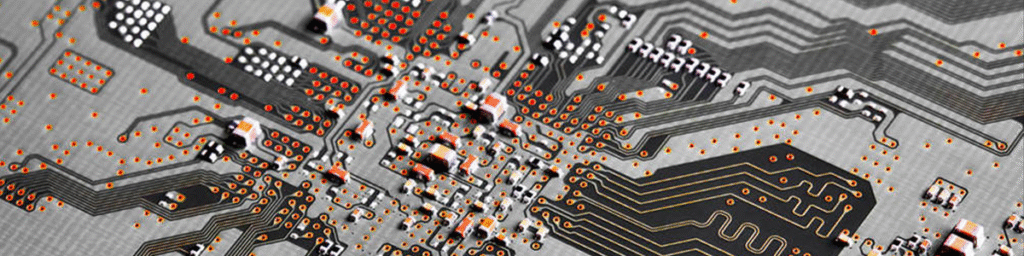
The circuit board serves as the foundation upon which all other components of the mini PC motherboard are built. It provides physical support for the electronic components and acts as a communication highway, connecting them through a network of metal conductors. These conductors, which are etched onto the surface of the circuit board, ensure that electrical signals can flow seamlessly between components, enabling the mini PC to function properly.
Chipset
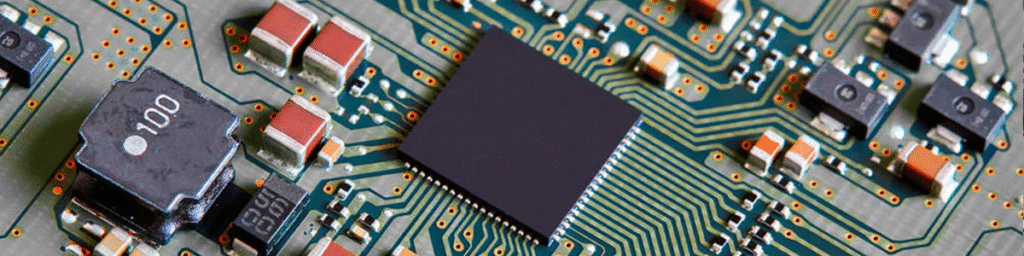
The chipset is widely regarded as the core component of the motherboard. Its primary function is to facilitate communication between the central processing unit (CPU) and various peripheral devices, such as the memory, graphics card, and storage drives. Typically, a chipset consists of two main parts: the Northbridge and the Southbridge.
The Northbridge is responsible for controlling communication between the CPU, memory, and graphics card. It acts as a high-speed data hub, ensuring that these critical components can exchange information quickly and efficiently. The Southbridge, on the other hand, integrates a wide range of circuits and control modules, including those for USB ports, SATA interfaces, and audio devices.
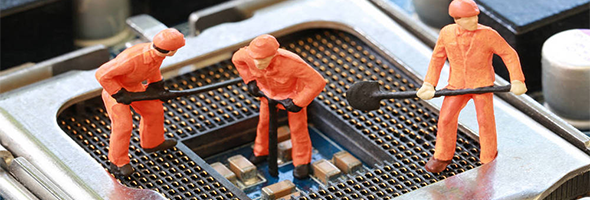
CPU Socket
The CPU socket is the component that allows the processor to be installed on the motherboard. It is one of the most crucial components on the motherboard, as it determines the type of CPU that can be used with the mini PC. Different socket types are designed to support different generations and models of CPUs, so it’s essential to choose a motherboard with a socket that is compatible with your chosen processor.
Hystou offers a wide range of mini PCs with different CPU socket types to meet the needs of various users. For example, our Hystou H50 mini PC features an LGA 1700 socket, which supports 12th and 13th-generation Intel Core processors, while our Hystou A30 mini PC uses an AM4 socket, compatible with AMD Ryzen processors.
Memory Slots
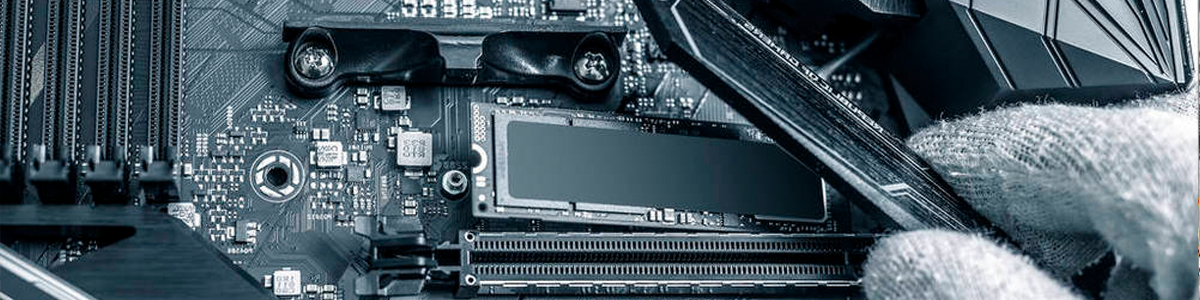
Memory slots are used for installing memory modules, which are essential for the mini PC to run applications and store data temporarily. The most common types of memory slots found in mini PCs are SODIMM (Small Outline Dual In-line Memory Module) and DDR (Double Data Rate) slots. It’s important to note that different types of memory modules cannot be used interchangeably, so you must choose memory modules that are compatible with the memory slots on your motherboard.
Hystou mini PCs are designed to support a wide range of memory configurations. For example, our Hystou H7 mini PC features two DDR4 SODIMM slots, supporting up to 64GB of memory with a maximum speed of 3200MHz. This allows users to customize their mini PC’s memory configuration to meet their specific needs, whether they’re using the device for basic office tasks or high-performance gaming.
Graphics Card Slot
Not every mini PC motherboard is equipped with a graphics card slot. This component is typically found in gaming mini PCs or mini PCs that are designed for graphics-intensive tasks such as video editing and 3D modeling. A graphics card slot allows users to install a dedicated graphics card, which can significantly improve the mini PC’s graphics performance.
Hystou offers gaming mini PCs that come with graphics card slots. Hystou RTX.
PCI Slots
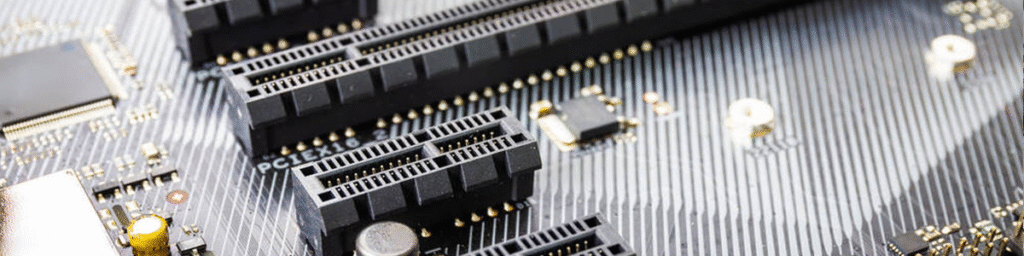
PCI (Peripheral Component Interconnect) slots are used for expanding the functionality of the mini PC by installing additional devices such as network cards, sound cards, modems, and USB expansion cards. In recent years, PCI-E (PCI Express) slots have become the primary expansion slots on motherboards due to their higher bandwidth and faster data transfer speeds.
BIOS
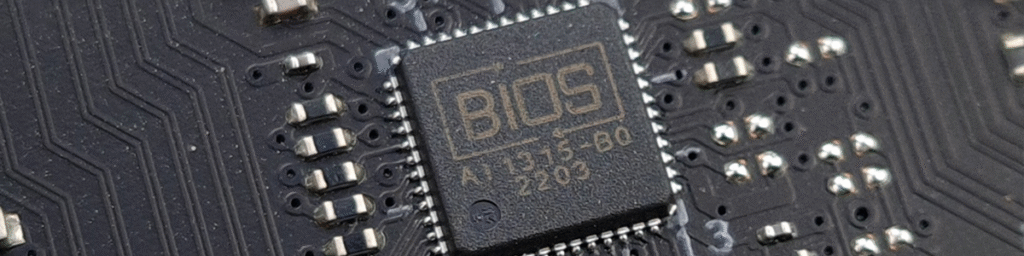
The BIOS (Basic Input/Output System) is the first software that is loaded when a personal computer starts up. It stores a set of basic input/output programs, a boot-up self-test program, and a system auto-start program. The BIOS provides the lowest-level hardware settings and control, allowing the mini PC to initialize and test its hardware components before loading the operating system.
Hystou mini PCs feature a user-friendly BIOS interface that allows users to easily configure various hardware settings. For example, users can adjust the CPU clock speed, memory timings, and boot order through the BIOS. Additionally, our BIOS supports overclocking, which allows advanced users to push their mini PC’s performance to the limit
Upgrading and Maintaining Mini PC Motherboards
The high level of component integration in mini PC motherboards not only ensures portability but also makes upgrading and maintaining the device a straightforward process. Compared to traditional desktops, which often require extensive disassembly to access internal components, mini PCs can be easily upgraded by simply removing the back panel.
This easy access allows users to replace or upgrade components such as the CPU, memory modules, and hard drives without the need for specialized tools or technical expertise. For example, if you find that your mini PC is running slowly, you can easily upgrade the memory or replace the hard drive with an SSD to improve performance.
At Hystou, we provide detailed upgrade guides and tutorials on our website to help users make the most of their mini PCs. Our guides include step – by – step instructions, photos, and videos to ensure that even novice users can successfully upgrade their devices.
Choosing the Right Mini PC: Key Considerations
When it comes to choosing a mini PC, there are several key factors that you should consider to ensure that you select a device that meets your specific needs. One of the most important considerations is the brand’s after-sales service. As mentioned earlier, mini PCs are prone to internal issues from time to time, so having access to reliable after – sales support is crucial.
At Hystou, we take great pride in our after-sales service. We have a team of highly skilled and experienced technicians who are available to provide support to our customers 24/7. Whether you have a question about your mini PC’s configuration or need help with a repair, our team is always ready to assist.
Another important factor to consider when choosing a mini PC is the design and composition of the motherboard. The motherboard is the heart of the mini PC, and its design and components have a significant impact on the device’s performance, lifespan, and expandability. When evaluating a mini PC’s motherboard, you should look for features such as high – quality components, a well – designed layout, and support for the latest technologies.
Hystou mini PCs are designed with all of these factors in mind. Our motherboards feature high-quality components from leading manufacturers, a well-organized layout that ensures efficient heat dissipation, and support for the latest technologies such as PCI-E 4.0, DDR4 memory, and USB 3.2. This ensures that our mini PCs offer excellent performance, durability, and expandability, making them the ideal choice for a wide range of users.
Conclusion
In conclusion, mini PCs have become an increasingly popular choice among consumers due to their compact size, portability, and affordability. The motherboard is a crucial component of any mini PC, and understanding its components and features is essential for making informed decisions about your device.
At Hystou, we are committed to providing high-quality mini PCs that meet the diverse needs of our customers. Our mini PCs are designed with a focus on performance, durability, and user – user-friendliness, and our motherboards are equipped with the latest components and technologies to ensure optimal performance.
Whether you’re a business professional looking for a portable device for work, a student in need of a compact PC for studying, or a gaming enthusiast seeking a high-performance mini PC, Hystou has the perfect solution for you. We invite you to visit our website to learn more about our range of mini PCs and to find the device that best meets your needs.
Lorem ipsum dolor sit amet, consectetur adipiscing elit. Ut elit tellus, luctus nec ullamcorper mattis, pulvinar dapibus leo.



