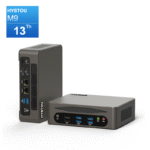
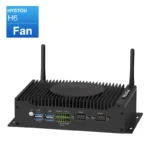
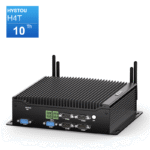
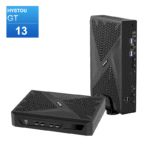
Mini PC Firewall 101: What It Is, How to Build One, Pros & Cons + Router vs Firewall Comparison
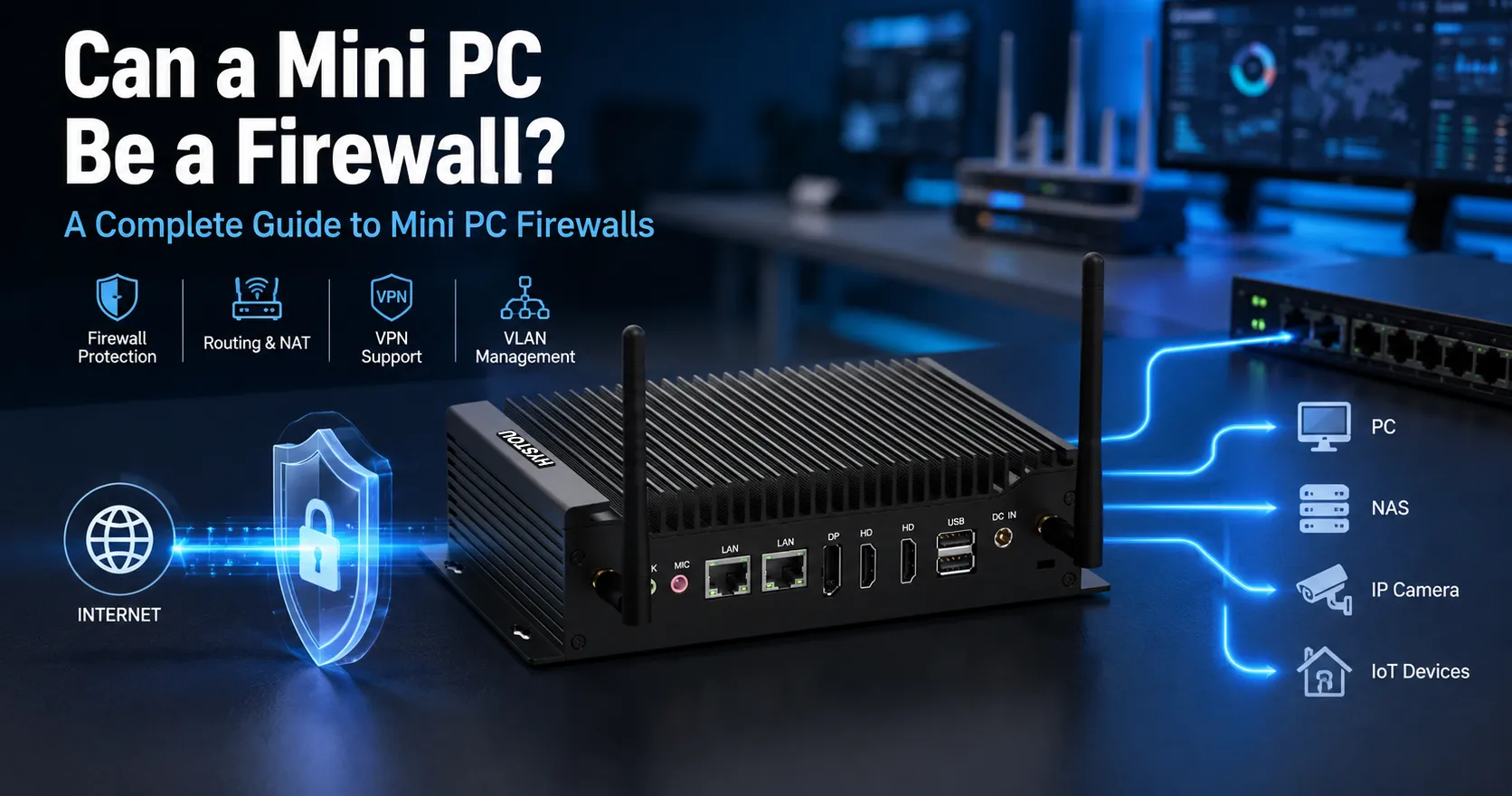
If you run a small business, home office, or industrial control site, you have likely faced a common networking dilemma: commercial hardware firewalls deliver enterprise-grade security, but their high licensing costs and subscription fees put them out of reach for smaller teams. On the other hand, standard home routers offer basic protection at a low cost, but cannot stop advanced cyber threats or secure sensitive edge devices.
Furthermore, compact workspaces and industrial cabinets often lack space for rackmount equipment, while always-on server hardware drives up energy bills over time.
A mini PC firewall solves this gap. Powered by low-power x86 architecture, a dedicated mini PC security gateway delivers professional-grade firewall capabilities, deep packet inspection, and network segmentation at a fraction of the cost.
What Is a Mini PC Firewall?
A mini PC firewall is a dedicated network security gateway built on a compact, x86-based mini computer. Instead of running a desktop operating system like Windows, it runs specialized open-source or commercial firewall software to monitor, filter, and control all network traffic passing through your network edge.
Deployed between your internet modem and your local switch, every incoming and outgoing data packet passes through this gateway first. Based on custom firewall rules, it permits legitimate traffic and blocks unauthorized access or malicious requests. Unlike software firewalls installed on individual PCs, a network-level mini PC firewall secures every connected device simultaneously—from workstations and IP cameras to legacy PLCs and industrial machinery.
Core Security & Networking Capabilities
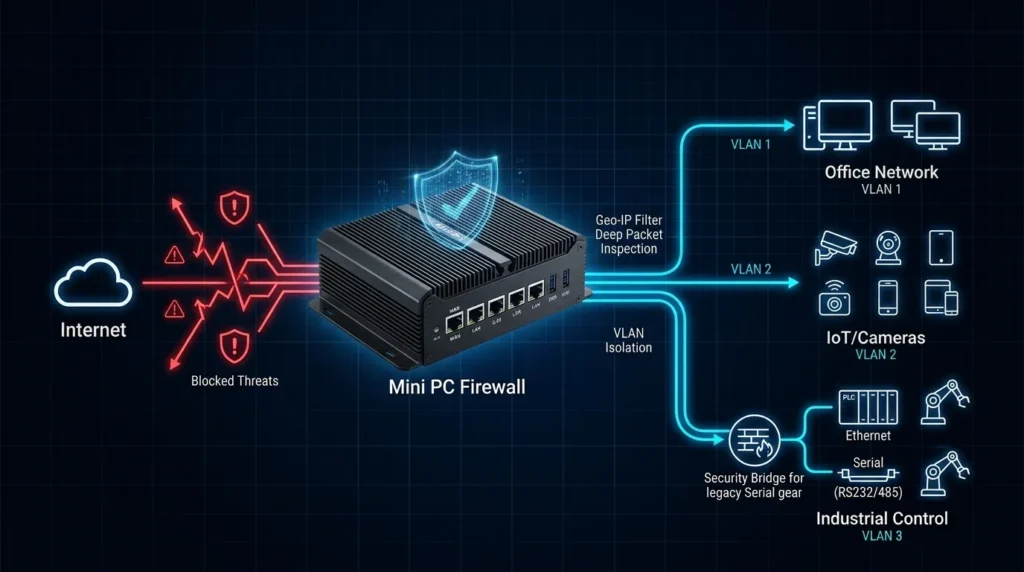
Granular Access Control: Define traffic rules by IP address, port, or protocol, and create VLANs (Virtual LANs) to isolate guest, office, and IoT networks.
Intrusion Detection & Prevention (IDS/IPS): Utilize engines like Suricata or Snort to inspect traffic payloads for known exploit signatures, port scans, and malicious activity.
Encrypted Remote Access (VPN): Host secure VPN servers using WireGuard or OpenVPN for remote employees and off-site monitoring.
Traffic Shaping & Bandwidth Management: Implement Quality of Service (QoS) to prioritize critical VoIP or industrial control traffic while throttling bandwidth-heavy applications.
Out-of-Band & Legacy Serial Bridging: On models equipped with RS232/RS485 COM ports, administrator console management remain accessible even during network failure, while serial protocols can be bridged securely.
Is a Router Also a Firewall?
While modern routers include basic security features, a standalone router is not a full-featured firewall. Their primary architecture, security depth, and software flexibility differ significantly.
Core Purpose: A router’s primary job is traffic routing—forwarding data packets between distinct networks as fast as possible. A firewall’s primary job is traffic inspection—analyzing data packets to block unauthorized access and prevent threats.
Security Inspection Depth: Basic home routers rely on Network Address Translation (NAT) and simple Stateful Packet Inspection (SPI) to drop unsolicited incoming requests. Dedicated mini PC firewalls perform Deep Packet Inspection (DPI), Geo-IP blocking, domain filtering, and real-time threat detection.
Feature Comparison: Home Router vs. Dedicated Mini PC Firewall
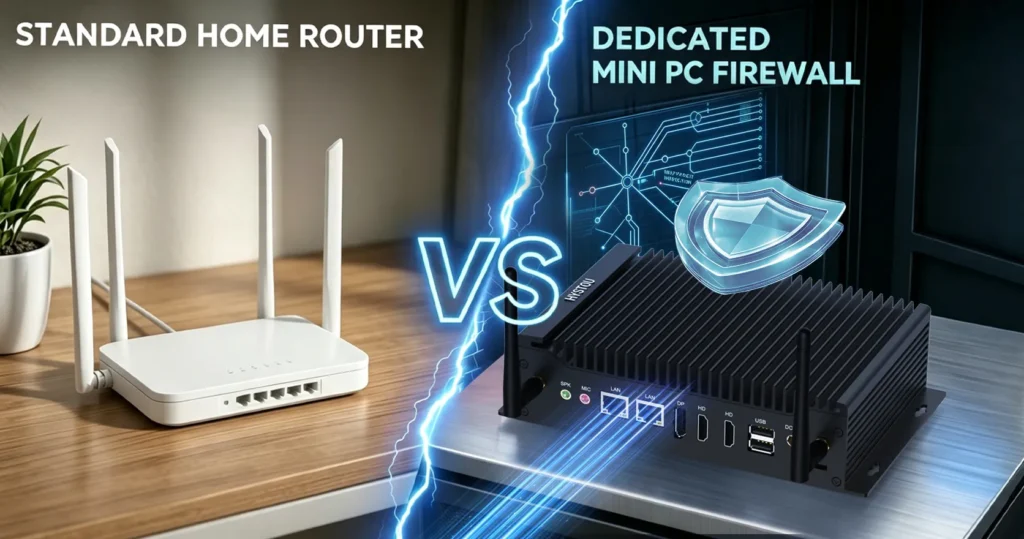
| Feature / Dimension | Standard Home Router | Dedicated Mini PC Firewall |
| Primary Focus | Speed & Basic Wireless Connectivity | Enterprise-Grade Security & Deep Packet Inspection |
| Ethernet NICs | Generic Realtek/Broadcom Gigabit Ports | 2 to 6+ Intel i225-V / i226-V 2.5GbE Ports |
| Security Capabilities | Basic NAT, Simple SPI, Fixed Rulesets | IDS/IPS, Geo-IP Blocking, Dynamic VLANs, DPI |
| Operating System | Closed Proprietary Firmware | Open-Source (OPNsense, pfSense, OpenWrt, RouterOS) |
| VPN Support | Basic Passthrough / Limited Performance | Hardware-Accelerated WireGuard / OpenVPN |
| Maintenance & Updates | Infrequent Vendor Firmware Updates | Frequent Community & Security Patch Updates |
Hardware Selection Criteria: What to Look For
Selecting the right hardware configuration ensures long-term system stability and maximum line-rate throughput.
Ethernet Controller (NIC) Selection
Intel NICs (Recommended): Choose mini PCs built with Intel i225-V or i226-V 2.5GbE controllers. Open-source firewall operating systems based on FreeBSD (like OPNsense and pfSense) feature native, highly optimized drivers for Intel NICs.
Avoid Realtek NICs: Realtek network cards often suffer from driver instability, packet drops, or poor throughput under heavy firewall loads in FreeBSD environments.
CPU & Hardware Acceleration
AES-NI Support: Ensure the processor supports Intel AES-NI (Advanced Encryption Standard New Instructions). This hardware acceleration is required for high-speed OpenVPN and WireGuard encryption without overloading the CPU.
Entry-Level (Gigabit to 2.5G Routing): Processors like the Intel N100, N200, or J4125 deliver low power consumption (6W–15W TDP) while easily pushing full 2.5Gbps line-rate routing with basic firewall rules.
Advanced Usage (Multi-Gig / DPI / IDS): For heavy Intrusion Prevention (Suricata) or multi-gigabit throughput, opt for mid-range processors such as the Intel Core i3/i5 (12th Gen+).
RAM & Storage
RAM: 4GB DDR4/DDR5 is sufficient for standard firewall and NAT duties. Upgrade to 8GB or 16GB if running large IDS/IPS signature databases, Zenarmor, or memory-intensive plugins.
Storage: A 32GB to 128GB M.2 NVMe/SATA SSD provides ample space for the OS, system logs, and traffic monitoring history.
How to Build Your Mini PC Firewall
Step 1: Choose Your Firewall Operating System
OPNsense: Highly secure, professional FreeBSD-based system featuring a modern user interface, frequent security updates, and robust plugin support (Zenarmor, WireGuard). Top choice for most users.
pfSense Community Edition: A mature FreeBSD-based security platform widely deployed across corporate networks.
OpenWrt: Lightweight, Linux-based firewall system with extensive customization options and low hardware overhead.
RouterOS: Advanced networking OS delivering carrier-grade routing features, best suited for experienced network administrators.
Step 2: Prepare Installation Media
Download the official installer image (e.g., OPNsense DVD/Serial image or pfSense installer).
Use a flashing tool like Rufus or BalenaEtcher to create a bootable USB installer drive.
Step 3: OS Installation & Interface Mapping
Connect a monitor, keyboard, and your bootable USB drive to the mini PC.
Enter the BIOS setup, enable AHCI mode, ensure Virtualization (VT-x) is enabled, and select the USB drive as the primary boot device.
Follow the installer wizard to write the operating system onto the internal SSD.
Upon reboot, assign your physical Ethernet interfaces:
WAN (Wide Area Network): Connects to your ISP modem.
LAN (Local Area Network): Connects to your local network switch or AP.
Step 4: Web Management & Security Configuration
Connect a laptop to the assigned LAN port on the mini PC.
Open a web browser and navigate to the default gateway address (e.g.,
192.168.1.1).Complete the initial setup wizard: change default admin credentials, configure WAN connection settings (DHCP, Static, or PPPoE), and verify local DHCP service.
Enable additional security modules such as IDS/IPS, DNS-over-TLS, dynamic blocklists, and encrypted remote access.
Why Industrial Mini PCs Excel as Security Gateways
While standard desktop computers can run firewall software, industrial mini PCs offer specific engineering advantages designed for uninterrupted 24/7 edge deployments.
Fanless Passive Cooling: Constructed with aluminum alloy chassis that act as heat sinks, industrial mini PCs operate without internal cooling fans. This design prevents dust ingress, eliminates mechanical fan failures, and guarantees silent, zero-maintenance continuous operation.
Multiple Native Ethernet Ports: Industrial models frequently feature 2, 4, or 6 native Intel 2.5GbE network ports, enabling physical network isolation (DMZ, Management VLAN, IoT, Fieldbus) without adding expansion cards.
Ultra-Low Power Consumption: Drawing between 10W to 25W under load, mini PCs reduce operational energy costs compared to traditional 1U rackmount servers.
Hardened Reliability & Mounting Options: Built to resist electromagnetic interference (EMI), vibration, and wide operating temperature ranges (-20°C to 60°C). They support DIN-Rail mounting and VESA brackets for secure installation inside industrial control cabinets or tight network closets.
Integrated COM Ports (RS232/RS485): Native serial interfaces allow for out-of-band console access when network connectivity is lost, or enable secure bridging to legacy equipment (such as PLCs, solar inverters, and CNC machines) without exposing them to public network risks.
Pros and Cons of a Mini PC Firewall
Advantages
High Cost-Efficiency: Provides throughput and enterprise security features matching hardware appliances that cost five to ten times more, without recurring licensing fees.
No Vendor Lock-In: Complete freedom to select, swap, or upgrade your OS, security software, and hardware components at any time.
Superior Throughput Performance: x86 processors like the Intel N100 easily handle gigabit and 2.5Gbps wire-speed routing alongside active VPN connections.
Disadvantages
Technical Setup Required: Initial configuration, interface assignment, and rule tuning require basic networking knowledge.
No Dedicated Commercial Support: Open-source systems rely primarily on community documentation and forums rather than a 24/7 vendor helpdesk.
Compliance Certification Handling: Unlike enterprise hardware appliances, custom mini PC builds do not come pre-certified for strict regulatory compliance frameworks out-of-the-box.
Frequently Asked Questions
Q1: Can I use a mini PC firewall as a Wi-Fi router?
A: Yes, you can install an internal Wi-Fi card or USB wireless adapter. However, enterprise networking best practices recommend pairing a wired mini PC firewall with dedicated external Wi-Fi Access Points (APs) or Mesh systems. Dedicated APs offer vastly superior wireless range, beamforming, and coverage.
Q2: Is the Intel N100 CPU powerful enough for a 2.5Gbps network firewall?
A: Yes. The Intel N100 (4 cores up to 3.4GHz) equipped with Intel i226-V 2.5GbE NICs can easily handle 2.5Gbps line-rate routing, firewall filtering, and WireGuard VPN encryption. If you plan to run heavy Intrusion Prevention System (IPS) rules alongside deep packet inspection at full 2.5Gbps speeds, consider a mid-range Intel Core processor.
Q3: Why are Intel network cards preferred over Realtek for FreeBSD firewalls?
A: Operating systems like OPNsense and pfSense are based on FreeBSD, which includes mature, official, high-performance drivers for Intel NICs (such as igc for i225/i226). Realtek network drivers under FreeBSD can experience stability issues, driver panics, or reduced throughput under high packet loads.
Conclusion
A mini PC firewall bridges the gap between basic consumer routers and expensive commercial security appliances. By combining hardware flexibility with professional open-source software like OPNsense or pfSense, it brings advanced network protection within reach for home offices, small businesses, and industrial sites.
For environments requiring high operational uptime, industrial mini PCs—with fanless passive cooling, multi-Intel 2.5G LAN ports, DIN-rail mounting, and serial COM options—deliver a durable, secure, and energy-efficient solution for protecting critical network assets.

Author: Nick FU
Marketing Specialist | HYSTOU Mini PC & Network Appliance Manufacturer
HYSTOU has established its R&D headquarters in Shenzhen, drawing on over a decade of experience. Our core team members, who previously served at renowned companies such as Inventec and Quanta Computer, form the backbone of our technical expertise. With robust R&D and innovation capabilities, we remain steadfast in our commitment to pursuing excellence in the field of technology products.