
Maximize Your Speed: The Ultimate Guide to SSD Care & Maintenance for Your Mini PC

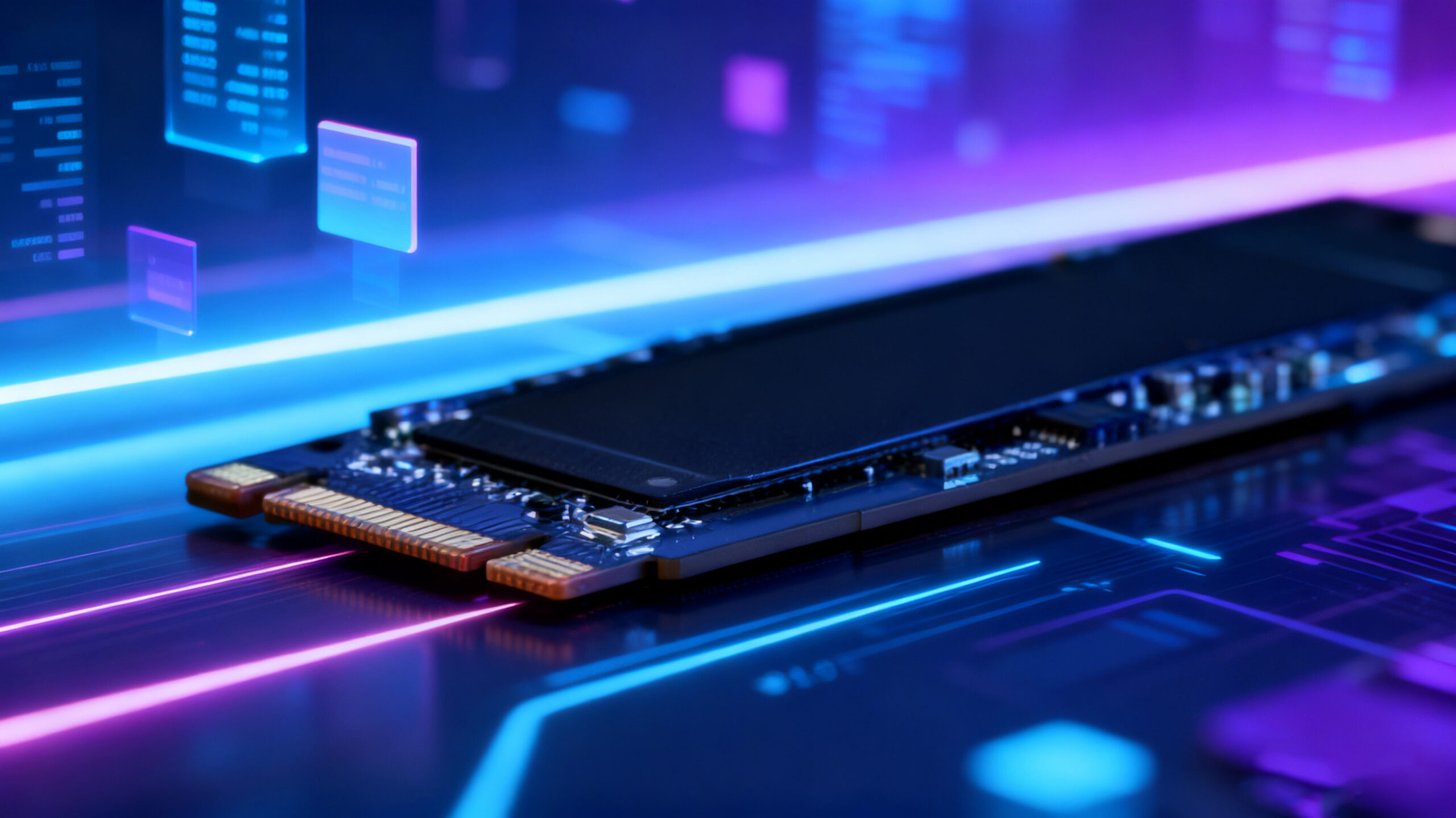
Unleashing the Full Potential of Your HYSTOU Mini PC's SSD
Congratulations on choosing your HYSTOU mini PC! You’ve already experienced the lightning-fast boot times and application loading speeds that solid-state drives (SSDs) deliver. Unlike traditional mechanical hard drives, SSDs don’t require special defragmentation, but they do have unique maintenance needs. Follow this guide to protect your valuable data and ensure your HYSTOU mini PC performs at its best for years to come.
Out-of-the-Box Setup: Ensuring Your SSD Starts Strong
Verifying TRIM is Enabled
What it is: TRIM is a critical SSD command that cleans up blocks when files are deleted, maintaining write speeds and extending drive lifespan.
How to check: To verify TRIM status on Windows 10/11, open Command Prompt as Administrator and enter:
fsutil behavior query DisableDeleteNotify
A result of “0” confirms TRIM is enabled.
HYSTOU’s promise: “All factory-shipped HYSTOU mini PCs come optimized with TRIM enabled by default, so you can enjoy peak performance right out of the box.”
Ensuring Proper Partition Alignment
What it is: Incorrect partition alignment can degrade SSD performance. Modern operating systems automatically handle this during SSD initialization.
HYSTOU’s promise: “Before leaving our factory, our technical team ensures perfect system partition alignment on all HYSTOU mini PCs, saving you setup headaches.”
Updating Your SSD Firmware
What it is: Firmware acts as the SSD’s operating system. Updates fix bugs, enhance stability, and improve performance.
How to do it: Enter your SSD brand website, download the latest firmware for the model you use, and install it directly will be ok.
Daily Usage & Best Practices: Extending Your SSD's Lifespan
Avoid Filling Your SSD to Capacity
The golden rule: Always maintain at least 10-20% free space. SSDs need empty blocks for efficient garbage collection and wear leveling—filling the drive will significantly slow performance.
Action steps: Regularly clean your Downloads folder, clear temporary files, or move large files (like movies and backups) to external storage or cloud services.
Upgrade option: “If you frequently run low on storage, consider upgrading to a higher-capacity SSD model for your HYSTOU mini PC. We offer multiple storage configurations to meet diverse needs.”
Enabling Write Caching (Usually Enabled by Default)
What it is: A small buffer that enhances write performance by temporarily storing data before permanent writing.
How to verify: In Device Manager, locate “Disk Drives,” right-click your SSD, select “Properties,” and ensure “Enable write caching on the device” is checked under the “Policies” tab.
Adjusting Virtual Memory (Advanced Users Only)
What it is: If your system has ample RAM (16GB or more), you can reduce SSD wear by setting a fixed-size page file or moving it to another drive (if available). For most users, leaving virtual memory management to the system is safer.
Disabling Hibernation (For Maximum Lifespan Seekers)
What it is: The hibernation feature creates a memory-sized file (hiberfil.sys), which can mean large write operations on systems with substantial RAM.
The trade-off: Disabling hibernation saves space and reduces writes but eliminates “Fast Startup” and hibernation capabilities. Disable via Command Prompt: powercfg -h off.
Debunking Common SSD Myths
"I Don't Need to Defragment My SSD!"
The explanation: Defragmentation is not only ineffective for SSDs but harmful due to their limited write/erase cycles. Windows 10/11 automatically detect SSDs and disable scheduled defragmentation.
"SSDs Don't Need Backups?"
The reality: Absolutely false! While SSDs are shock-resistant, they can still fail due to power surges, firmware errors, or physical damage. Regular backups to external drives or cloud storage are essential.
Conclusion: Preserving Performance That Matches Your HYSTOU Experience
By following these simple steps, your HYSTOU mini PC and its high-speed SSD will deliver reliable, lightning-fast performance for years. SSD technology perfectly aligns with the mini PC philosophy of efficiency, silence, and low power consumption—values we at HYSTOU prioritize in every product.
Enjoy your HYSTOU experience!
HYSTOU Team
P.S. Want to explore performance upgrades or view our full product lineup? Visit our product page.
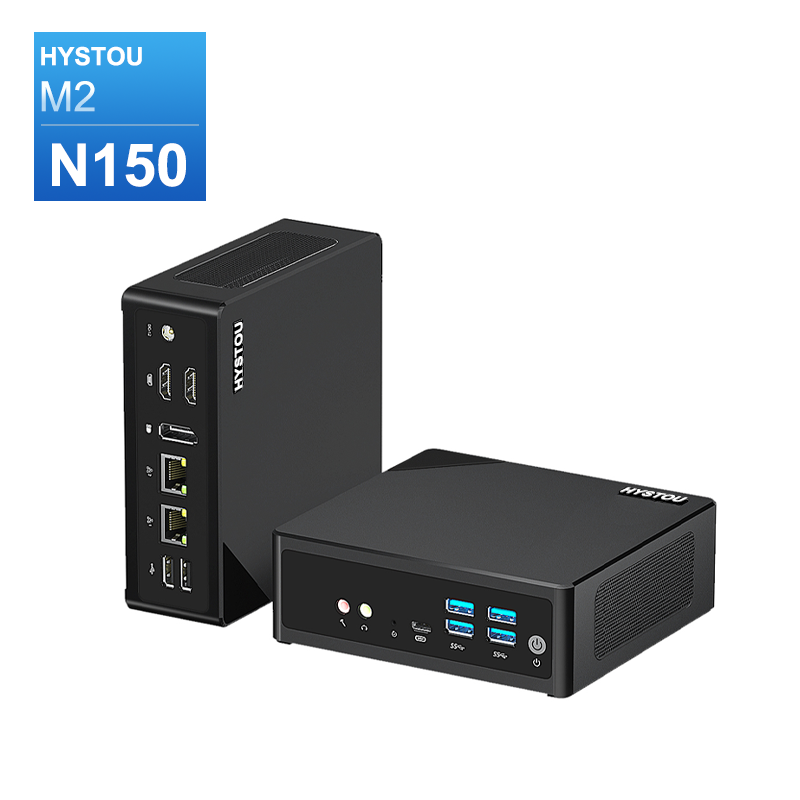
HYSTOU M2 Mini PC with Intel N150/N305 CPU – Dual Gigabit Ethernet & 4K Display
- Processor: Intel N150 or Intel i3-N305
- Graphics card: Intel® UHD Graphics
- Memory: DDR5 262Pin SODIMM, supports 4800Mhz, maximum capacity 32GB
- Storage: M.2 NVMe SSD (up to 4TB) + SATA3.0 interface (supports 2.5-inch HDD/SSD, thickness ≤7mm)
- Wireless and Bluetooth: Default WIFI 5 and Bluetooth 4.2, optional WIFI 6 (AX200) and Bluetooth 5.2

HYSTOU
HYSTOU has established its R&D headquarters in Shenzhen, drawing on over a decade of experience. Our core team members, who previously served at renowned companies such as Inventec and Quanta Computer, form the backbone of our technical expertise. With robust R&D and innovation capabilities, we remain steadfast in our commitment to pursuing excellence in the field of technology products.



