Can Industrial Mini PCs Be Used for Business? Are COM & GPIO Ports Actually Useful?
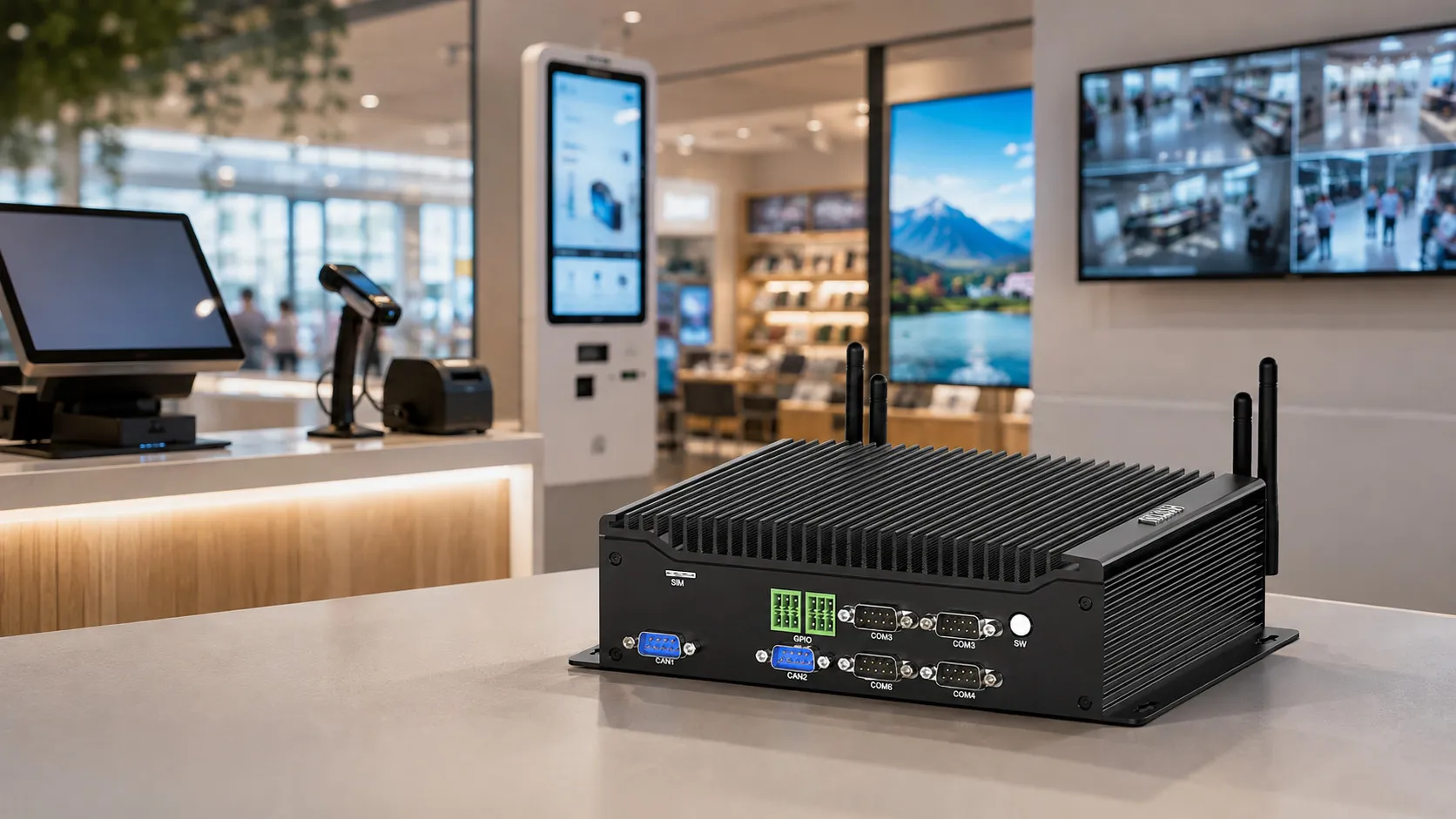
Imagine a self-service kiosk in a busy shopping mall. It runs 14 hours a day, seven days a week. One busy afternoon, the system freezes. Customers walk away, sales are lost, and brand trust takes an immediate hit.
This scenario happens far more often than it should. Many businesses deploy consumer-grade desktops in commercial environments simply because the upfront cost appears lower. However, they end up paying heavily for that decision through unexpected downtime and frequent hardware replacements.
Industrial mini PCs were once viewed purely as factory-floor hardware. That perception is now outdated. Today, an industrial mini pc for business is not just a viable alternative—it is frequently the most cost-effective and reliable choice for commercial infrastructure.
Still, a fundamental question remains for commercial buyers: What about all those industrial interfaces like COM ports, RS485 connectors, and GPIO pins? Do they serve a real purpose in a commercial setting, or are they unnecessary costs?
This guide breaks down the hardware reality, practical commercial applications, and how to select the right system for your business.
Industrial PC vs. Commercial PC: What Actually Differs?
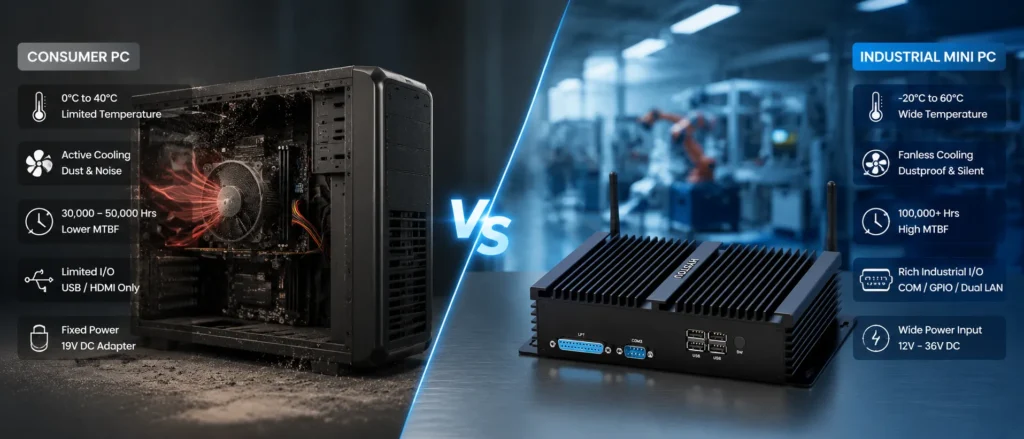
Before evaluating specific ports, it is essential to clear up a common misconception: an industrial computer is not merely a “more powerful” PC. It is engineered to a fundamentally different physical standard.
Temperature Tolerance: A standard commercial desktop operates reliably between 0°C and 40°C. In contrast, a fanless industrial mini PC handles temperatures from -20°C to 60°C—a necessity for outdoor kiosks, cold-chain environments, and enclosed cabinets where heat quickly builds up.
Passive Cooling & Dust Prevention: Consumer PCs rely on active cooling fans. Over time, fans draw in dust, clog heatsinks, overheat, and fail. Industrial units feature solid-state aluminum chassis designed for passive heat dissipation. With zero moving parts, dust cannot enter the internal motherboard.
Component Longevity & Uptime: Consumer components prioritize low cost for light daily usage. Industrial-grade SSDs, capacitors, and power delivery circuits are rated for continuous 24/7 operation under strict thermal conditions.
Here is a quick side-by-side comparison of consumer hardware versus industrial systems:
| Hardware Attribute | Consumer / Commercial PC | Industrial Mini PC (e.g., HYSTOU) |
| Operating Temperature | 0°C to 40°C | -20°C to 60°C (Wide Temperature Range) |
| Cooling Method | Active Fans (Attracts dust & grease) | Fanless Aluminum Chassis (Passive, Closed) |
| System Uptime (MTBF) | ~30,000 – 50,000 Hours | 100,000+ Hours (24/7 Continuous Operation) |
| Industrial I/O Availability | USB / HDMI Only | Native RS232 / RS485, GPIO, Dual LAN |
| Power Supply Flexibility | Fixed 19V DC Adapter | Wide Voltage Input (12V–36V DC) |
Can You Use an Industrial Mini PC for Business?
The short answer is yes. Industrial mini PCs power thousands of everyday commercial deployments worldwide. You have likely interacted with several without realizing it.
Retail & POS Systems: Point-of-sale terminals run non-stop and connect to receipt printers, barcode scanners, card readers, and customer displays. An industrial mini PC handles high-volume peripheral loads without driver dropouts or thermal throttling.
Self-Service Kiosks: Whether used for ticketing, self-checkout, or hotel check-in, a frozen kiosk directly halts revenue. Compact, fanless industrial PCs easily slide into tight kiosk enclosures and withstand internal heat buildup.
Digital Signage & Video Walls: Commercial displays placed behind screens in public venues generate significant heat. Industrial units maintain constant video output without lag or unexpected reboots.
Security & Surveillance (NVR): Security systems require uninterrupted 24/7 recording. Dual LAN ports on industrial PCs allow full network isolation—keeping heavy IP camera bandwidth strictly separated from your internal corporate network.
Smart Warehousing: Mounted on forklifts or automated sorting stations, industrial mini PCs withstand constant vibration and airborne dust that would quickly ruin standard commercial hardware.
COM Ports (RS232 / RS485): Still Essential in Modern Commerce
While serial ports have largely disappeared from consumer laptops, they remain critical for commercial infrastructure.
RS232: The Standard for Reliable Peripheral Connections
USB-to-serial dongles are notorious for driver conflicts, port reassignments upon reboot, and unexpected disconnections. Native RS232 COM ports deliver stable, deterministic communication for key devices:
Thermal Receipt Printers & Scanners: Standard in high-throughput retail environments.
Electronic Scales & Card Readers: Require reliable, direct data links without USB enumeration delays.
Medical & Laboratory Devices: Rely on legacy serial protocols due to strict stability and certification standards.
RS485: Long-Distance, Multi-Node Networks
RS485 utilizes differential signaling to transmit data reliably over distances up to 1,200 meters (4,000 feet) across a single two-wire bus—connecting up to 32 (or more) devices without signal degradation.
Building Management Systems (BMS): Connects HVAC units, lighting systems, and environmental sensors across multiple floors over one continuous cable line.
Access Control: Networks door controllers and card readers throughout a facility without requiring expensive network switches at every door.
Energy & Solar Monitoring: Collects data from inverters, power meters, and controllers spread over wide areas using protocols like Modbus RTU.
GPIO: Controlling the Physical World Directly
GPIO (General Purpose Input/Output) pins provide programmable digital signals that allow a computer to interface directly with physical hardware without intermediate USB converters or external bridges.
Output Applications: Switching & Actuation
Relay Control: A GPIO pin sends a low-voltage signal to a relay, switching higher-voltage circuits. This is how a self-service locker opens its lock, how a vending machine dispenses a product, or how a POS terminal pops open a cash drawer.
Indicator Lights & Buzzers: Triggers external warning lamps or audio chimes for machine status updates or inventory alerts.
Hardware Watchdog Timers: Send continuous heartbeats to external power relays. If the operating system ever crashes, the pulse stops, prompting an automated power reset without technician intervention.
Input Applications: Sensing & Monitoring
Door Status & Safety Switches: Detects whether a service cabinet door is open or if an emergency stop button has been pressed.
Pulse Counting: Reads signals from photoelectric sensors to tally items passing along a conveyor belt or automated turnstile.
How to Choose the Right HYSTOU Mini PC for Your Business
Matching the right hardware configuration to your commercial use case prevents both under-specifying and over-spending.
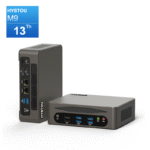
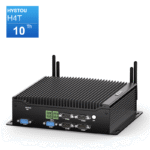
For Control-Heavy Automation, POS & Kiosks (Need GPIO / Multi-COM): Look to dedicated industrial fanless models like the HYSTOU H3 Series or H4 Series. These feature native RS232/RS485 COM ports, pin-header GPIO interfaces, dual LAN, and wide voltage support—ideal for triggering relays, cash drawers, and BMS sensors.
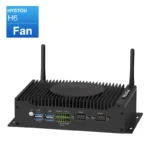
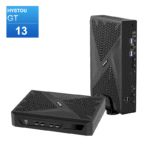
For High-Performance Commercial Computing & Multi-Display Signage: For applications demanding raw CPU power, high-resolution video output, or multi-screen video walls (such as interactive digital signage or smart retail analytics), the HYSTOU GT-U Series or H6 Series provide powerful Intel processors, multiple HDMI/DisplayPort outputs, and dual LAN for fast data transfer.
For General 24/7 Commercial Reliability: If your application uses standard USB or network devices but operates in tough or continuous-use environments, any fanless HYSTOU industrial PC provides the core benefits: silent operation, dust immunity, low power consumption, and long MTBF uptime.
Frequently Asked Questions
Q1: Are industrial mini PCs too expensive for small commercial deployments?
A: While the initial hardware purchase price may be slightly higher than a basic consumer desktop, the Total Cost of Ownership (TCO) is significantly lower. Zero fan maintenance, lower failure rates, and reduced operational downtime quickly offset the upfront cost difference.
Q2: Can I use a USB-to-COM adapter instead of getting a PC with native COM ports?
A: You can, but USB adapters often cause driver instability, latency, and COM port number reassignments after system reboots. Native hardware COM ports offer driverless, hardware-level stability for mission-critical peripherals.
Q3: Do I need special software to program GPIO pins?
A: No. Most industrial mini PCs provide straightforward software development kits (SDKs) or DLL libraries for Windows and Linux, allowing developers to read and write GPIO states using standard programming languages like C#, Python, or C++.
Conclusion
Industrial mini PCs are no longer restricted to factory floors. They offer practical, cost-effective, and robust computing solutions for modern retail, security, building automation, and self-service environments.
If your commercial deployment requires continuous uptime, protection against environmental dust and heat, or direct hardware control via COM and GPIO interfaces, an industrial mini PC is not an unnecessary luxury—it is the ideal foundation for your business operations.

Author: Nick FU
Marketing Specialist | HYSTOU Mini PC & Network Appliance Manufacturer
HYSTOU has established its R&D headquarters in Shenzhen, drawing on over a decade of experience. Our core team members, who previously served at renowned companies such as Inventec and Quanta Computer, form the backbone of our technical expertise. With robust R&D and innovation capabilities, we remain steadfast in our commitment to pursuing excellence in the field of technology products.