
The BIOS automatically enters the BIOS setup screen and fails to boot into the operating system. How should this be addressed?

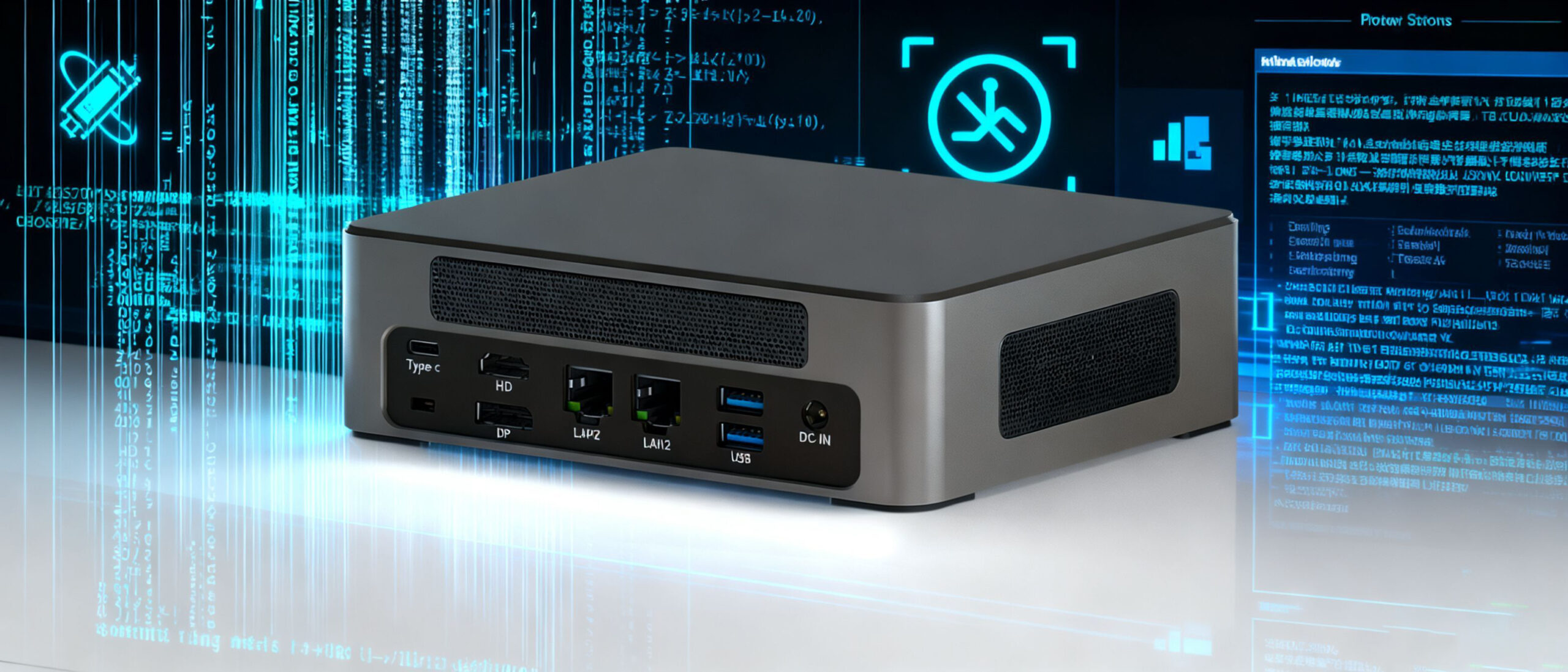
Hystou Mini PC-M9: How to Troubleshoot Failure to Boot into the Operating System
The operating system is not installed on the hard disc, or the operating system boot mode does not match the BIOS boot mode.
Incorrect configuration of BIOS parameters, etc.
Abnormal hard disc slot or motherboard circuit failure;
Troubleshooting steps: (M9 as an example)
Step 1: Check whether the hard disc is normally recognized in BIOS and whether the name and capacity of the hard disc are normal.
NVME SSD query steps: After entering the BIOS, select Advanced> NVME Configuration> to enter the page to query whether the NVME SSD is recognized.
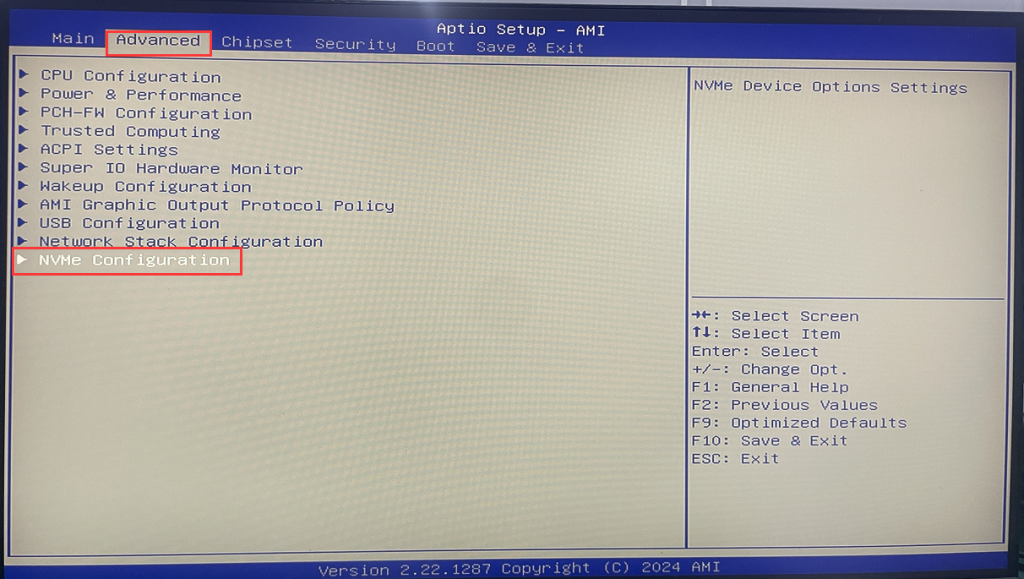
As shown in the figure below, the NVME SSD has been recognised normally.
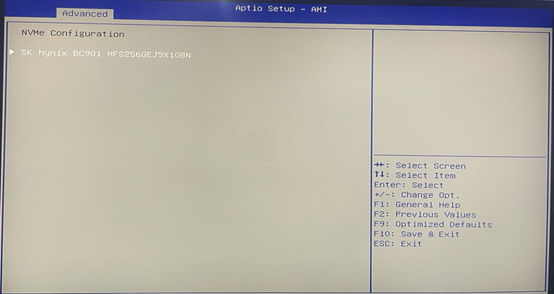
Step 2: M.2 SATA/2.5-inch SATA HDD Query Procedure: After entering BIOS, select Chipset>PCH-IO Configuration>SATA Configuration>Check whether the HDD name and capacity are recognised in Serial ATA Port 0 and Serial ATA Port 1;
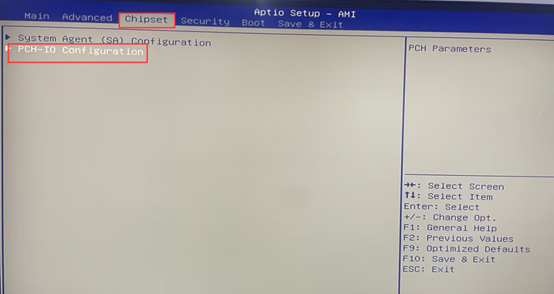
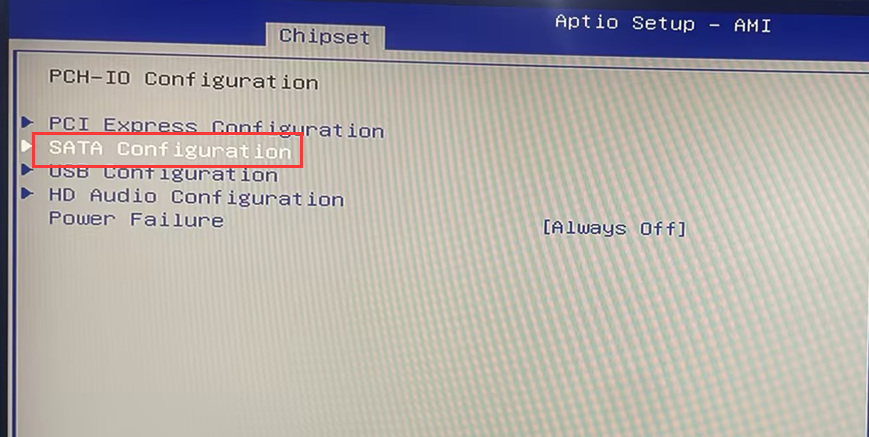
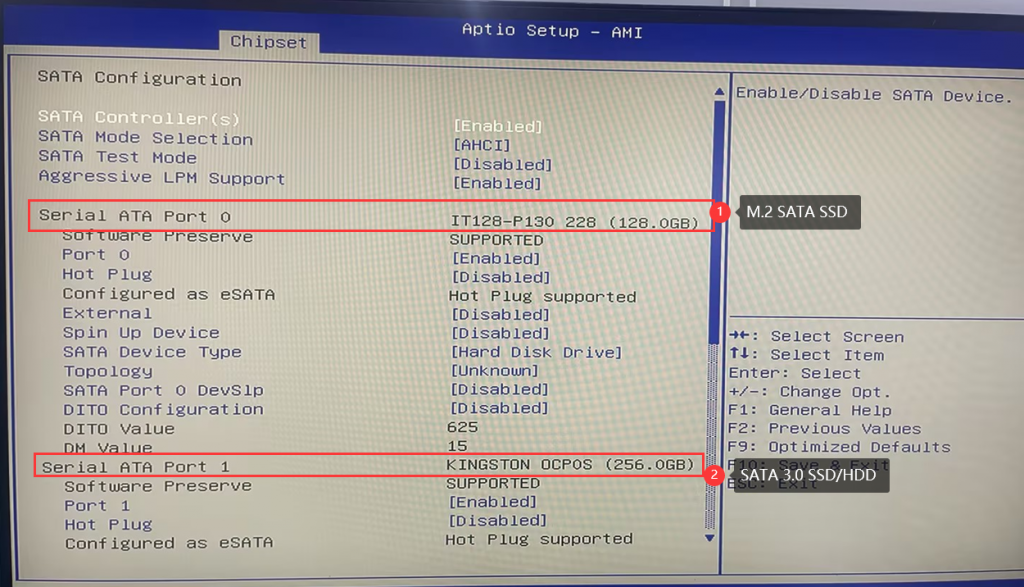
PS: Please enter the corresponding channel according to the type of hard disc you have installed, Serial ATA Port 0 corresponds to M.2 SATA protocol hard discs and Serial ATA Port 1 corresponds to 2.5-inch hard discs.
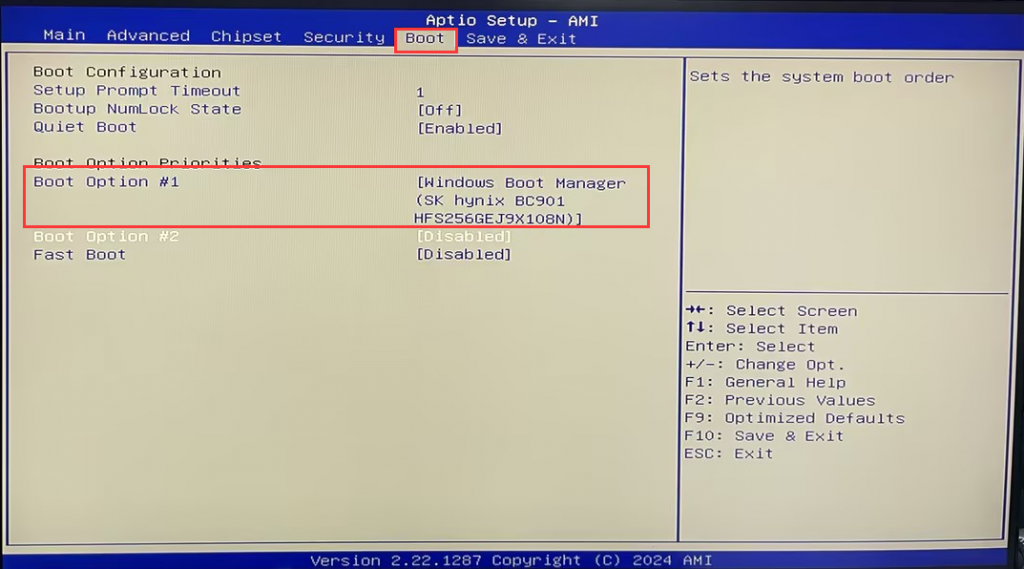
If the hard disc is not recognized in BIOS:
A. Try to press the SW button to turn off the computer, wait for 3 minutes, and then turn on the computer again to test whether the fault phenomenon disappears.
B. If the problem persists, please dismantle the machine under a power-off condition, reinstall the hard disc or replace the hard disc with a normal one, and then enter the BIOS to check again.

HYSTOU
HYSTOU has established its R&D headquarters in Shenzhen, drawing on over a decade of experience. Our core team members, who previously served at renowned companies such as Inventec and Quanta Computer, form the backbone of our technical expertise. With robust R&D and innovation capabilities, we remain steadfast in our commitment to pursuing excellence in the field of technology products.



