HYSTOU Mini PC Buying Guide

HYSTOU Mini PCs are known for their space-saving, stable, and fanless industrial designs, making them ideal for office, industrial, and home use. Yet, choosing the right model among so many options can be tricky. This all-in-one guide walks you through needs assessment, core specs, and usage scenarios to help you avoid common buying errors and find the HYSTOU Mini PC that best matches your requirements.

HYSTOU Mini PCs are known for their space-saving, stable, and fanless industrial designs, making them ideal for office, industrial, and home use. Yet, choosing the right model among so many options can be tricky. This all-in-one guide walks you through needs assessment, core specs, and usage scenarios to help you avoid common buying errors and find the HYSTOU Mini PC that best matches your requirements.

Key Factors to Consider

Design

Compact size, fanless or fan, mountable features, and types of interfaces

Specifications

Processor performance, graphics capability, memory size, and storage capacity

home

Application Scenarios

Choose the most suitable configuration based on your usage environment

How to Choose Your Mini PC

Find the perfect mini computer for your needs

Design Factors
1. Fanless design: Silent operation, suitable for quiet environments
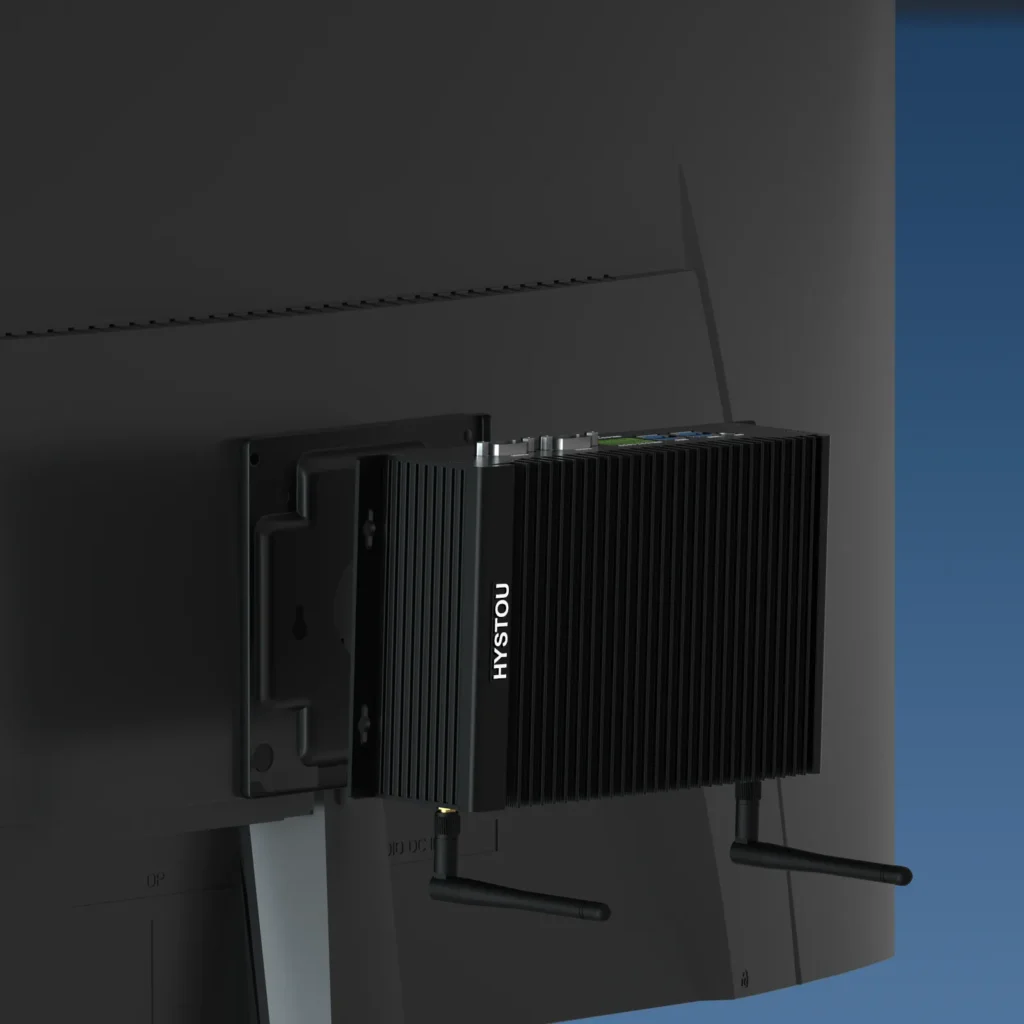
2. Mountable design: Space-saving, easy to install behind monitors
3. Size: Choose appropriate dimensions based on available space
4. Appearance: Modern minimalist or professional industrial style
5. I/O ports: Ensure sufficient USB, HDMI, DisplayPort, etc.
HYSTOU H6 Fanless VESA Compatibale

Choose Based on Needs, Avoid Performance Waste
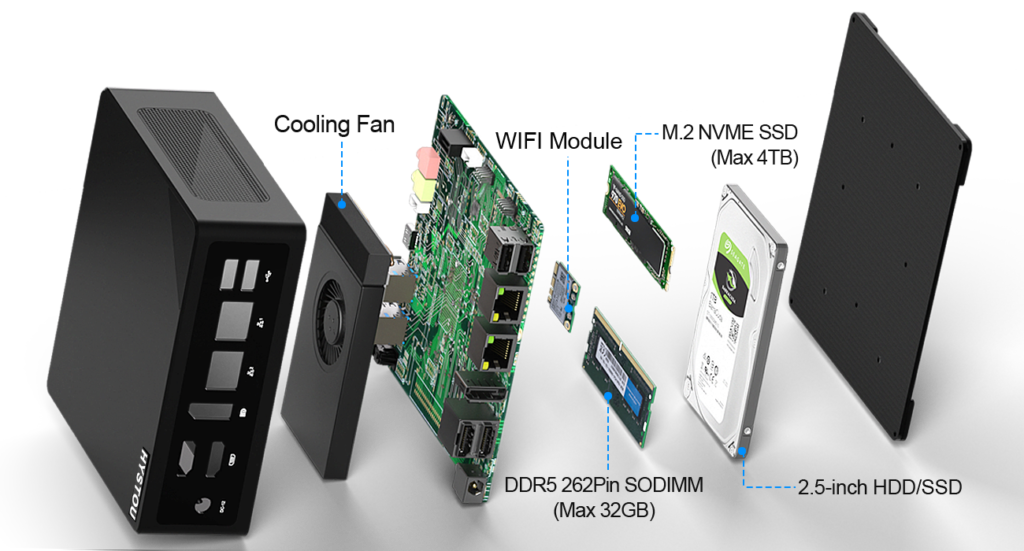
Exploded view of Mini PC components cooling fan, WiFi module, M.2 SSD, DDR5 RAM, and HDD bracket.
CPU

Choose processor performance based on multitasking needs; Intel N-series low-power processors (10W TDP) for basic office/study, energy-saving, and quiet; Intel Core i5/i7/i9 series (e.g., i7-10870H, i9-13900HK) for industrial automation and video editing, with strong multi-core performance

Graphics processing capability affects video playback and light gaming; Integrated graphics (Intel UHD/Iris Xe) is sufficient for office, video, and study, supporting 4K decoding; high-performance integrated graphics models are optional for light content creation and game streaming, no discrete GPU required.

RAM(Memory) is crucial for multitasking and the overall smoothness of your system; 8GB DDR4 for basic needs, 16GB dual-channel recommended for office multitasking and programming; industrial computing and virtualization tasks support upgrade to 64GB DDR4/DDR5 for smooth multi-process operation.

Good storage makes your mini PC boot instantly, run apps smoothly, and securely store all your files without slowdowns or data loss; Standard NVMe SSD (256GB/512GB) with read/write speeds far exceeding SATA; 1TB SSD optional for large file/video storage, some models reserve M.2+SATA dual hard drive bays, supporting expansion up to 4TB.

Accurate Matching to Maximize Device Value
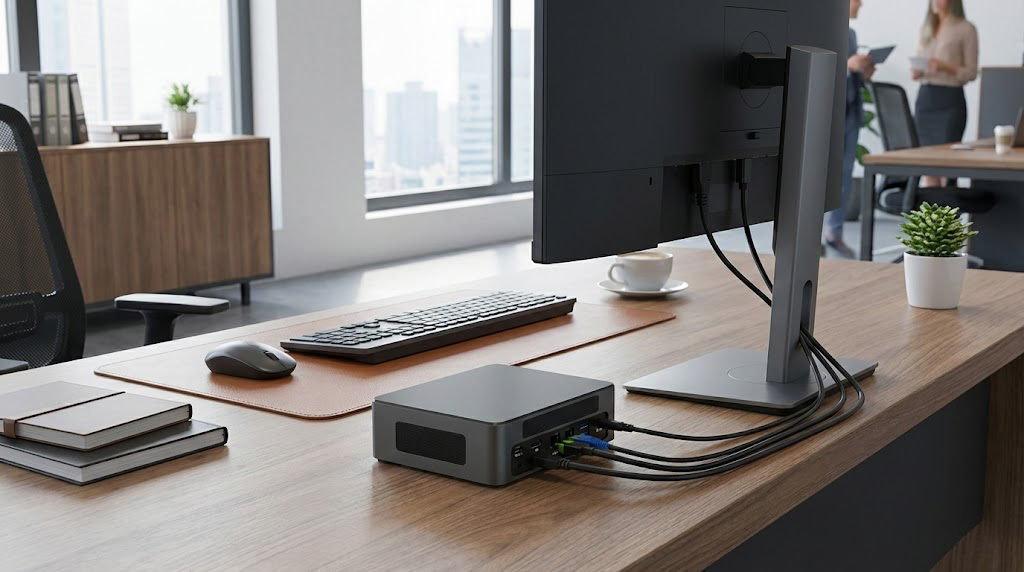
M9 Mini PC for Office work

Daily Office/Light Entertainment

Core Needs: Low power consumption, silent operation, compact size to save space, meeting the needs of document processing, web browsing, online meetings, and 4K audio-visual playback.
Recommended Configuration: Equipped with Intel Celeron N100 or Core i3/i5 processor, 8GB DDR4 memory (expandable to 32GB), 512GB M.2 NVMe SSD (supports SATA3.0 hard drive expansion), and fanless passive cooling design.

Industrial Control/Embedded Scenario

Core Needs: Stable and durable, multi-interface adaptation, anti-interference, meeting the needs of equipment linkage, data collection, and long-term continuous operation.
Recommended Configuration: Intel Celeron N100/J4125 processor, 16GB DDR4 memory, 512GB SSD storage, equipped with 2 or more RS232 serial ports, dual Gigabit Ethernet ports, and supports wide voltage input (9V to 36V).
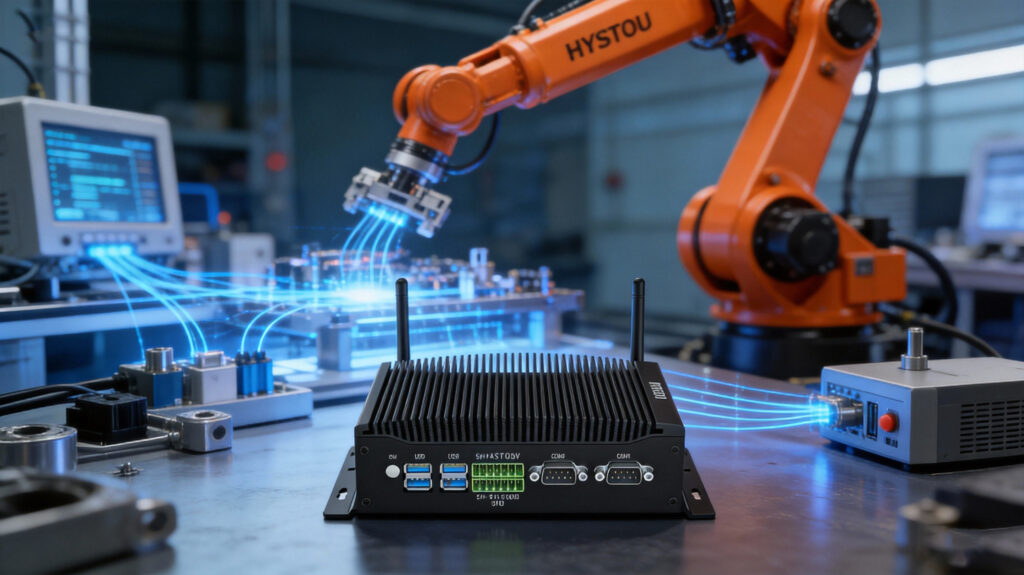
Rugged fanless industrial PC controlling robotic arms in a smart factory environment, symbolizing 2026 Edge AI automation trends

Home Theater/Multi-Screen Collaboration

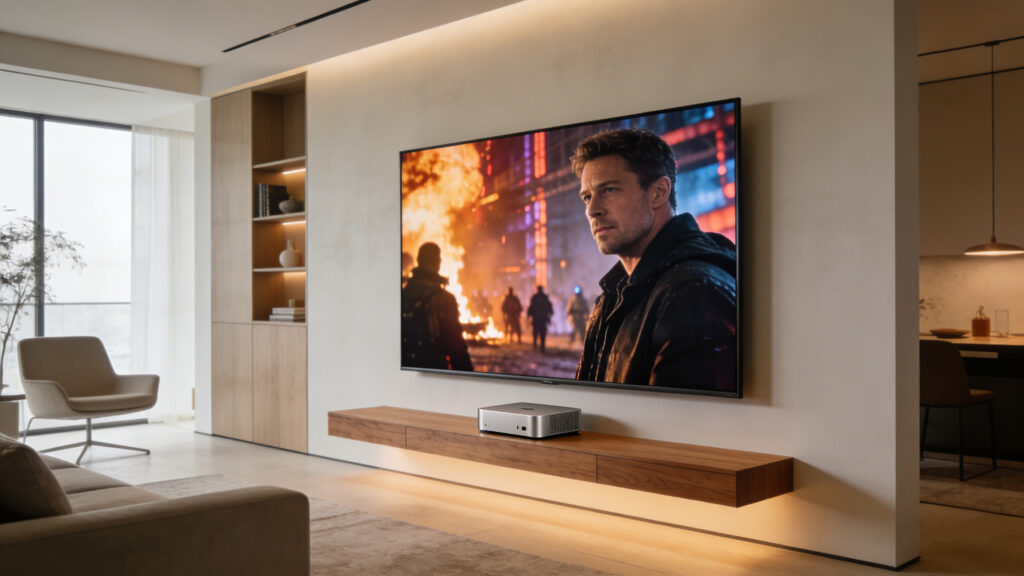
Core Needs: 4K decoding, multi-display output, low noise, meeting the needs of video playback, home server, and lightweight game streaming.
Recommended Configuration: Intel Celeron N100 processor (supports 4K HDR decoding), 16GB memory, 1TB SSD, at least 2 video output interfaces (HDMI/DP), WiFi 5/Bluetooth 4.2 or above.

Lightweight Gaming/Desktop Gaming Scenario
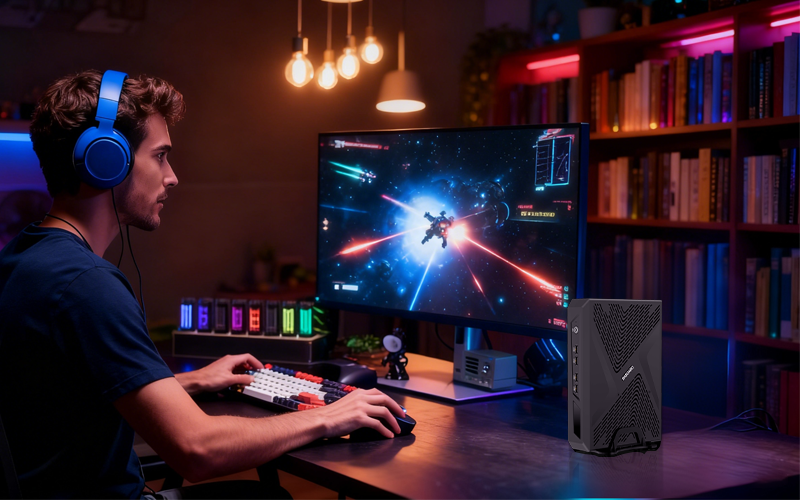
Core Needs: Low-noise operation, smooth frame rate, 4K high-definition output, suitable for lightweight e-sports and casual single-player games. It also balances desktop space utilization, meeting the needs of dormitory and small desktop e-sports layouts, allowing you to enjoy an immersive gaming experience without a bulky host.
Recommended Configuration: Equipped with Intel Core i3/i5 mobile processors (i3 1215U/i5 1240P is preferred), 16GB DDR4 memory (expandable to 32GB), 512GB NVMe SSD (supports SATA3.0 hard drive expansion), Intel UHD/Iris Xe integrated graphics (suitable for lightweight games), low-noise fan cooling design, equipped with HDMI 2.1 interface, more than 2 USB 3.0 interfaces, and supports WiFi 6/Bluetooth 5.2 to meet the needs of game peripheral connection and high-speed network.

Lightweight Content Creation/Programming Learning

Core Needs: Multi-core performance, high-speed storage, and flexible expansion to meet code compilation, light video editing, and virtual machine operation.
Recommended Configuration: Upgrade to Intel Core i3/i5 mobile processors, 32GB DDR4 memory, 1TB NVMe SSD, and optional USB4/Thunderbolt interface for a balance of performance and portability.

Avoid These Mistakes:

Blindly Pursuing High Performance | Tip: Choose CPU based on needs, no need for top-tier i9 for office use; low-power models are more energy-saving and quiet, reducing usage costs.
Ignoring Heat Dissipation and Noise | Tip: Prioritize HYSTOU fanless models for industrial/medical scenarios; choose air-cooled models (noise <40db) for high-load scenarios to avoid performance throttling.
Overlooking Expandability | Tip: Confirm if memory/storage is upgradeable and if interfaces match peripherals (e.g., industrial serial ports, multi-network ports); prioritize models with dual hard drive bays and multiple interfaces.
Neglecting System Compatibility | Tip: Pre-installed Windows meets most needs; Linux/industrial custom systems available via HYSTOU adaptation, confirm hardware driver compatibility in advance.

 Ignoring Heat Dissipation Design for Long-Term High-Load Operation | Tip: For long-term high-load operation, heat dissipation design directly determines device stability and service life. HYSTOU high-load models adopt a reinforced heat dissipation structure (all-metal body + optimized air duct), fanless models are suitable for long-term low-load operation, and air-cooled flagship models are preferred for high-load scenarios to avoid device overheating, lagging, and hardware loss.

Confusing Interface Quantity with Practicality | Tip: More interfaces are not necessarily better; focus on interface versions (such as USB 3.0/3.2, HDMI 2.0+). HYSTOU is equipped with high-specification interfaces that support 4K output and high-speed transmission, avoiding “filler interfaces” that cannot adapt to peripheral needs.
Shopping Cart
Scroll to Top
Schedule a chat

We will get in touch in 1 business day.

Important Notice on Fraud Prevention

Recently, scammers have been impersonating our company staff to commit payment fraud. To protect your interests, please pay attention to the following matters:

Verify Sender: Check if the email domain is @hystou.com. Immediately delete any emails from non-Hystou domains.

Double-Check: For any account modification requests, cross-verify via the customer service hotline listed on our official website hystou.com or through existing partnership channels.

Refuse Private Transactions: Do not trust claims like “urgent notifications,” “confidentiality requirements,” or “tax policy updates.” All business changes must follow official procedures.