Is Windows 11 Worth Upgrading for Your Mini PC?

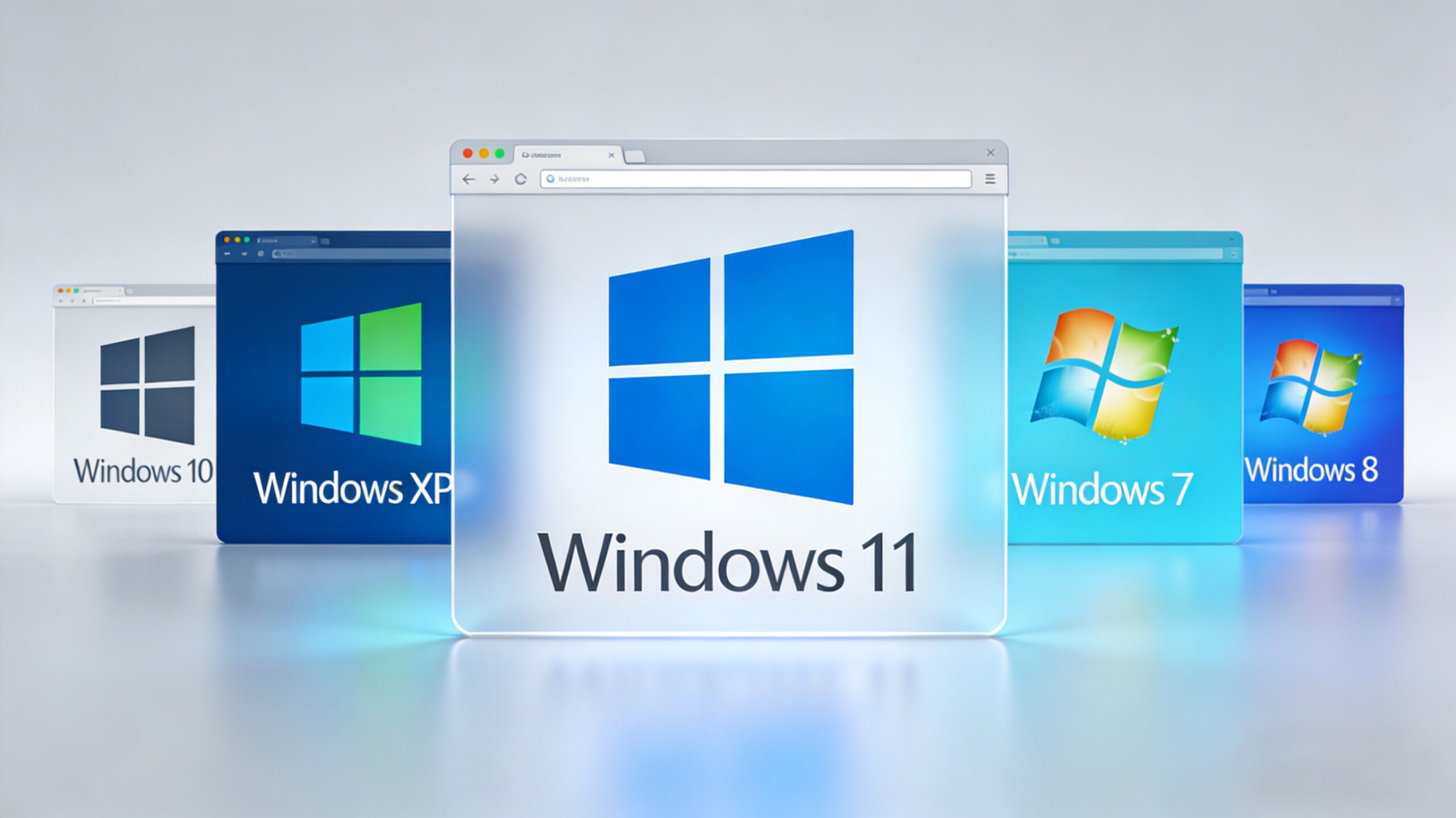
Key Factors to Consider
1. Hardware Requirements
- 1GHz or faster dual-core processor with at least 64-bit architecture
- 4GB RAM minimum (8GB recommended for optimal performance)
- 64GB storage space
- UEFI firmware with Secure Boot capability
- TPM 2.0 chip for enhanced security
For Industrial Mini PCs:
Many industrial mini PCs were manufactured before these requirements were established. While some models may support Windows 11, others might require hardware upgrades or BIOS updates. It’s important to check with your manufacturer for compatibility.
For Office & Creative Mini PCs:
Most modern office and creative mini PCs should meet these requirements without issue. However, older models might need component upgrades to ensure smooth performance.
2. Performance Impact
- Enhanced gaming performance with Auto HDR and DirectStorage
- Improved multitasking with Snap Layouts and Snap Groups
- Better battery life optimization for mobile mini PCs
Industrial Applications:
For industrial use cases, the performance impact will depend on the specific workload. While some industrial applications may benefit from Windows 11’s improved security features, others might experience compatibility issues with legacy software.
Office & Creative Workflows:
Windows 11’s multitasking features can significantly improve productivity for office and creative professionals. The enhanced gaming capabilities also make it a great choice for content creators who need to edit video or run resource-intensive applications.
3. Security Enhancements
- Built-in TPM 2.0 support for enhanced encryption
- Secure Boot by default to prevent malware attacks
- Microsoft Defender Application Guard for isolated browsing
Security is critical for industrial environments where mini PCs are used to control machinery or process sensitive data. Windows 11’s security enhancements can help protect against cyber threats and ensure the integrity of industrial operations.
While security is always important, office and creative users may not require the same level of security as industrial users. However, Windows 11’s security features can still provide peace of mind and help protect against common cyber threats.
4. Software Compatibility
Industrial Applications:
Many industrial applications are custom-built or use legacy software that may not be compatible with Windows 11. It’s important to test your applications before upgrading to ensure they work correctly.
Office & Creative Software:
Most modern office and creative software should be compatible with Windows 11. However, some older plugins or add-ons may require updates to work properly.
Recommendations
For Industrial Mini PC Users
- If your mini PC meets the hardware requirements and your industrial applications are compatible with Windows 11, upgrading can provide enhanced security and performance.
- If your mini PC doesn’t meet the hardware requirements or your applications are not compatible with Windows 11, it’s recommended to stick with Windows 10.
- Always back up your data and test your applications in a non-production environment before upgrading.
For Office & Creative Mini PC Users
- If your mini PC meets the hardware requirements, upgrading to Windows 11 is highly recommended for improved performance and productivity.
- If you rely on legacy software that may not be compatible with Windows 11, it’s recommended to wait until the software is updated or use a dual-boot setup.
- Consider upgrading your hardware if your mini PC doesn’t meet the minimum requirements for Windows 11.
Conclusion
Final Checklist
Due to their unique characteristics, HYSTOU Business Mini PC units are versatile across industrial operations, including digital signage, industrial automation, medical monitoring, retail management, remote work, and education. They often replace traditional PCs in flexible workstation setups, helping companies optimize workspace, reduce energy consumption, enhance mobility, and achieve efficient computing.
Space Optimization and Workspace Efficiency
The HYSTOU Business Mini PC‘s small footprint allows multiple units to be installed in the space occupied by a single traditional desktop. This feature also facilitates custom dedicated server setups, helping organize office areas into clean, comfortable workplaces that enhance employee efficiency and company productivity.
Why Choose HYSTOU?
In a market flooded with generic mini PCs, HYSTOU stands out with its focus on business-grade reliability. Every unit undergoes rigorous testing to ensure 24/7 operation, and the company offers a 3-year warranty—unheard of in the consumer electronics space. Their customer support team specializes in small business needs, guiding you through configuration, installation, and upgrades.
But don’t just take our word for it. Over 5,000 small businesses worldwide have made the switch, with 94% reporting measurable cost savings within the first year. As one satisfied customer put it: “The HYSTOU Business Mini PC isn’t just a computer—it’s a cost-cutting tool that pays for itself in under 10 months.”
Ready to Transform Your Business?
If you’re tired of wasting money on energy-guzzling desktops and cluttered workspaces, it’s time to consider the HYSTOU Business Mini PC. With its unbeatable combination of space efficiency, customizable power, and low power consumption, it’s the smart choice for small businesses that refuse to compromise on performance—or savings.
Contact the HYSTOU team today to schedule a free consultation. Let them design a custom solution for your business, and start reaping the benefits of cost-saving technology tomorrow. Your bottom line will thank you.

HYSTOU
HYSTOU has established its R&D headquarters in Shenzhen, drawing on over a decade of experience. Our core team members, who previously served at renowned companies such as Inventec and Quanta Computer, form the backbone of our technical expertise. With robust R&D and innovation capabilities, we remain steadfast in our commitment to pursuing excellence in the field of technology products.