
A Strategic Guide to Enterprise Mini PC Deployment: Efficiency Meets Performance

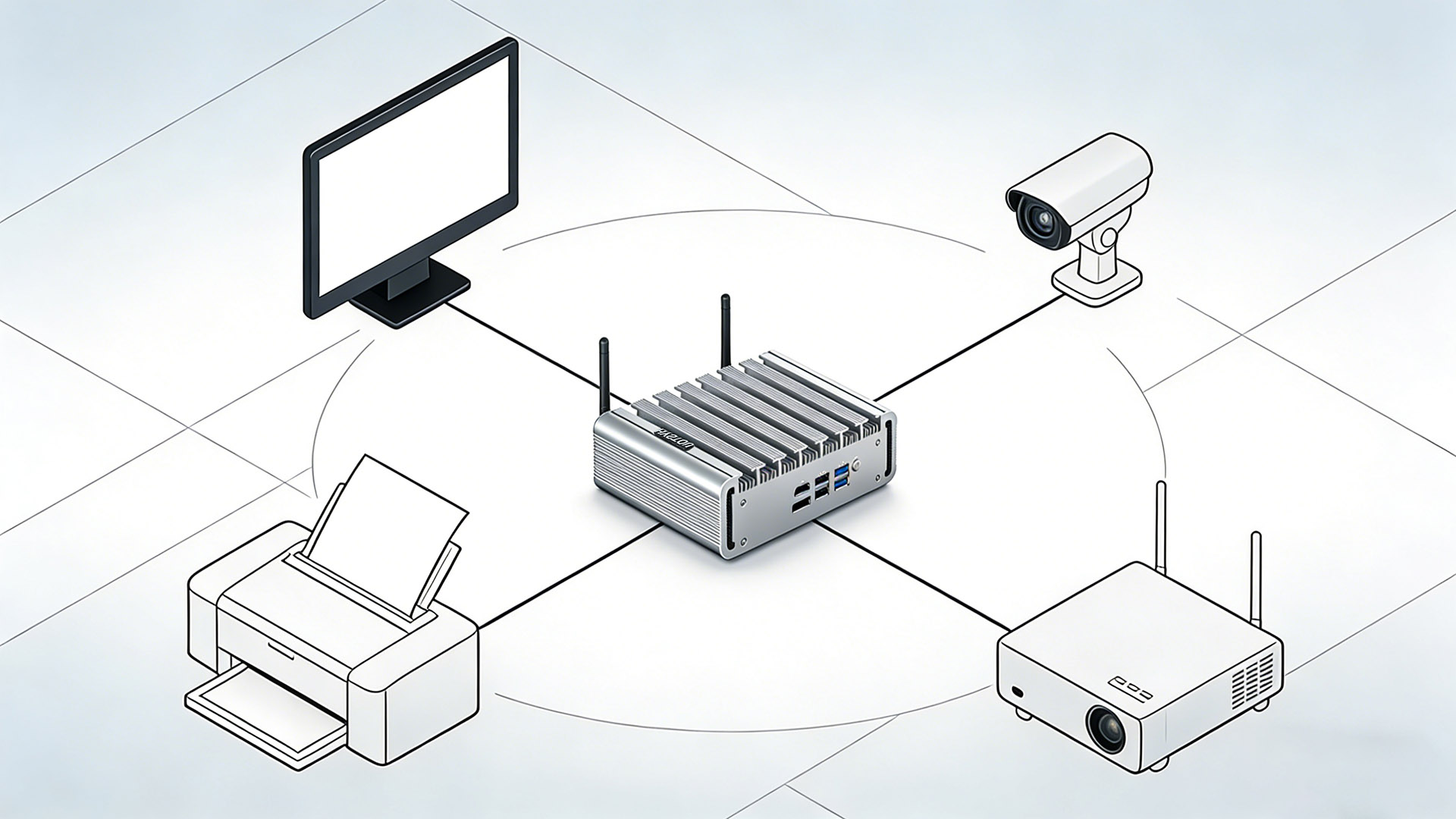
In the evolving landscape of modern business, the bulky tower PC is becoming a relic of the past. IT managers in the US and Europe are increasingly shifting towards compact, energy-efficient solutions. This guide explores the strategic advantages of Enterprise Mini PC Deployment and provides a roadmap for integrating these powerhouses into your corporate infrastructure.
Why Shift to Mini PCs in the Workplace?
Before diving into deployment, it is crucial to understand the ROI (Return on Investment).
Space Optimization: With open-plan offices and hot-desking becoming the norm, real estate is premium. Mini PCs mounted behind monitors (via VESA) reclaim 100% of desk space.
Energy Efficiency: A standard tower might consume 200W+, whereas a robust Mini PC often runs on 15W-65W. For an enterprise with 100+ units, this translates to thousands of dollars in annual energy savings.
Lifecycle Management: Modern Mini PCs are modular. Upgrading RAM or SSDs is often a tool-less operation, reducing IT maintenance hours.
Step-by-Step Deployment Strategy
1. Assessing Performance Needs
Not all departments need the same specs. Segment your deployment:
Administrative & Data Entry: Intel N100/N150 series or basic Ryzen chips.
Creative & Engineering: High-performance models with dedicated graphics or Ryzen 7/9 APUs.
2. The Mounting Ecosystem
Standardization is key. Ensure your monitors support VESA 100×100 or 75×75 standards. Utilizing under-desk mounts or monitor arm brackets keeps cables hidden and desks clean, promoting a “Clean Desk Policy.”
3. Imaging and Provisioning
Deploying one by one is inefficient. Use PXE boot or network cloning tools (like Clonezilla or Microsoft MDT) to push a standardized Windows 11 Pro image to all units simultaneously. HYSTOU Mini PCs support Wake-on-LAN and Auto Power On, essential for remote updates.
Security and Management Features
Hardware-Level Security
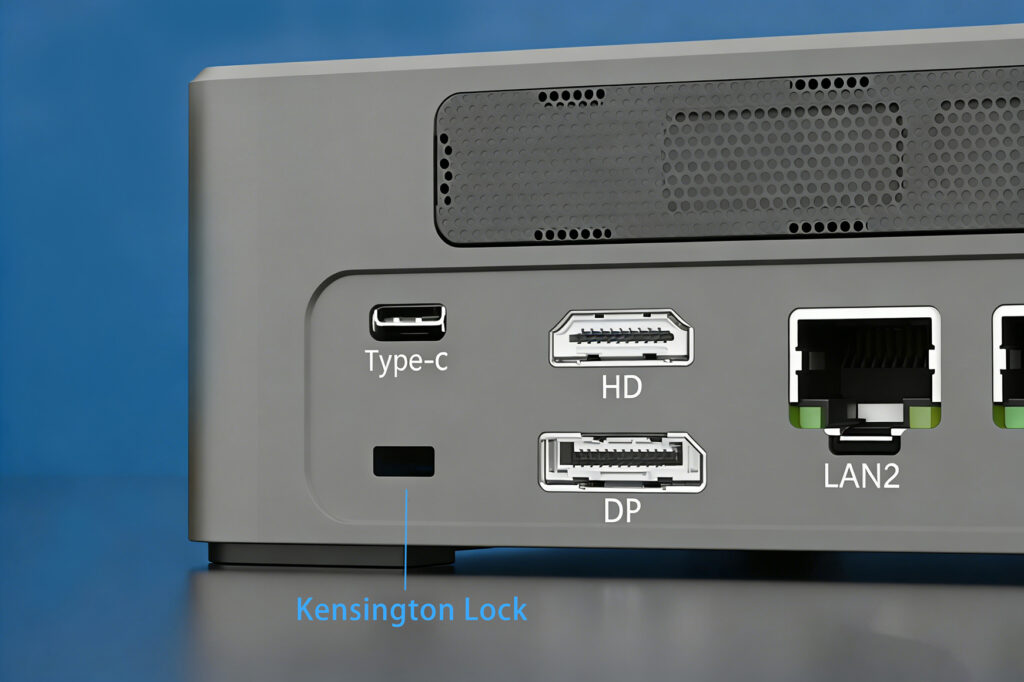
Ensure your chosen models are equipped with TPM 2.0 chips, a requirement for Windows 11 security features. For higher security environments (Finance/Healthcare), look for units supporting Kensington Locks to prevent physical theft.
Remote Management
For large-scale deployments, consider units compatible with Intel vPro or DASH. These technologies allow IT administrators to access, repair, and update devices remotely, even if the OS is down or the device is powered off.
Addressing Common Enterprise Concerns: Connectivity & Durability
A common misconception is that switching to a smaller form factor means sacrificing connectivity or thermal stability. However, our specialized business lineup is engineered specifically to eliminate these bottlenecks.
Connectivity: No Dongles Required
Unlike consumer-grade models that rely heavily on adapters, our enterprise Mini PCs are built for integration.
Legacy Support: Many of our units feature RS-232 (COM) ports, which are essential for connecting barcode scanners, printers, and industrial control equipment without the need for unstable USB converters.
Multi-Network Capability: With dual, quad, or hex LAN port models (including 2.5GbE variants), physically separate your internal office network from guest Wi-Fi/IoT devices for hardware-level security reinforcement.
Triple Display Support: Productivity shouldn’t be limited by screens. Direct HDMI, DP, and USB-C outputs allow for multi-monitor setups right out of the box.
Silent Operation & Dust Resistance (Fanless Technology)
Traditional computers suck in dust, leading to overheating and hardware failure.
The Zero-Noise Solution: For libraries, recording studios, or quiet open-plan offices, our Fanless Passive Cooling models offer a 0dB noise level, creating a distraction-free environment.
Industrial Durability: By utilizing an aluminum alloy chassis as a heat sink, we eliminate mechanical fans. This means there are no moving parts to fail and no airflow intake to suck in dust or grease. This fits perfectly in warehouses, factory floors, or restaurants where standard PCs would clog and overheat.
Conclusion: Future-Proofing Your Office
Switching to an Enterprise Mini PC Deployment strategy isn’t just about buying smaller computers; it’s about modernizing your workflow. By reducing physical footprint and energy overhead, you create a more agile, sustainable business environment.
Ready to test a unit? [Browse our Business Collection] or contact our B2B team for volume pilot programs.

HYSTOU
HYSTOU has established its R&D headquarters in Shenzhen, drawing on over a decade of experience. Our core team members, who previously served at renowned companies such as Inventec and Quanta Computer, form the backbone of our technical expertise. With robust R&D and innovation capabilities, we remain steadfast in our commitment to pursuing excellence in the field of technology products.



