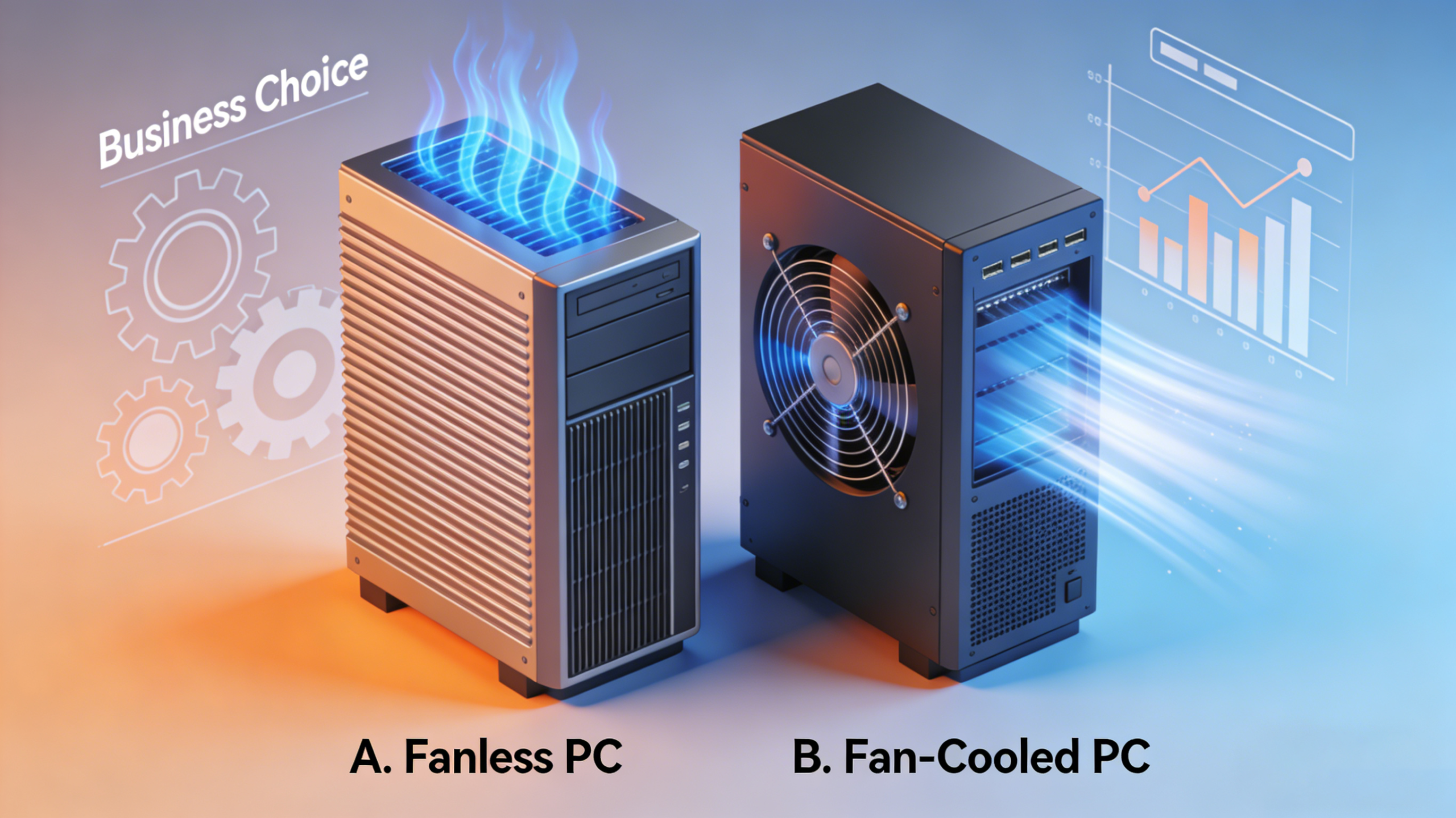
Fanless vs. Fan-Cooled Industrial PCs: Which Is Best for Your Business?

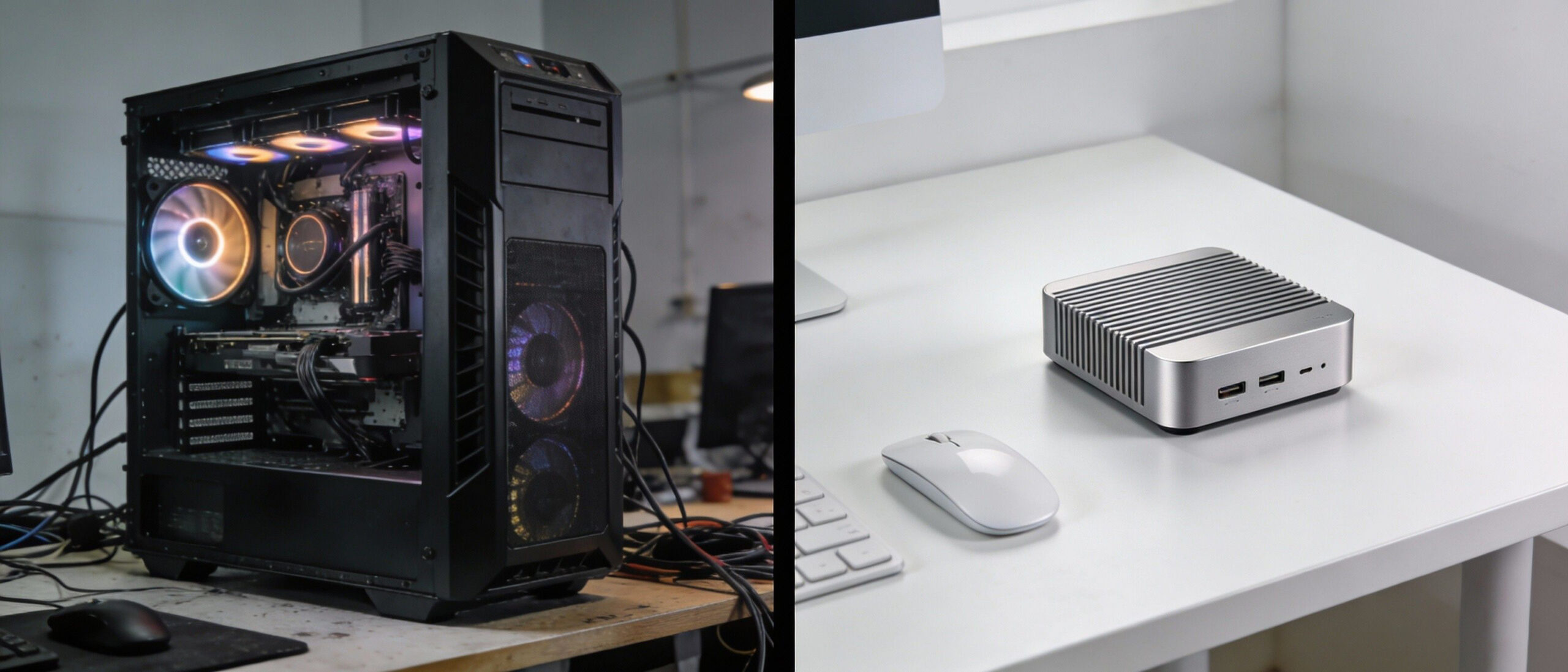
In the world of industrial automation and edge computing, hardware failure is not an option. According to recent industry data, unplanned downtime can cost manufacturers thousands of dollars per hour. When selecting the “brain” for your operations, the cooling method—Fanless vs. Fan-Cooled—is often the single most critical decision impacting long-term reliability.
While traditional tower desktops rely on fans, the rise of the Industrial Mini PC has shifted the market toward compact, passive cooling solutions. But is fanless always better? This comprehensive guide breaks down the engineering, costs, and use cases to help you choose the right infrastructure.
1. The Fan-Cooled Industrial PC (Active Cooling)
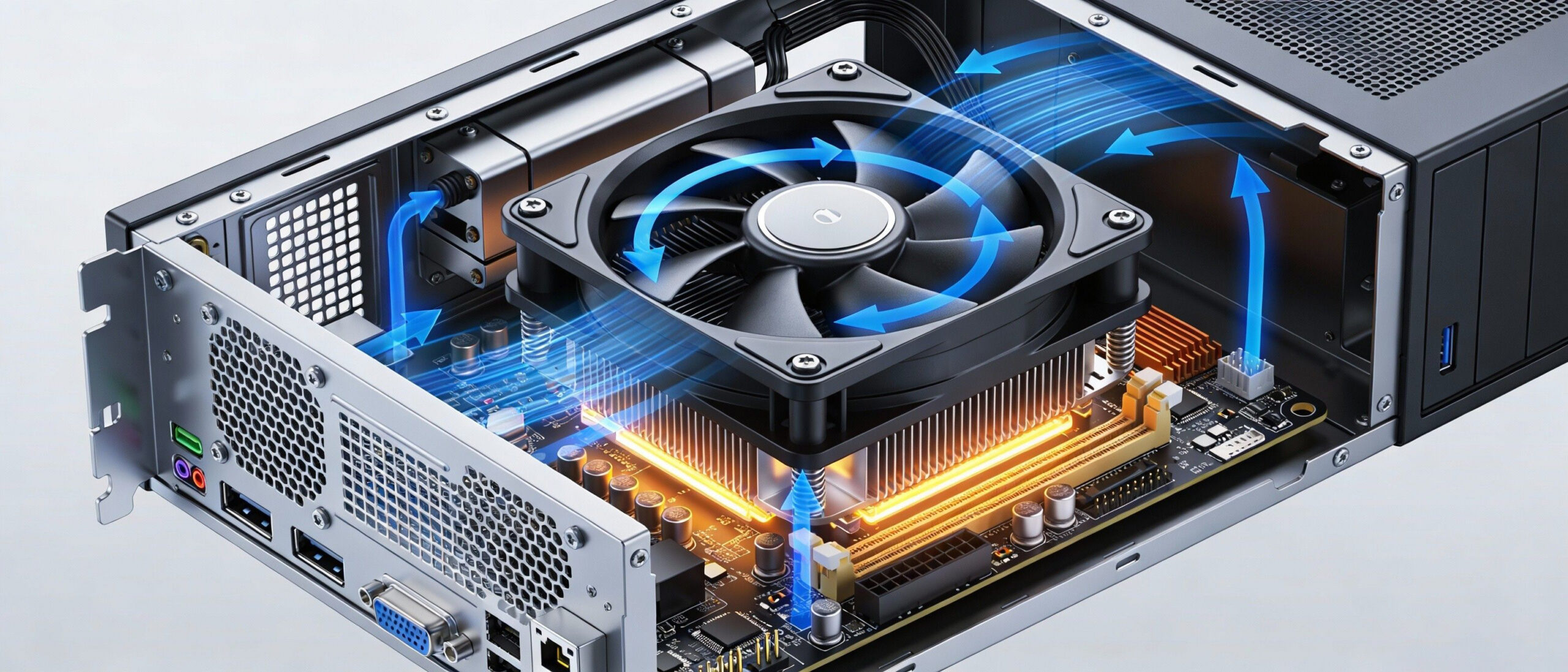
Fan-cooled systems use internal fans to circulate air across the CPU and other components. This is the traditional method used in consumer electronics and high-performance servers.
How It Works
Active cooling draws ambient air into the chassis to cool the heat sink and exhausts hot air out.
Pros:
- High Thermal Ceiling: Active cooling allows for high-wattage CPUs (like Intel Core i9 or Xeon, 125W+) to run at maximum speeds without throttling.
- Initial Cost: Generally cheaper to manufacture than sophisticated fanless heat-sink chassis.
- Expandability: Larger chassis often allow for full-sized GPU cards and multiple 3.5″ hard drives.
Cons:
- The “Vacuum” Effect: Fans suck in dust, debris, and metal shavings. In a factory setting, this leads to short circuits and overheating.
- Mechanical Failure: The fan is a moving part. If the fan bearing fails, the system overheats and shuts down immediately.
- High Maintenance: Requires regular filter cleaning and fan replacement schedules.
Best For: Climate-controlled server rooms, control centers, and high-load rendering tasks where the air is clean.
2. The Fanless Industrial PC (Passive Cooling)
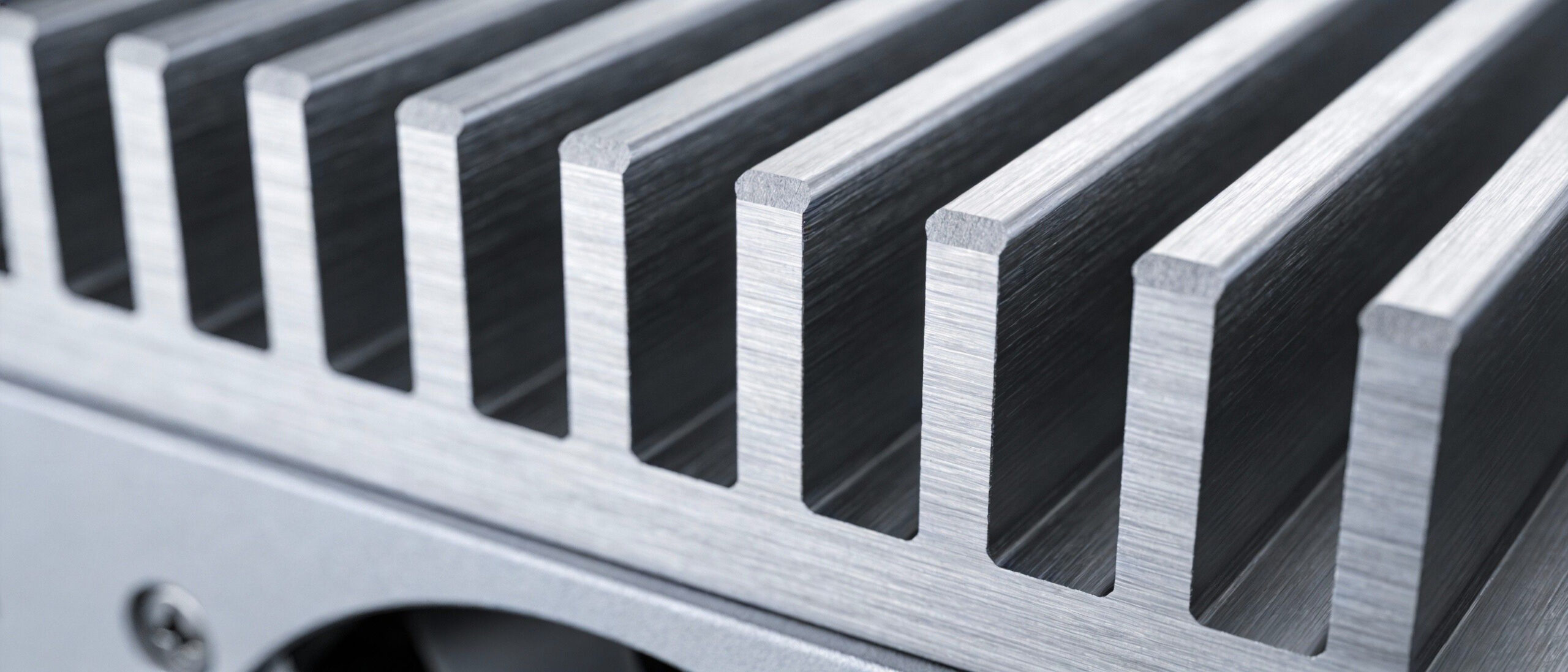
Fanless PCs dissipate heat through a specially designed, rugged chassis (usually aluminum or copper) that acts as a giant heat sink. This is the architecture used by most modern Industrial Mini PCs
How It Works
Using conductive cooling, heat is transferred from the CPU via heat pipes directly to the finned chassis, where it dissipates into the surrounding air naturally.
Pros:
- Maximum Reliability: No moving parts means significantly higher Mean Time Between Failures (MTBF).
- Dust & Debris Proof: The sealed chassis prevents dust, moisture, and chemicals from entering (often rated IP65).
- Silent Operation: Zero noise pollution (0dB), ideal for medical or office environments.
- Vibration Resistance: With no spinning fans (and typically using SSDs), they are immune to shocks and vibrations common in logistics and machinery.
Cons:
- Thermal Management: Relies on power-efficient CPUs (like Intel N100 or Core i5/i7 Mobile series) to manage heat.
- Heat to Touch: The case itself gets hot as it dissipates heat—this is normal but requires safe placement.
Best For: Manufacturing floors, outdoor kiosks, in-vehicle computing, dusty workshops, and IoT Gateways.
3. Why the “Industrial Mini PC” is Taking Over
Why are businesses increasingly switching to Fanless Mini PCs? The intersection of “Fanless” reliability and “Mini” form factor creates a sweet spot for modern industry.
Space Efficiency
In automation, control cabinet space is expensive real estate. A traditional tower PC is bulky. A Fanless Mini PC fits on a DIN rail or mounts behind a monitor (VESA mount), freeing up valuable floor space.
Edge Computing Power
A common myth is that fanless means slow. This is no longer true. Modern Industrial Mini PCs powered by Intel N100 or Core i5/i7 chips are powerful enough to handle:
- AI Inference
- Real-time Data Logging
- Machine Vision Processing
Total Cost of Ownership (TCO)
While a fanless unit might cost 15% more upfront, it saves money long-term:
- 0 Maintenance Costs: No fans to replace, no filters to clean.
- Energy Savings: Low-power mobile chips consume significantly less electricity.
- Lifespan: An industrial Mini PC often lasts 5-7 years, compared to 3 years for a standard desktop in harsh environments.
4. Real-World Use Cases
| Industry | Challenge | Solution: Fanless Mini PC |
Manufacturing | Metal dust and oil mist caused standard PCs to short-circuit. | Sealed Chassis: Prevents conductive dust from entering. |
Logistics | Forklifts vibrate constantly; spinning hard drives and fans failed. | Solid State Design: No moving parts withstand shock and vibration. |
Outdoor Kiosks | Extreme temperatures (-10°C to 50°C) inside the enclosure. | Wide-Temp Components: Industrial-grade parts survive heat and cold. |
5. Buying Guide: How to Choose?
When selecting your Industrial Mini PC, look for these specs:
- Processor: Intel N100 for gateways; Core i5/i7 for heavy processing.
- I/O Ports: Ensure you have enough Legacy COM ports (RS232/485) and dual LAN ports.
- Power Input: Look for Wide Voltage (9V-36V) to protect against power surges.
- Mounting: Check for DIN-Rail or Wall Mount brackets included in the box.
6. FAQ
Q: Do Fanless Mini PCs get too hot?
A: The chassis will feel hot to the touch because it is moving heat out of the system. This is intentional. As long as the CPU internal temperature is within limits, the system is safe.
A: The chassis will feel hot to the touch because it is moving heat out of the system. This is intentional. As long as the CPU internal temperature is within limits, the system is safe.
Q: Can I run Windows 11 on an Industrial Mini PC?
A: Yes, most modern Industrial Mini PCs fully support Windows 11 Pro, Windows 10 IoT Enterprise, and Linux (Ubuntu/Debian).
A: Yes, most modern Industrial Mini PCs fully support Windows 11 Pro, Windows 10 IoT Enterprise, and Linux (Ubuntu/Debian).
Q: How long do Fanless PCs last?
A: Due to the lack of moving parts and industrial-grade components, they typically have a lifespan of 5 to 7+ years.
A: Due to the lack of moving parts and industrial-grade components, they typically have a lifespan of 5 to 7+ years.
7. Conclusion
- Choose a Fan-Cooled PC if: You need raw, workstation-grade processing power for heavy data crunching in a clean, air-conditioned server room.
- Choose a Fanless Mini PC if: You need a “set it and forget it” device for a factory, warehouse, digital signage, or IoT gateway.
The reliability of a Fanless Industrial Mini PC pays for itself by eliminating downtime. Ready to upgrade your infrastructure? Explore our latest range of rugged Mini PCs designed for the toughest environments.

HYSTOU
HYSTOU has established its R&D headquarters in Shenzhen, drawing on over a decade of experience. Our core team members, who previously served at renowned companies such as Inventec and Quanta Computer, form the backbone of our technical expertise. With robust R&D and innovation capabilities, we remain steadfast in our commitment to pursuing excellence in the field of technology products.